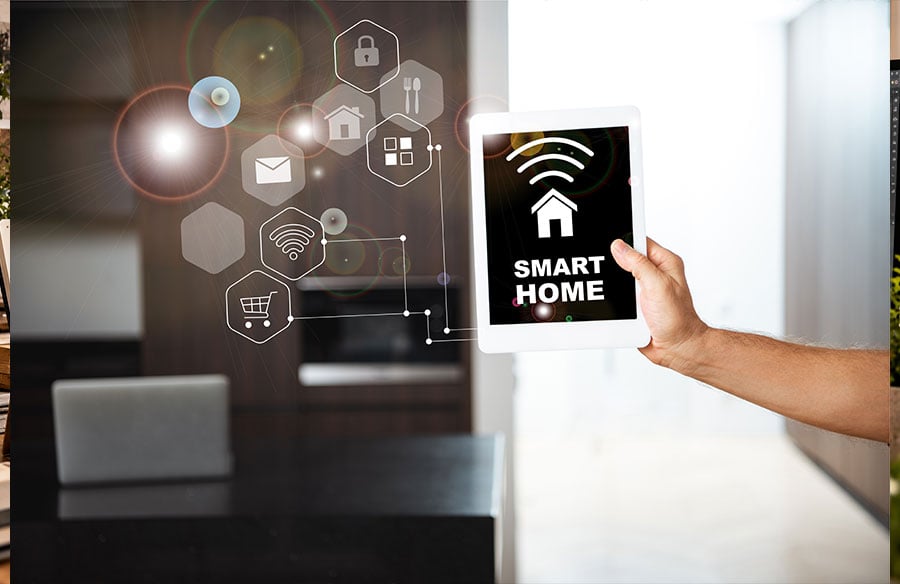
Homes are more convenient than ever nowadays. You can see who’s exactly ringing the bell even when you’re away, turn lights, music, and TV on and off with voice commands, watch your baby in the crib from a different room, and so much more. Who wouldn’t want to install a few nifty gadgets to make their life easier? Especially after we’ve all dreamed of the “smart” future for years.
This seamless integration of technology fundamentally reshapes how we experience and interact with our living spaces. Architects and designers are increasingly considering these digital layers as integral to a building’s functionality and aesthetic, influencing everything from lighting schemes to spatial acoustics and the very flow of daily life within a home.
Unfortunately, smart homes are not always a good thing. In many cases, the security of one is questionable. Just one hacker attack can leave all of your devices unresponsive, personal details leaked to criminals, and your home breached.
That is why it’s extremely important to learn more about how smart homes work and what you can do to protect your house or apartment from bad actors.
How Does a Smart Home Work?
Smart homes are often full of smart devices that can be controlled remotely. The difference between a pet camera and a traditional TV, however, is that they connect to the internet. Each device like that also contains a little computer, which allows it to be controlled even when you are not home.
A TV you control with a remote also doesn’t have the capabilities to collect and store data about your usage, habits, and preferences. The “smart” devices can. This information is stored either on the device itself or the network — giving hackers an easy way to steal your personal details. Hence, every device added to the space can become a potential privacy concern.
Next, let’s unpack the main threats your gadgets may pose to your privacy and home.
Main Security Threats of Your Home Devices
When cybercriminals aim to infiltrate your smart home, they might have different goals. In some cases, their threats are just vandalism. In other cases, cybercriminals want to steal your personal information, take control of your finances, or even disable the alarm system in your home to break in. But what allows them to do that?
Poorly Designed Devices
When you look for smart home devices online, you rarely think about security. You might look at user reviews to figure out if the gadget works well and holds up in the long term. You may also reach out to the seller to ask about a warranty. But you won’t know if the device was rushed to the market and whether the security protocols were thoroughly checked. Many cybersecurity and tech experts think that every user should be prepared to act when these devices are broken into.
For example, security cameras and baby monitors have been hacked very often. And with the camera access, the criminal can see right into your home, know when you’re away, how many people are in the family, and where you store your belongings.
The visual integrity of a designed space, once primarily a matter of physical security and aesthetic presentation, now extends into the digital realm. This raises new questions for designers about privacy, surveillance, and how technology can either enhance or compromise the intended sanctuary of a home.
Weak Passwords
Smart home gadgets are connected through your Wi-Fi network and often controlled from your smartphone. This means hackers will be looking for weak and repeated passwords when trying to break in. Both your home network and phone are at risk — once they know what your password is, they might take control over all the devices and continue stealing your personal information. Then, they may proceed to hack your bank account or sell your details online.
DDoS Attacks
Some hackers prefer to overwhelm the traffic to completely disrupt the system functions with DDoS attacks. These cause multiple systems to flood the network and completely exhaust it until the devices malfunction. In this situation, simply blocking one source of attack won’t help. So, it requires a better strategy, which many homeowners can’t attempt by themselves, ending up completely helpless.
Phishing
In some cases, criminals don’t even have to guess the login credentials. They simply use a phishing attack. They mimic popular services, such as banks or streaming platforms, and send emails, create website copycats, make calls, or send messages to trick the victim into sharing their password.
Sometimes, emails contain links or attachments with malware. Once clicked, they are automatically installed and can scrape all of the information the hacker needs.
How To Protect Yourself and Your Home
You face a lot of risks when transforming a residence into a smart one. Hackers can break in, steal your data, even your identity. Thankfully, with the right approach and safety nets like identity theft protection services, you can keep both your devices and your personal information out of the wrong hands.
That said, consider the next steps to protect yourself and your property.
Isolating Your Networks
The first step should be isolating your smart home networks from other ones. Even if your IT skills are very basic, you can easily do that by creating guest networks for your home devices. Once they’re set up, every gadget will have its own network. For example, if your smart fridge is broken into to spread spam, the hackers won’t be able to access your home camera, bank accounts, or work email.
Protecting Network Access and Data
Next, ensure that all of your devices are secure. Invest in a good security system for your phone, PC, and network when possible. Set up unique, long, and complex passwords for every account and device, so hackers can’t guess them. Turn on two-factor authentication where you can.
Upgrading Your Encryption Methods
Use only modern encryption methods for your networks and gadgets. When it comes to your home Wi-Fi network, opt for WPA2 or WPA3 technologies. WPA3 is generally more secure, but WPA2 is still good enough for home use paired with a good password and up-to-date firmware.
Additional Safeguards to Consider
Sometimes, there are worst-case scenarios. Hackers somehow pass the encryption, or your family member falls for phishing and shares their login credentials. To minimize the damage, consider cyber insurance.
Conclusion
Smart homes genuinely make everyday life easier — and there’s nothing wrong with enjoying that convenience. But every connected gadget is also a small computer that can be misused, so a little caution goes a long way.
The good news is that protecting yourself doesn’t require deep technical knowledge. Separate your devices onto a guest network, use strong unique passwords, enable two-factor authentication, and keep your Wi-Fi encryption and firmware up to date. Add additional tools, if you want extra peace of mind. Take these steps once, and you can enjoy your smart home without wondering who else might be watching.