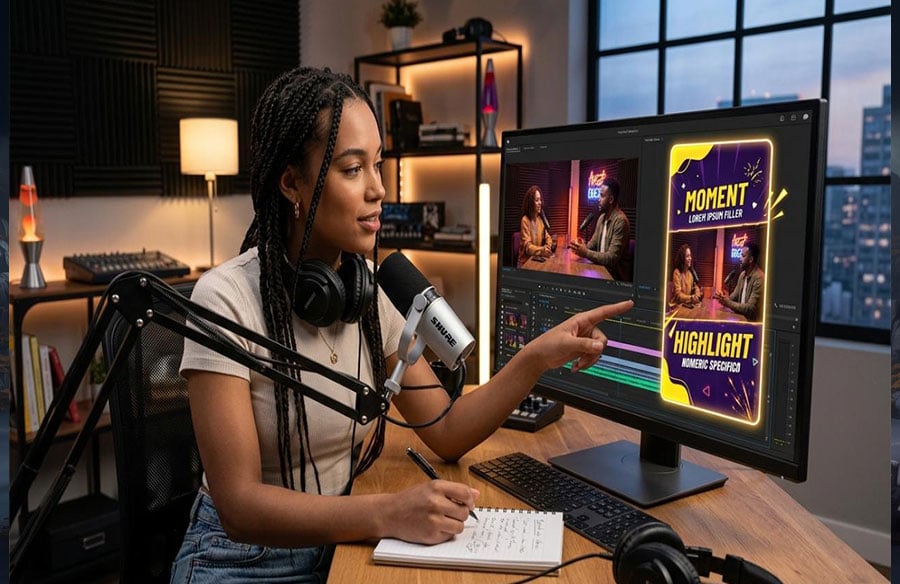
Podcast teams usually don’t struggle to get footage. The real slowdown happens later, when one good studio clip has to be reshaped for every platform.
You may already have a strong moment from the episode: the speaker is clear, the pacing works, and the takeaway is easy to follow. But when that same clip gets reposted as-is to YouTube Shorts, it can feel a little too plain to stop someone scrolling. What works inside a full episode does not always work as a teaser.
That is where video-to-video restyling helps. Instead of building a promo from scratch, you start with a podcast highlight that already works and change the visual treatment while keeping the original motion, timing, and scene structure. In a browser-based workspace like Media.io, that process is easier to manage because you can test different teaser looks without bouncing across several separate tools.
How To Complete This Task With Media.io In 3 Steps
If you want to turn one strong podcast clip into a more polished Shorts teaser, keep the process lean. You do not need a full re-edit. You just need a source clip that already holds attention and a style that fits the channel.
Step 1. Upload A Podcast Clip You Already Know Works
Open Media.io in your browser, go to the AI video area, and choose the video-to-video workspace. Then upload a short podcast highlight that already works on its own.
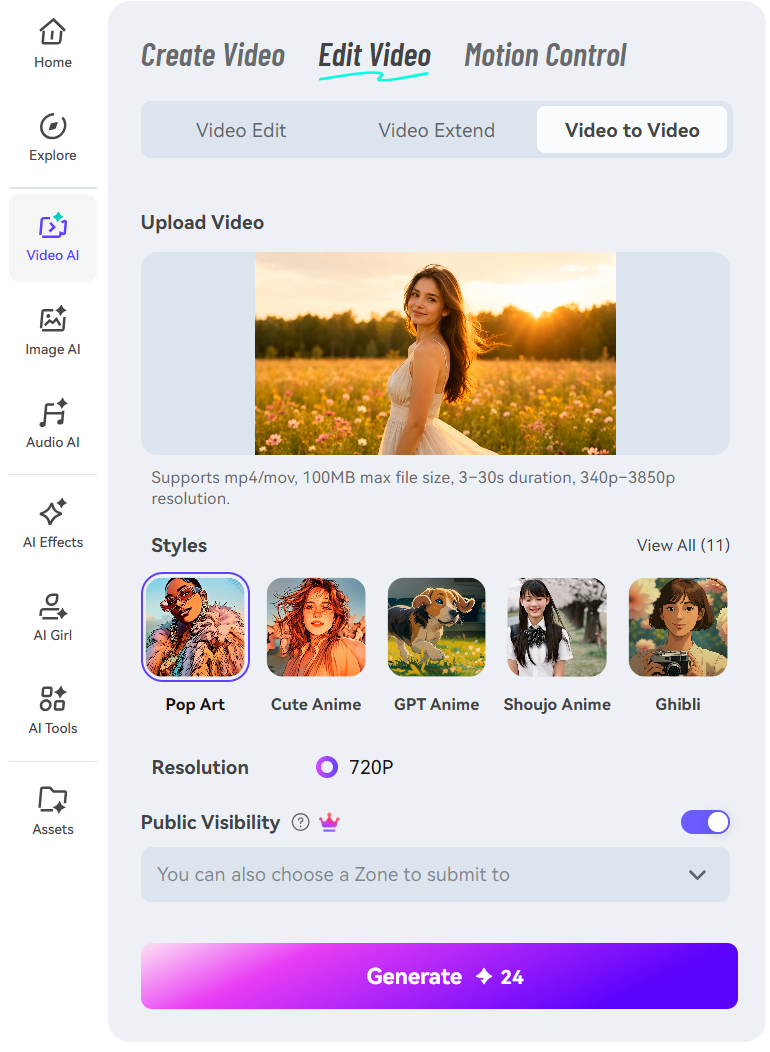 This first choice matters more than the effect itself. Start with a clip where the framing is stable, the speaker’s movement is easy to read, and the main point comes through within a few seconds. When the source is clear, the restyled version usually holds up better.
It also helps to think about the input correctly. This is not a text-prompt workflow. The starting asset is an actual video clip, and the tool is using that existing performance, pacing, and continuity as the base.
Step 2. Choose A Visual Style That Matches The Channel
Next, choose the look you want for the teaser. Depending on the channel, that might mean a more cinematic finish, a graphic look, or a more artistic treatment than the original studio footage.
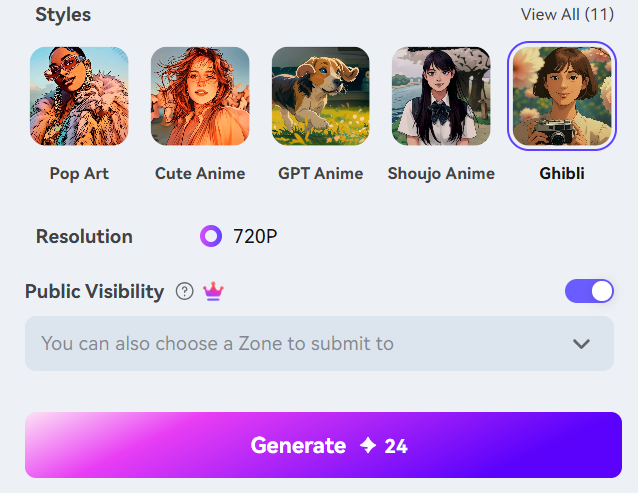 For Shorts, it usually helps to stay deliberate. If the podcast brand is clean and professional, a lighter style shift often works better than a dramatic one. If the show already has a bolder personality, you may have more room to push the look. Either way, the goal is not to make the clip flashy for its own sake. The goal is to make it feel like it belongs on the channel where it will be published.
This is also where a model-first setup is useful. Different video models can produce different types of restyling, so you can try more than one direction without rebuilding the clip from scratch. That makes a dedicated video to video workflow a practical fit for teaser production.
Step 3. Generate, Preview, And Refine Before Publishing
Generate the result, then review it before exporting.
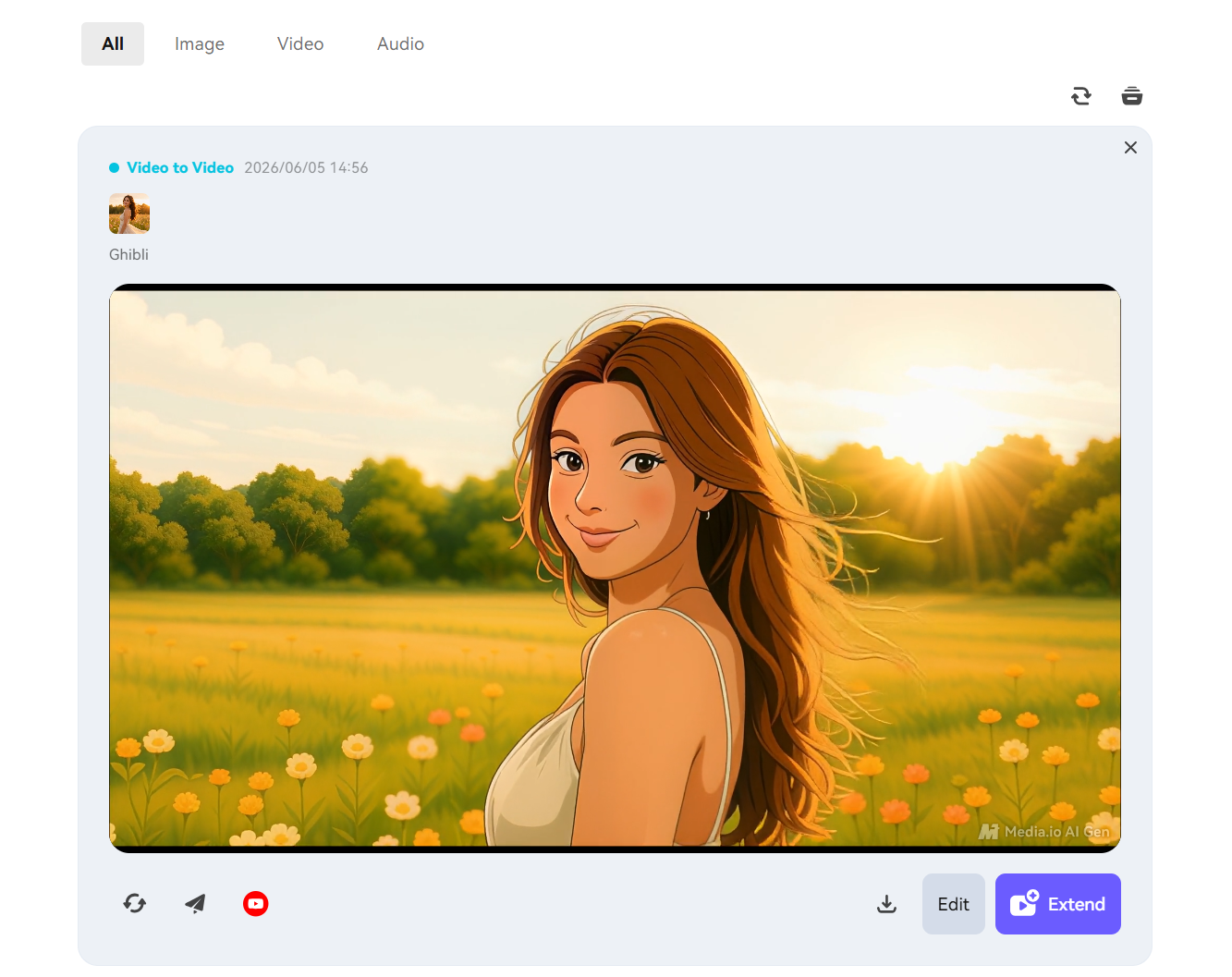 Pay close attention to motion, facial detail, and scene continuity. The speaker should still feel natural on screen, the face should stay recognizable, and the background should not become distracting after the transformation. If any of those elements feel off, try another pass with a different style or a less aggressive setting.
This review step is where the built-in editor can save time. Make small finishing changes, compare versions, and export the one that fits your Shorts plan best. A generated result is only useful if it still feels watchable on replay.
When This Workflow Works Best
This workflow is a strong fit for podcast teams that already have long-form studio footage and need short promo assets without filming a separate teaser.
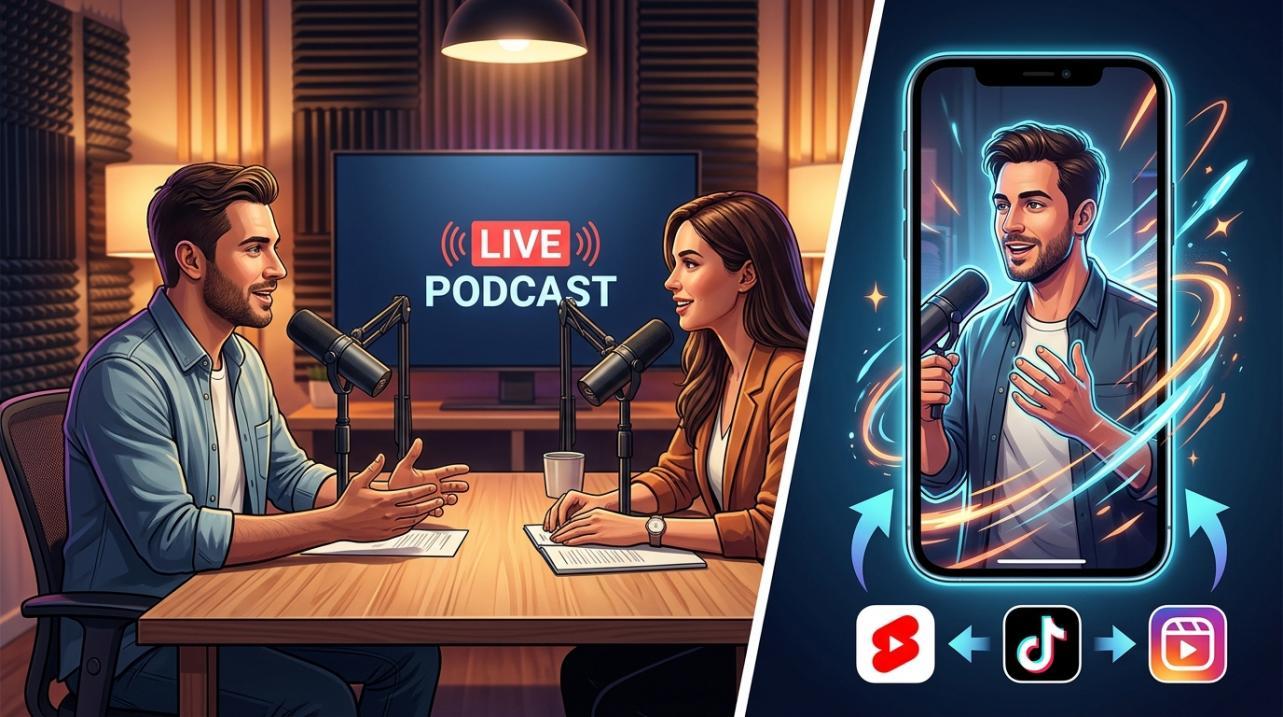 It works especially well when the original clip is solid in structure but looks a little static for Shorts or repost campaigns. A visual refresh can help the same spoken moment feel more native to short-form platforms while keeping the original performance intact.
There is one practical limit to keep in mind: if the clip has fast cuts, busy backgrounds, or a lot of overlapping movement, heavier style changes may need a second pass before the result looks clean.
Tips And Mistakes To Keep In Mind
Keep clips short and centered on one idea. In most cases, a compact segment restyles more cleanly than a crowded excerpt that tries to cover too much at once.
It also helps to match the style to the podcast brand instead of choosing the most dramatic option in preview. A teaser can look impressive and still feel wrong for the show. Usually, the better result is the one that feels consistent.
Common mistakes include:
- using a source clip with weak framing or muddy lighting
- skipping the facial consistency check in preview
- exporting the first version without comparing alternatives
Short-form content moves quickly, but it is still worth spending a minute or two on review before publishing.
Final Takeaway
Video-to-video is most useful when the content already works and you want a faster way to adapt it for another channel. For podcast promotion, that means taking a studio highlight with a clear message and turning it into a Shorts teaser with a different visual feel, while keeping the original motion and structure.
Start small: test one proven clip, try one or two style directions, and review which version fits the show best. Once you find a look that works, the repackaging process gets easier to repeat.
FAQs
Can I Restyle One Podcast Clip Into Multiple Teaser Looks?
Yes. That is one of the practical benefits of this workflow. You can use the same source moment to test different looks for different channels, campaigns, or recurring content formats.
Does This Work Better For Shorts Than Full-Length Episodes?
Usually, yes. Short highlight clips are easier to review and easier to restyle consistently. Full-length episodes bring more scene changes and more chances for visual inconsistencies to show up.
Do I Need To Be An Editor To Use This For Clip Repackaging?
No. You do not need advanced editing skills to use this kind of workflow. But you do need to choose a strong source clip, pick a style that fits the show, and check the result before publishing.