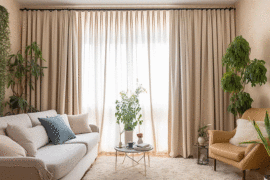
Designing a captivating interior space begins long before the first piece of furniture is moved; it starts with a vision meticulously crafted through a moodboard. For both seasoned professionals and passionate homeowners, a moodboard acts as the foundational blueprint, translating abstract ideas into a tangible aesthetic. It bridges the gap between imagination and reality by combining color palettes, furniture styles, and lighting concepts into one cohesive visual narrative. Historically, sourcing the perfect inspiration meant saving heavily cropped digital images that only showed a fraction of a room, leaving you guessing about the broader spatial dynamics and architectural harmonies in your design.
To overcome these creative limitations, modern designers are increasingly turning to artificial intelligence to fill in the missing visual gaps. When you find a stunning but tightly cropped inspiration photo, you no longer have to imagine what lies beyond the frame. By using a CapCut ai expand image tool, you can seamlessly generate the uncropped surroundings of any room, giving you a comprehensive view of how elements interact. This technological leap allows you to see potential floor layouts and architectural details, ensuring every texture and accent is grounded in a complete spatial context rather than an isolated fragment.
The Power of Complete Spatial Visualization
Understanding the full spatial context of an inspiration photo is absolutely critical when developing a cohesive interior design scheme. Often, an inspiration image focuses intensely on a singular focal point, such as a beautifully styled coffee table or a striking fireplace, while completely omitting the ceiling height, window placements, or adjacent doorways. When you expand these images digitally, you instantly gain a holistic understanding of the room’s proportions and natural light flow.
This broader perspective helps you make much more informed decisions about scale and placement when translating the digital moodboard into a real-life project. For instance, seeing how a large area rug interacts with the expanded boundaries of a room can prevent you from purchasing pieces that are awkwardly sized. Visualizing the complete environment ensures your design elements do not just look good individually, but actively complement the entire architectural envelope of the intended living space.
Blending Digital Expansions with Physical Swatches
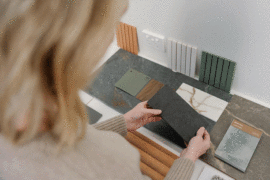
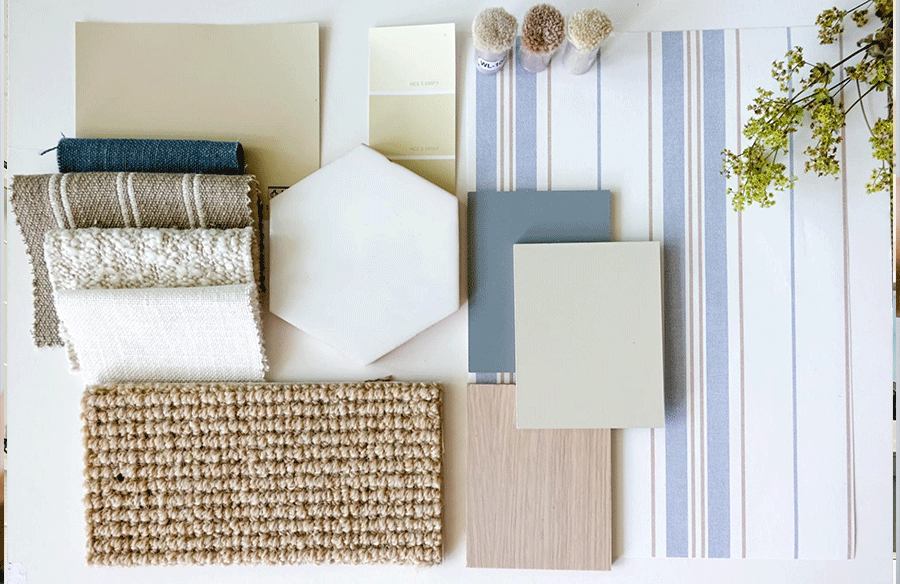
While AI-generated room expansions provide incredible digital context, the most successful moodboards effortlessly blend these broad visuals with tactile, real-world elements. Once you have your expanded room layout printed or displayed on your digital canvas, the next critical step is to layer it with physical or highly detailed material swatches.
Imagine placing a physical swatch of brushed brass or a sample of soft boucle fabric directly over the expanded section of your generated image. This layering technique elegantly bridges the gap between the conceptual room layout and the literal textures you plan to introduce. The expanded photo acts as the overarching environment, while your carefully curated paint chips and wood finishes provide necessary sensory details. By marrying the wide-angle context provided by artificial intelligence with the intimate reality of material samples, your moodboard transforms from a flat collage into a dynamic, highly accurate representation of your room.
 Overcoming Creative Blocks with Extended Horizons
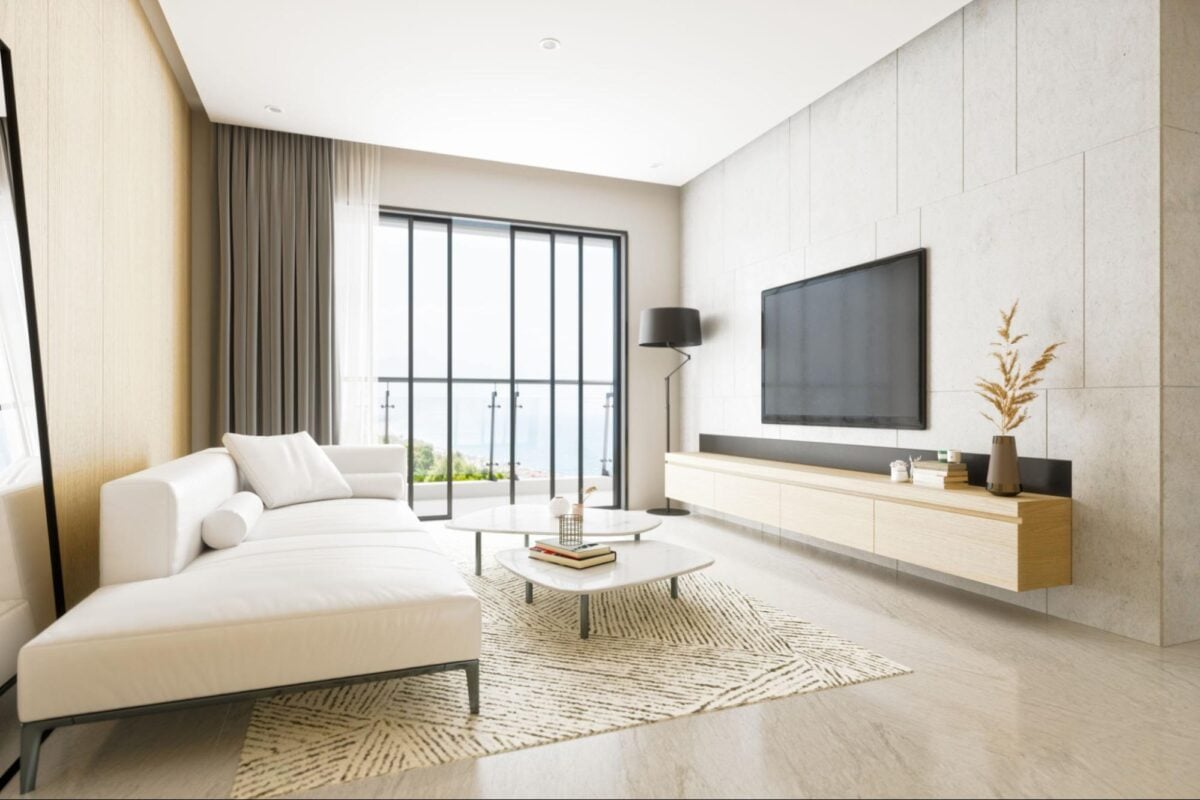
Every interior designer, whether amateur or professional, inevitably hits a creative block where the vision simply refuses to come together. You might have a handful of beautiful reference photos, but none of them quite capture the specific layout or architectural quirks of the room you are actively working on. This is where expanding your photos becomes a profound brainstorming tool rather than just a basic formatting trick. By feeding your existing, limited photos into an expansion algorithm, you force the introduction of new, unexpected design elements into the periphery of your scene.
The AI might effortlessly generate a stunning bay window, a unique vaulted ceiling, or an interesting transition into an adjoining hallway that you had never previously considered. These synthesized details can spark entirely new directions for your project, pushing you out of your comfort zone and helping discover innovative spatial arrangements that resolve your creative stagnation.
Organizing Your Upgraded Digital Moodboard
The structural organization of your moodboard dictates how effectively it communicates your core design intent to clients or collaborative partners. Now that you are working with wider, expanded images rather than tiny, fragmented crops, the hierarchy of your board needs to adapt significantly. Start by anchoring the center of your moodboard with your most successful, fully expanded room image, using it as the primary visual foundation. Surrounding this central anchor, strategically arrange your secondary elements: subtle color palettes, typography, furniture cut-outs, and hardware finishes.
Because the expanded image provides a realistic background, you can digitally overlay these secondary elements directly onto the generated portions of the room, almost like a virtual staging exercise. This organized approach prevents the board from looking cluttered. It ensures the viewer’s eye naturally flows from the broad atmosphere established by the expanded photo down to the specific details of your carefully chosen furnishings.
 Maintaining Realism in Your Design Planning
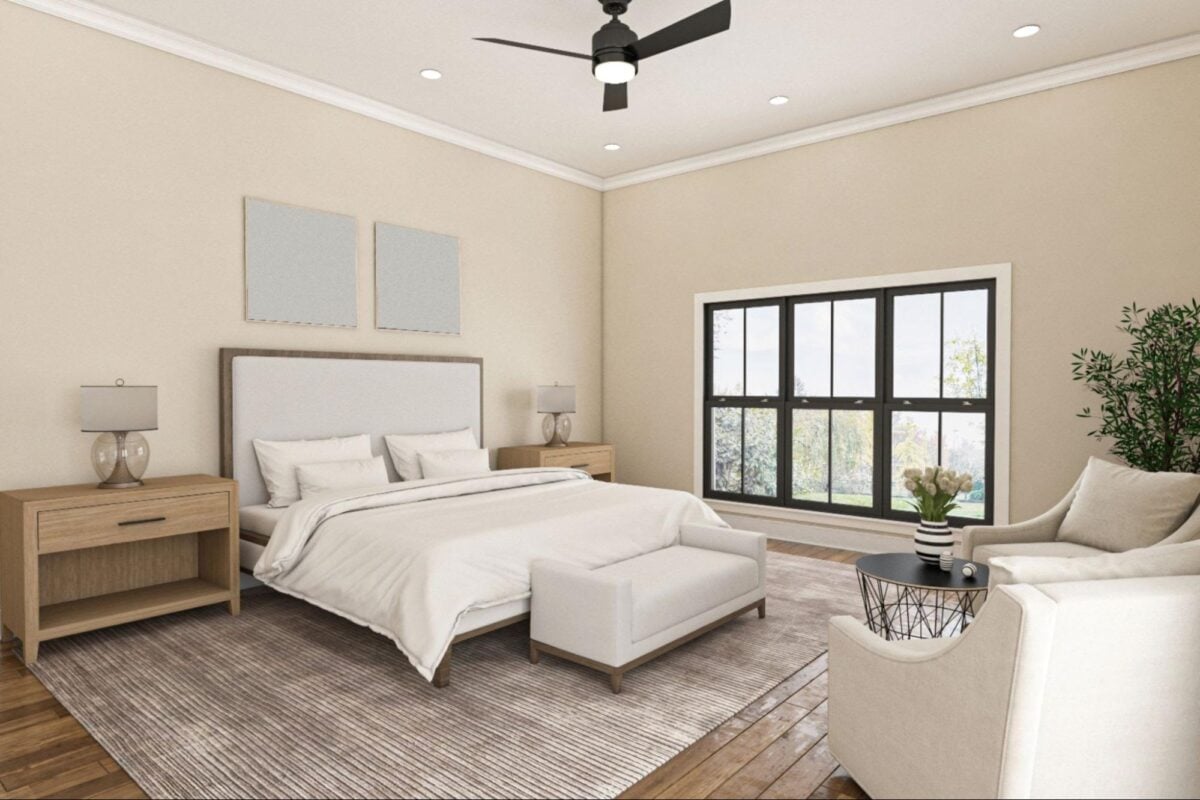
While expanding images offers boundless inspiration, it is completely vital to keep your moodboard grounded in the realistic constraints of your actual physical space. Artificial intelligence is highly creative and will happily generate sprawling, palatial living rooms with thirty-foot ceilings if left unguided by specific prompts. When you use these expanded images on your board, you must critically evaluate whether the generated architecture aligns with the real-world room you are currently designing.
If the tool adds a massive floor-to-ceiling window, but your actual room only has a small skylight, you must adapt your lighting plan accordingly rather than relying blindly on the generated image. Use the expanded photo to capture the mood, color distribution, and stylistic interplay, but always cross-reference dimensions with your tape measure. Treating the expanded image as a conceptual guide ensures your final moodboard remains both highly inspiring and entirely actionable for real-world implementation and physical construction.
Final Thoughts
Creating a compelling interior design moodboard is fundamentally about visual storytelling, and utilizing modern tools to expand your reference photos dramatically elevates that narrative. By intentionally pushing past the restrictive boundaries of standard cropped images, you unlock a comprehensive, panoramic view of your potential living spaces. This much broader context allows you to make smarter, more confident decisions regarding furniture scale, color distribution, and overall material integration.
The intelligent process transforms a disjointed collection of close-up textures into a harmonious, fully realized environment before a single dollar is spent on renovations or new furniture purchases. As the fast-paced design industry continues to evolve, embracing these technological workflows will keep your concepts consistently fresh, highly accurate, and deeply engaging. Ultimately, a moodboard featuring wide, contextualized imagery not only streamlines the complex planning phase but also clearly communicates your definitive vision, ensuring the executed room flawlessly reflects your initial creative imagination.
Frequently Asked Questions
How does expanding an image help with my interior design moodboard?
Expanding an image reveals the surrounding spatial context of a cropped photo. It helps designers visualize how furniture, lighting, and color palettes interact within a full room layout, preventing scaling errors and improving the overall cohesive flow of the design concept.
Can I use these expanded images for commercial client presentations?
Yes, expanded images are excellent for client presentations. They provide a much clearer and more immersive vision of the intended space, making it significantly easier for clients to understand the final aesthetic compared to viewing a collection of disconnected close-up photos.
What should I do if the AI generates unrealistic architectural features?
Treat the expanded portions as stylistic inspiration rather than literal blueprints. If the generated architecture doesn’t match your physical space, simply crop out the unrealistic elements or use the generated colors and textures to inform your realistic design choices.
Do I need advanced technical skills to expand my inspiration photos?
Not at all. Modern expansion tools are incredibly user-friendly. You typically just need to upload your cropped inspiration photo, select the desired aspect ratio or expansion size, and let the artificial intelligence seamlessly generate the surrounding environment in seconds.
How many expanded photos should I include in one moodboard?
It is usually best to feature one or two strong, fully expanded images as the central anchor of your moodboard. Surrounding these core visual anchors with complementary physical swatches, paint chips, and isolated furniture graphics creates a balanced, professional, and uncluttered presentation.