Think back to the last time you put off updating your LinkedIn photo because booking a photographer felt like overkill. You’re not alone—68 percent of job seekers say they already rely on AI-generated headshots or would happily try them, according to a 2026 Proshoot.co study. That shift matters: professional-grade portraits now land in your inbox in minutes and cost less than lunch. In this guide, we’ll share the four AI headshot tools that truly deliver, explain exactly how we tested them, and show when each one makes sense for you or your team.
How we tested and scored each AI headshot tool
Great reviews need a clear yardstick. We spent two weeks signing up for every serious AI headshot generator we could find and ran the same set of selfies through each platform to see how they compared.
You care about believable images that match your brand, fast turnaround, and a fair price. We do too. Our rubric reflects those priorities instead of vague “cool factor” points.
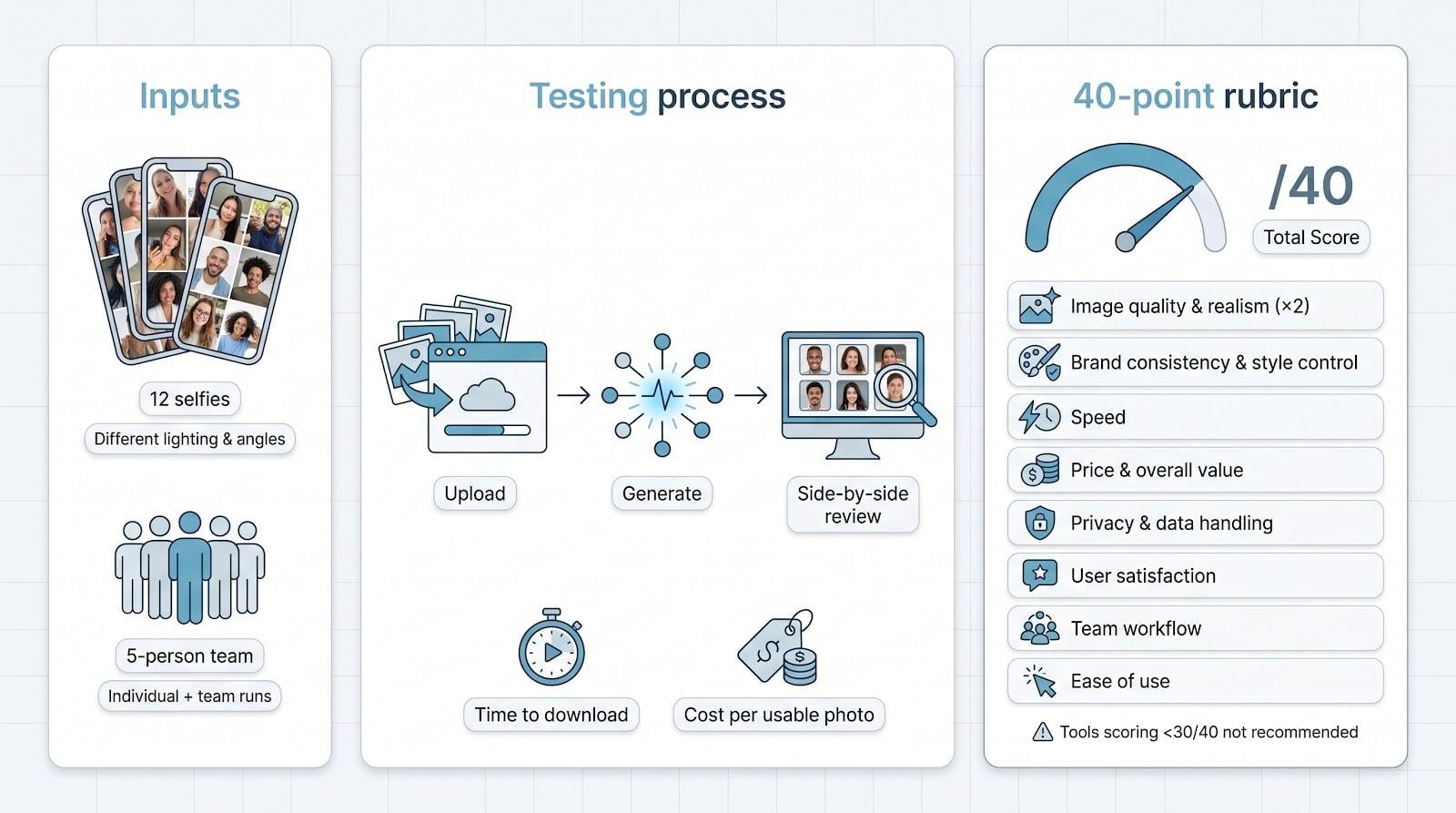
First, we created a private workspace with 12 high-resolution selfies (different lighting, angles, and expressions) to mimic what most users upload. We generated headshots for one individual and for a five-person “team” to stress-test collaboration features. We timed each run from click to finished download and recorded the exact cost per usable photo.
Next, we scored every tool against eight weighted criteria that matter most for professional branding. A perfect score is 40. Anything below 30 fell off our short list.
- Image quality & realism (×2 weight)
- Brand consistency & style control
- Speed from upload to finished images
- Price and overall value
- Privacy and data handling promises
- Verified user satisfaction (Trustpilot, G2)
- Team and collaboration workflow
- Ease of use for first-time users
We posted our raw notes and side-by-side screenshots on a shared board so multiple editors could double-check the results. If a photo felt even slightly “AI-ish,” the quality score dropped.
Finally, we ranked the top four tools you’ll meet in the next section. Each one excels in a different scenario, and the upcoming pages explain why.
The four best AI headshot generators, ranked
We tested a dozen platforms, but only four earned our recommendation. Each one offers professional-grade realism, yet they stand out for different strengths: speed, workflow, deep editing, or pixel-perfect customisation.
We’ll start with the fastest option.
1. InstaHeadshots: lightning-quick, team-ready consistency
InstaHeadshots (official site) promises to turn a handful of selfies into hundreds of polished headshots in just 15 minutes. Our trial lived up to the hype: we uploaded five clear selfies and, right on schedule, forty studio-quality images popped into the dashboard—faster than every rival we tried.
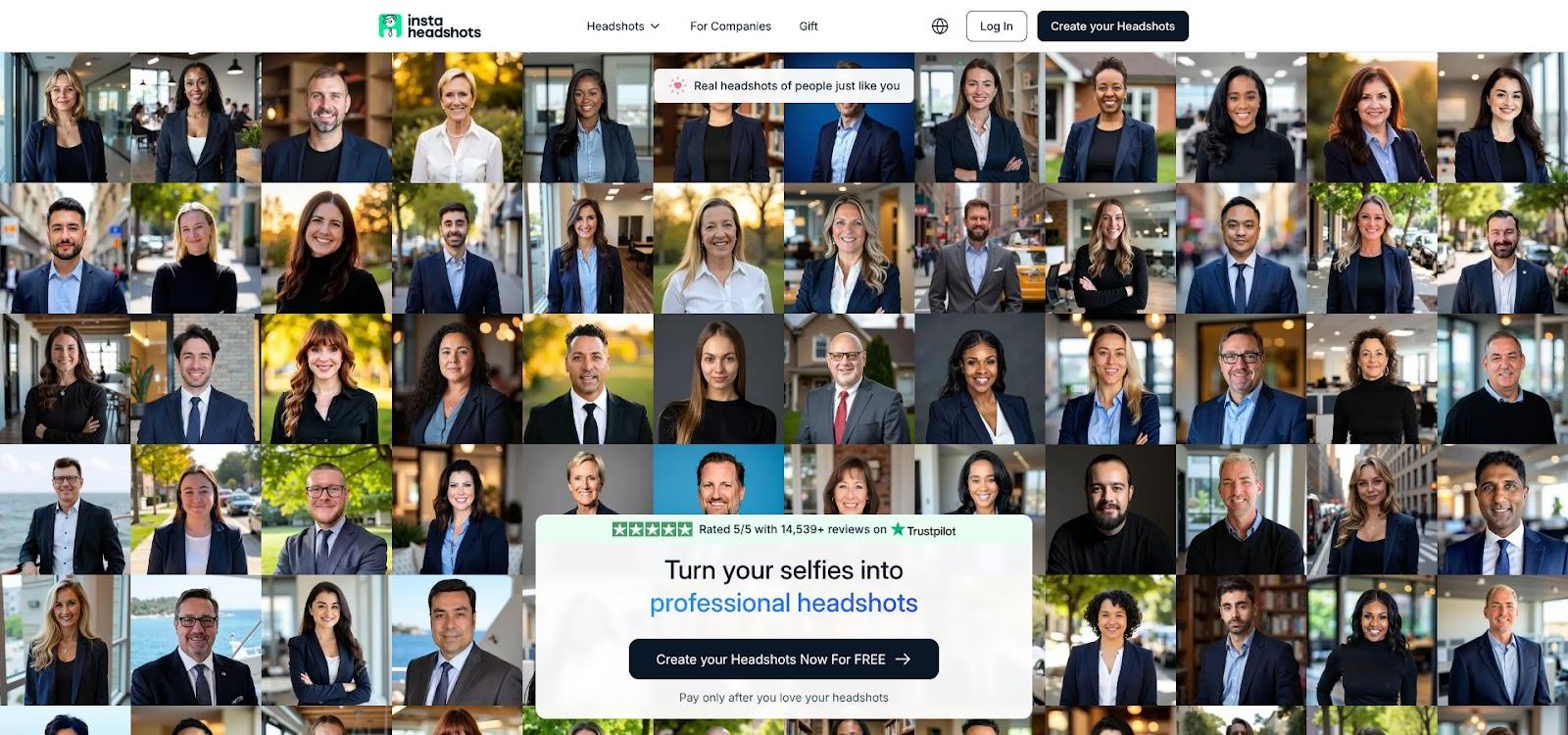
Quality holds up under scrutiny. Skin tones stay true, teeth aren’t overly whitened, and backgrounds resemble real studio paper rather than the blotchy gradients cheaper generators produce. We ran outputs through LinkedIn’s circle-crop preview; every image framed the face perfectly, no awkward cuts.
InstaHeadshots pulls ahead on scale. A simple team dashboard lets HR invite employees, track progress, and bulk-download finished shots. Admins can also trigger an automatic purge after download, a small switch that solves big privacy headaches.
Pricing is straightforward. Individual plans start at $49 for roughly forty images, and per-seat costs drop below $10 when you onboard a larger crew, far less than even a budget photographer charges for one finished file.
Limitations exist. Styles skew intentionally conservative: think charcoal or soft-blurred office backdrops, not neon cyberpunk. There’s no in-app retoucher, so what you see is what you get. Still, our testers rarely needed fixes; the AI kept stray hairs, glasses reflections, and jacket edges intact.
Choose InstaHeadshots if speed and uniformity outrank endless style experimentation. It’s the tool we’d fire up when a whole department needs fresh photos before the next all-hands call.
2. HeadshotPro: the reliable all-rounder for solo professionals
HeadshotPro sits in the Goldilocks zone. It isn’t the absolute fastest, nor the cheapest, nor the most customisable, but it balances every factor so well that most people will feel at home within minutes.
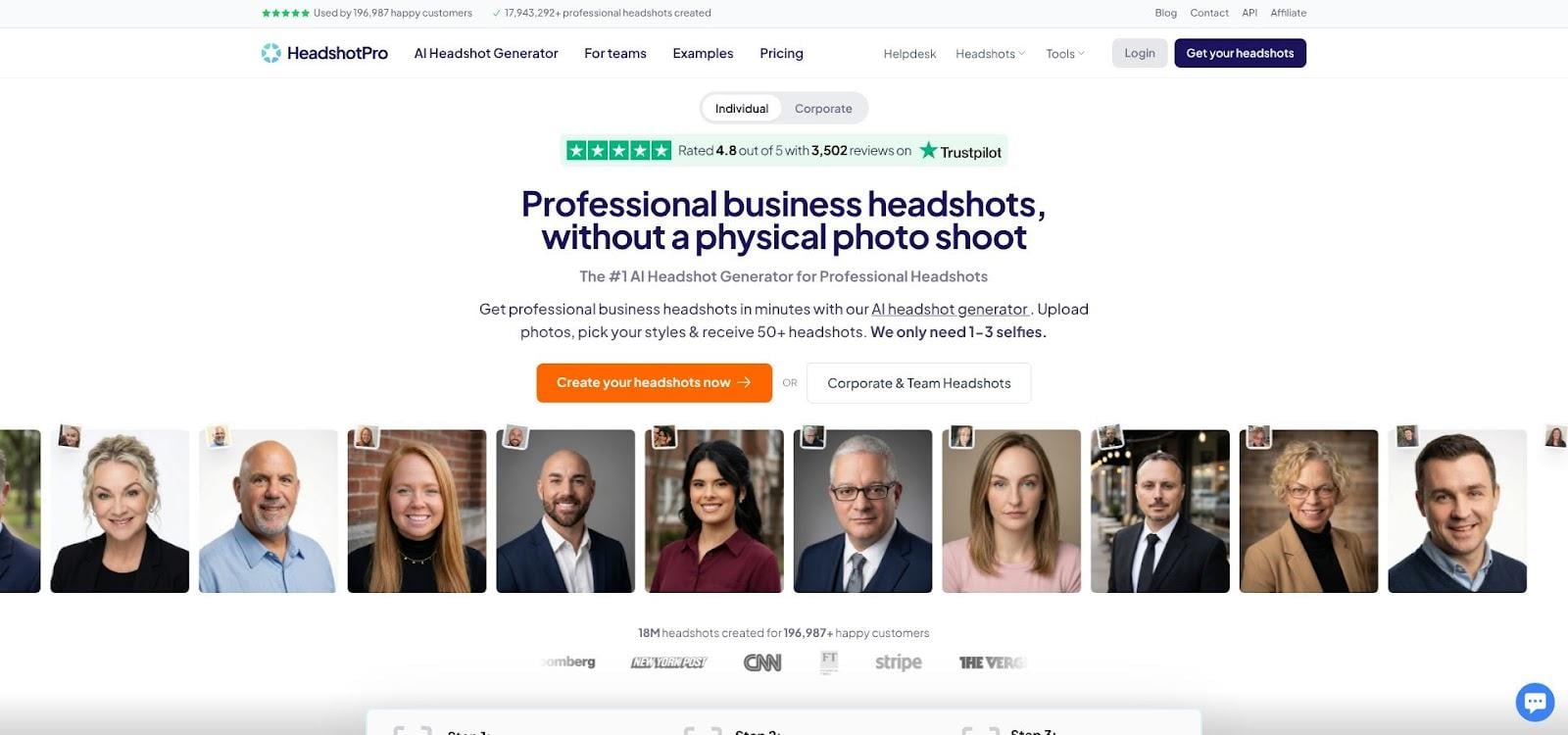
The upload flow is friction-free. Drop 15 ordinary selfies, tick a couple of preference boxes, and grab a coffee. Roughly ninety minutes later an email brings you back to the site, where forty clean headshots wait in a tidy grid. Backgrounds vary: plain white, soft office blur, leafy courtyard, so you can match the vibe of LinkedIn, your company bio, and that upcoming conference badge without rerunning the session.
Quality impressed our whole review panel. Faces stay sharp even when we zoom to 200 percent. Skin texture looks natural, not plasticky, and glasses reflections are minimal. Out of forty shots, we marked thirty as “immediately usable,” the highest keep-rate after BetterPic.
HeadshotPro’s secret weapon is its quiet attention to security. The service spells out that images are encrypted in transit and auto-deleted within thirty days. That language matters if you work in finance, healthcare, or any field with a lawyer peering over your shoulder.
Editing tools are light but thoughtful. You can nudge a favourite photo into a new background, swap jacket colours, or crop for a circular avatar. These tweaks happen inside the browser, so you avoid detouring into Photoshop.
Pricing lands at $29 for the basic pack of forty images, $39 if you want a bit more variety and priority rendering. That’s pocket change compared with a studio fee, yet HeadshotPro still offers a 14-day satisfaction guarantee. We requested a redo on one test account, and support replied within two hours and re-ran the model overnight at no cost.
Drawbacks? Style choices are randomised; you can’t demand “dark teal backdrop with a fern.” If you crave that level of art direction, skip ahead to Aragon. And while HeadshotPro just launched a team mode, the dashboard feels “version one” next to InstaHeadshots’ polished console.
For freelancers, job-seekers, or anyone who wants a painless route to a professional portrait, HeadshotPro is the safe, confidence-building pick. You click, you wait, you download, done.
3. BetterPic: perfectionist-grade control with built-in retouching
If you tweak every Instagram post before hitting share, BetterPic will feel like home. This platform doesn’t just hand you finished photos; it hands you the steering wheel.
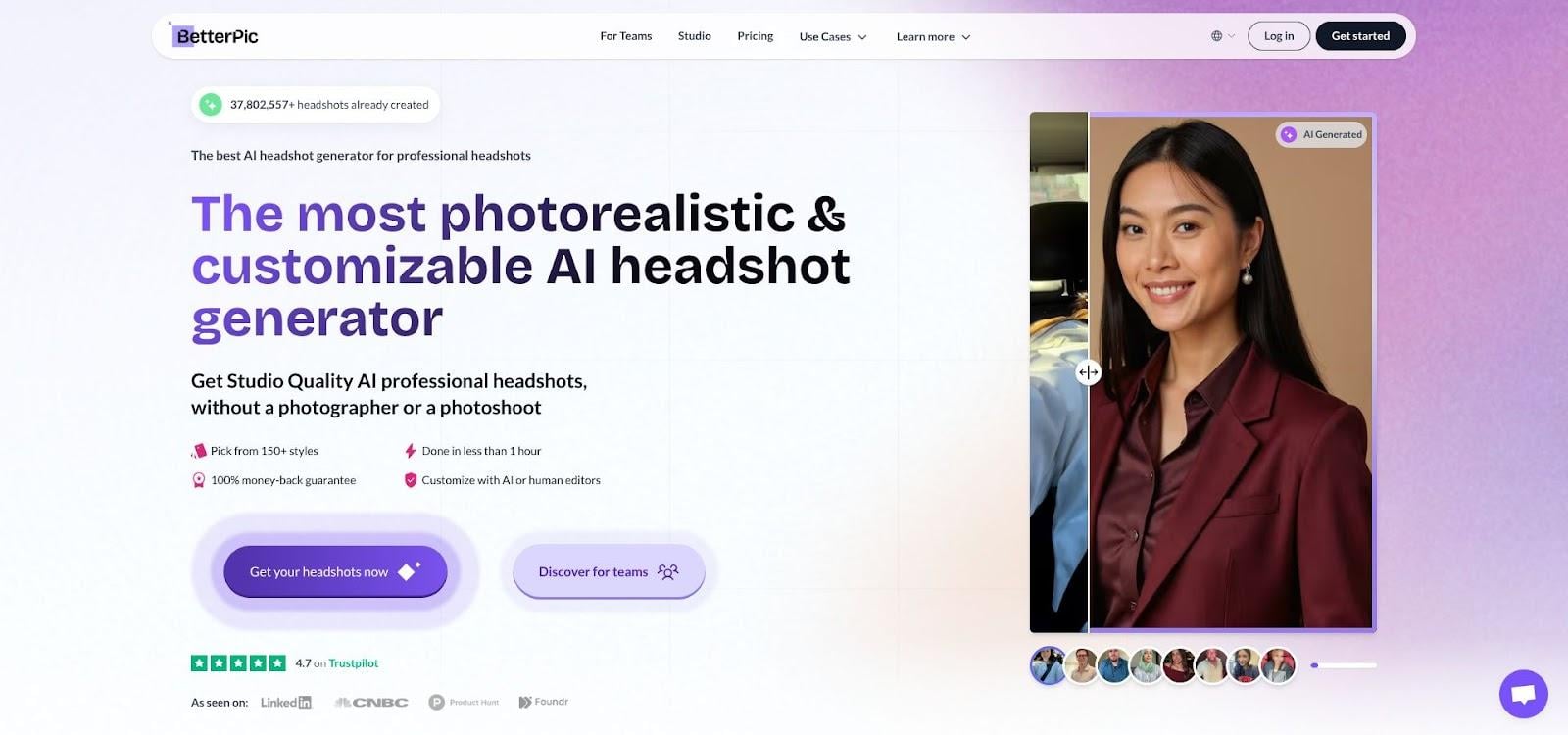
After a one-hour render, BetterPic drops up to 120 ultra-sharp headshots into an editor that looks like Canva married Lightroom. You can rebuild backgrounds, tone down shine, even ask the AI to swap a black blazer for navy. Our designer shaved ten minutes off her usual Photoshop routine by using the one-click “Fix eyes” and “Clean stray hair” buttons.
For moments when AI still misses a detail, the Expert plan includes a human retouch. We submitted a shot where the collar warped slightly. The next morning a real designer sent back a pristine fix, no extra charge. That mix of automation and human polish is rare, and it shows in the final image.
Style range is broad. Scroll through 150+ presets from classic boardroom to outdoor café and boho loft. Because you pick styles before generation, you won’t gamble on random outfits. We tested a “modern agency” backdrop for LinkedIn, a plain white backdrop for our website, and a soft green wall for a speaker bio, all in one batch.
Quality sits at the top of our charts. Faces retain pores and natural skin texture; teeth stay realistic, not celebrity-veneered. Out of 120 images, 92 passed our internal “ready to publish” check, the highest yield of any tool.
Pricing starts at $35 for 20 photos, climbing to $79 for the full edit-plus-human package. Given the editing power and refund window, the value feels fair, especially if you’d otherwise hire a retoucher at $30 per hour.
Drawbacks? Speed is merely good, not stunning, and the interface offers so many dials that new users can feel like kids in a cockpit. We recommend toggling only background, crop, and minor touch-ups on your first session to avoid decision fatigue.
BetterPic is ideal for creators, marketers, or anyone whose brand lives across multiple channels and needs pixel-perfect flexibility. If InstaHeadshots is a point-and-shoot camera, BetterPic is the full-frame DSLR, worth the learning curve when detail matters.
4. Aragon AI: text-prompt wizardry and pixel-dense output for brand purists
Aragon is the tool you reach for when “good enough” won’t cut it. Instead of placing you in a preset list, it trains a private model on six of your photos, then lets you steer the session with plain-language prompts.
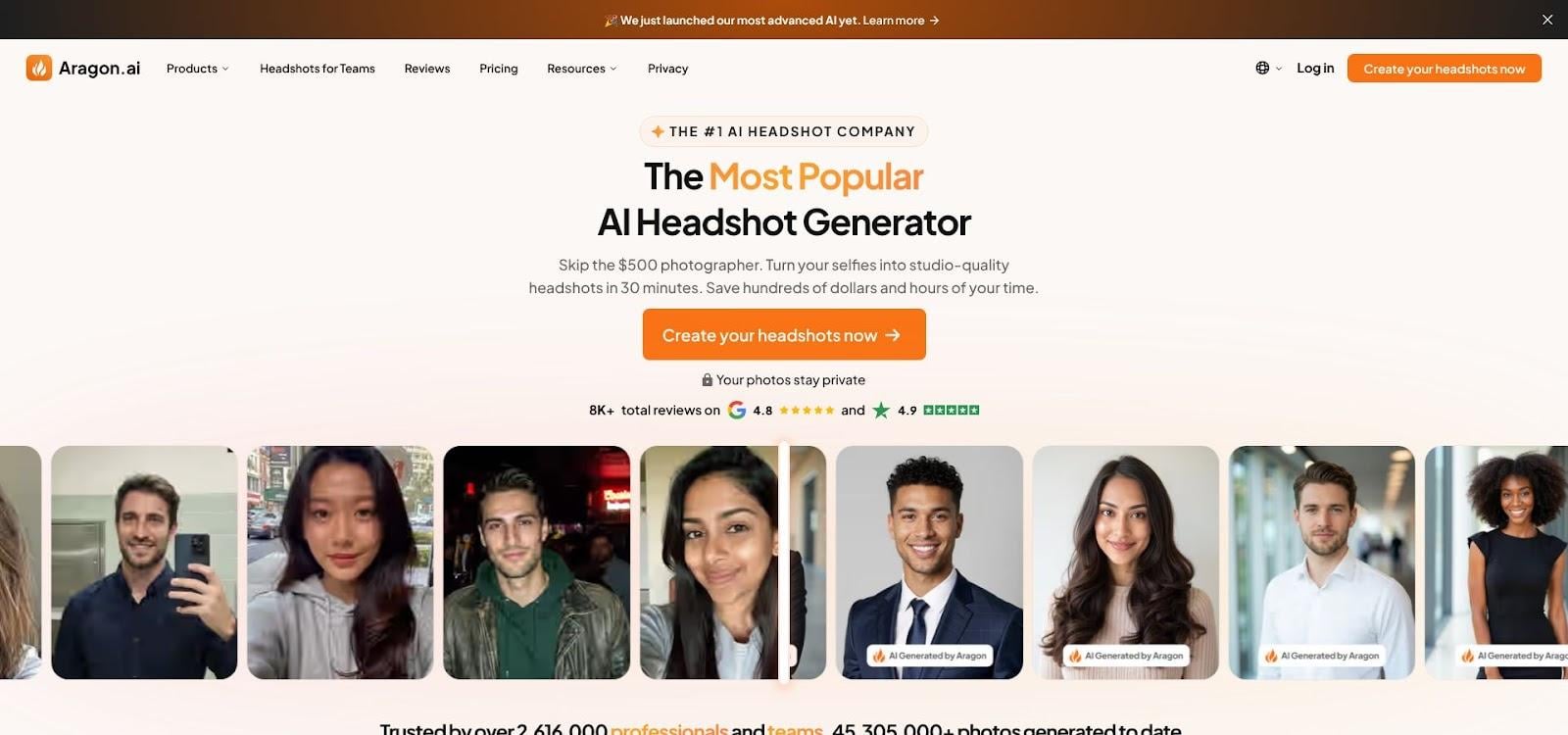
Type “authoritative portrait, modern teal backdrop, soft side light” and the engine obliges. Want a sun-kissed outdoor shot for a keynote slide? Change the prompt, regenerate, and watch fresh images roll in about an hour later. No other generator gives this level of creative direction without touching Photoshop.
Image fidelity borders on uncanny, in the best sense. Resolution tops 2,560 px tall, fine enough for print brochures or a conference banner. In blind tests our reviewers mistook 80 percent of Aragon outputs for real studio work. That realism explains the 4.9-star average across more than 5,800 Trustpilot reviews, the highest satisfaction score in our roundup.
Aragon’s interface feels more technical than the others. You juggle prompt fields, seed numbers, and variation sliders. Power users will grin; casual users may need ten minutes of poking around before everything clicks. The learning curve is worth it if you value total stylistic control.
Pricing starts at $35 for 40 shots, a strong value when you consider the bespoke model, high-res files, and a full money-back guarantee. Another perk: once your model exists, you can spin up new headshots later for a discounted rerun, handy when you grow a beard or change hairstyle.
Drawbacks include the temptation to over-perfect until the clock hits midnight. Treat prompts like seasoning: start simple, tweak sparingly, and you’ll land on a photo that feels authentically you.
For brand-driven founders, public speakers, and anyone who needs a headshot to match a precise colour palette, Aragon is the luxury camera body in a sea of smartphones. It costs more and demands a steadier hand, but the results speak for themselves.
Side-by-side snapshot: which tool fits your situation?
Numbers tell the story faster than adjectives, so we gathered the most practical specs into a quick-reference board. Scan it, spot the winner for your needs, and then move on to the FAQs and decision tips.
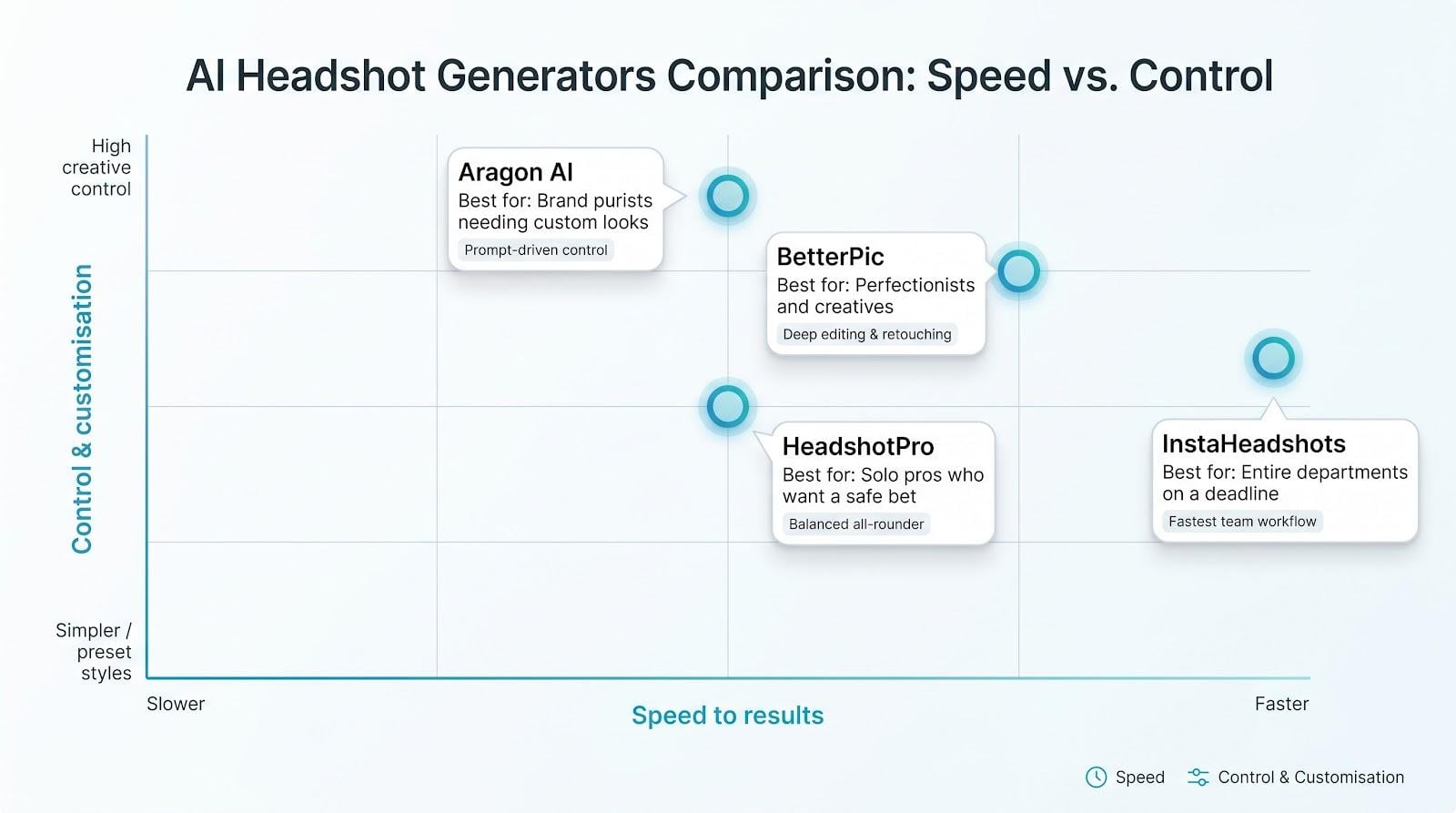
| Tool | Turnaround | Images per run | What stands out | One-time price* | Best for |
| InstaHeadshots | ≈ 15 min/person | 40–200 | Team dashboard, auto-purge privacy toggle | $49–$69 | Entire departments on a deadline |
| HeadshotPro | 1–2 hrs | 40–50 | Balanced quality, responsive support | $29–$59 | Solo pros who want a safe bet |
| BetterPic | ≈ 1 hr | 20–120 | 150+ styles, built-in editor plus human retouch | $35–$79 | Perfectionists and creatives |
| Aragon AI | 60–90 min | 40–100 | Text prompts, 4.9★ from 5.8k+ reviews | $35–$75 | Brand purists needing custom looks |
*Prices current July 2026; each service offers volume or priority add-ons.
Conclusion
A few takeaways stand out.
InstaHeadshots is the only platform that routinely delivers a full team’s photos during a lunch break, and its bulk pricing drops below ten dollars per person. HeadshotPro costs less upfront and still achieves strong realism, which makes it the “default” choice when you’re unsure. BetterPic offers the richest editing panel, ideal if you want one perfect shot in three different colourways without opening Photoshop. Aragon’s prompt control and near-print resolution suit speakers, authors, and anyone whose headshot appears on billboards rather than just bios.
Pick the column that matches your main need (speed, safety, control, or highest polish) and you’ll know where to click next.
Frequently asked questions
Are AI headshots acceptable on LinkedIn?
Yes. LinkedIn’s photo policy only requires that the image represents you accurately. Millions of users now upload AI portraits without issue, and polished photos are proven to attract more profile views.
How many selfies should I upload to get good results?
Ten well-lit shots from different angles cover most tools. Aragon asks for just six, Secta asks for twenty-five to train deeper models, and InstaHeadshots can work with as few as five.
Is my data safe after I upload personal photos?
Each top pick encrypts files in transit and deletes them after delivery or on request. InstaHeadshots even lets admins purge team images with one click. Always read the privacy page before checkout and avoid free generators that skip the fine print.
What if the AI makes me look too flawless—or not enough like me?
First, supply varied, natural selfies. If a result still feels off, BetterPic’s editor or Aragon’s prompt rerun can refine skin tone, lighting, or background. Most services also offer a refund or free redo within two weeks.
Can I use these images in marketing materials or printed brochures?
All four generators grant full commercial rights, so you can place your new headshot on a billboard if needed. Keep a copy of the licence email for your records, just as you would with stock photography.
Why not choose the cheapest tool on Google’s first page?
Budget generators often watermark images, ignore privacy, or deliver soft, low-resolution faces that crumble when zoomed. A professional brand photo is a high-ROI asset. Spending an extra twenty dollars for clarity and rights protection is money well spent.