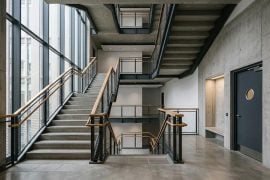
An architecture still can win a pin-up and still fail the client call five seconds later. The facade looks resolved as a frame, then the glass reflections crawl, the timber grain jumps, or the camera path exposes a corner the massing never intended to sell. That is why AI Video API is relevant to visualization desks that need a practical motion shortlist before they treat one heroic still as proof of design intent.
The useful definition is modest. A walkthrough clip works as a temporary argument about material, light, and approach—not as a finished film. If that argument collapses under ordinary scrubbing, the studio has postponed the correction into a louder meeting where everyone debates the artifact instead of the building.
What A Walkthrough Clip Is Actually Asking For
In practice, a short architectural motion test asks three questions at once. Does the camera approach match the circulation story? Do materials stay recognizable when they move? Does the ending frame leave room for a title or plan callout? Those questions are design questions first. Model fashion comes later.
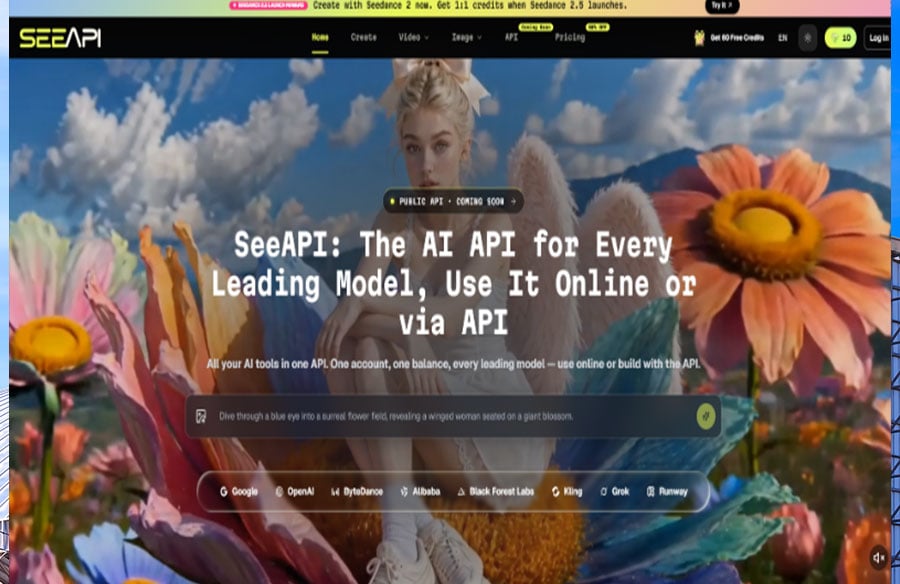
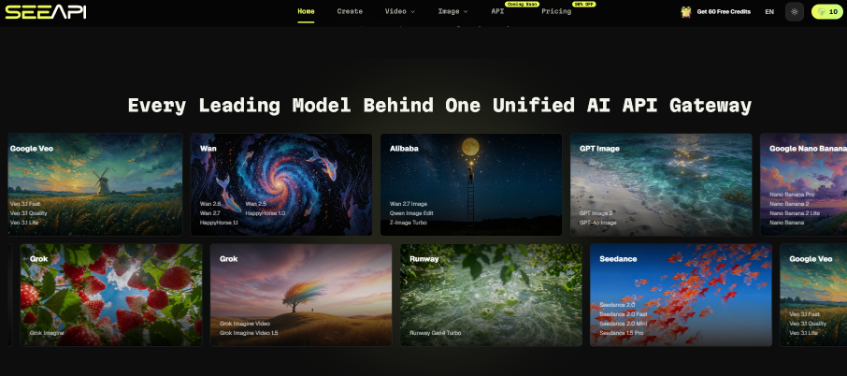
SeeAPI enters here as an all-in-one place to try text-to-video and image-to-video routes online, compare outputs, and keep the same brief while switching video lines. For a studio, that matters because the brief is expensive to rewrite: site photos, massing exports, and material boards already exist. The tool should respect those anchors instead of asking the team to start from a blank cinematic prompt every time.
A clear mechanism split helps. Text-to-video is useful when the desk only has a verbal option, such as “slow approach from the street corner at late afternoon.” Image-to-video is useful when an approved still already carries the massing. Mixing those modes without naming which one owns the truth is how teams invent a prettier building that is no longer the project.
Dirty Inputs Reveal Whether Motion Can Be Trusted
Clean hero renders alone are a weak project test. Real client project folders are messier. Use a small dirty-input battery before anyone claims a video model is “good for architecture.” The battery exists to discover, early, which failures will appear in a client week when the source files are imperfect.
Test One Start From A Compressed Site Still
Take a slightly compressed site photograph or a flattened massing export, then ask for a short approach clip. If the building volume warps, window grids become unreadable, or the ground plane melts into the facade, the route failed the first honest condition. Client folders often begin with imperfect source images. A workflow that only works on pristine studio stills is not ready for weekly reviews.
 Test Two Keep One Material Board Fixed
Lock a material reference—brick module, curtain-wall mullion spacing, or timber plank direction—and generate a five-second pass. Review material identity under motion before anyone debates whether the mood feels luxurious. If the plank direction invents a second pattern mid-turn, discard that clip before it enters the client deck.
Test Three Scrub At Meeting Speed
Play the clip at normal speed, then scrub slowly through the turn. Viz reviews often find the break around the middle second: parapets softened, glass panes swam, or the camera revealed an unfinished side elevation. That mid-clip continuity break is the clearest cost signal. Repairing it usually means re-work on both the prompt and the source still, not one lucky regenerate.
Image-To-Video Protects Design Anchors Better Than Pure Prompting
Architecture already has a visual source of truth: the approved still, the Rhino capture, the Enscape view, the material board. Image-to-video is useful when the desk wants motion without surrendering that source. Text-only prompts can invent atmosphere quickly and still change the silhouette enough that a principal no longer recognizes the scheme.
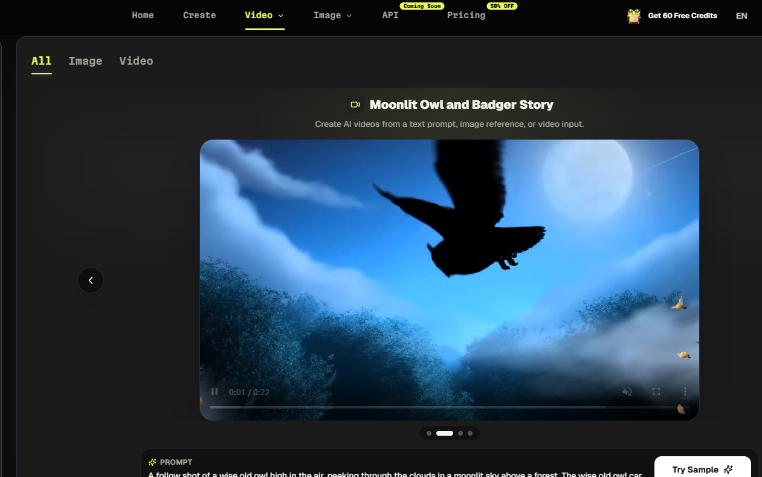
SeeAPI supports both text-to-video and image-to-video inside one video workflow, which lets a studio compare whether a route respects the incoming frame. Keep the approved still open during review. If the massing silhouette changes, the clip is entertainment rather than design communication.
Architecture already has enough variables in any ordinary project week. The model comparison should not invent more of them while the client call is approaching.
Keep One Brief Across Every Video Route
When comparing video models, change the route first and keep one brief across routes: starting viewpoint, ending viewpoint, and what must remain readable. Otherwise the team compares three different movies and learns nothing about the tools. A unified workspace helps the studio only if that brief stays boringly stable across the whole shortlist process.
A simple studio checklist keeps the comparison honest:
- Name the camera start, camera end, and the one material that cannot drift.
- Generate from the same still or the same verbal approach note.
- Scrub the middle second before judging the first and last frames.
- Keep only clips that still match the approved massing silhouette.
Where The Platform Fits Inside A Studio Week
After the dirty tests, lock the approved still in AI Image API before another motion pass, and only keep routes when the studio already knows which failures show up under real project inputs. At that point SeeAPI is a shortlist environment: generate online, compare motion quality and rough cost signals, and decide whether any route deserves a recurring place in the viz pipeline.
| Studio use | Good fit | Poor fit |
| Option A vs B approach | Same still, two motion reads | Different buildings sold as one scheme |
| Material persuasion | Board stays fixed through the turn | Mood overrides module size |
| Client week temporary clip | Ends with space for a plan callout | Replaces drawings as “final proof” |
 A practical studio rule is to keep AI motion in the persuasion layer—approach tests, material reads, option comparisons—while final documentation still comes from controlled renders and drawings. That split prevents a soft clip from quietly replacing a hard design decision. It also prevents the afternoon when a partner asks why the moving facade no longer matches the wall section.Ignoring that split has a concrete price. A discarded clip is cheap when it dies in an internal review. The same failure becomes expensive when it has already been presented as design intent, forcing the team into apologetic re-work and a second client explanation. Motion should reduce ambiguity, not create a new object that needs its own defense.
Keep The Clip Only If The Building Still Reads As Itself
A walkthrough draft is worth keeping when a colleague can name the project from the moving image alone, key materials survive the full turn, and the ending frame still leaves clear room for the next slide. If those checks fail, regenerate inside the same fixed brief instead of shopping for a brand-new aesthetic vocabulary in the middle of the week.
Use the platform when the desk needs comparable motion options without scattering keys and exports across unrelated dashboards. Skip treating any single clip as proof of construction reality or as a substitute for drawings. The building has to remain itself under motion, or the meeting will spend its hour explaining the artifact instead of deciding the design that the client actually hired the studio to resolve.