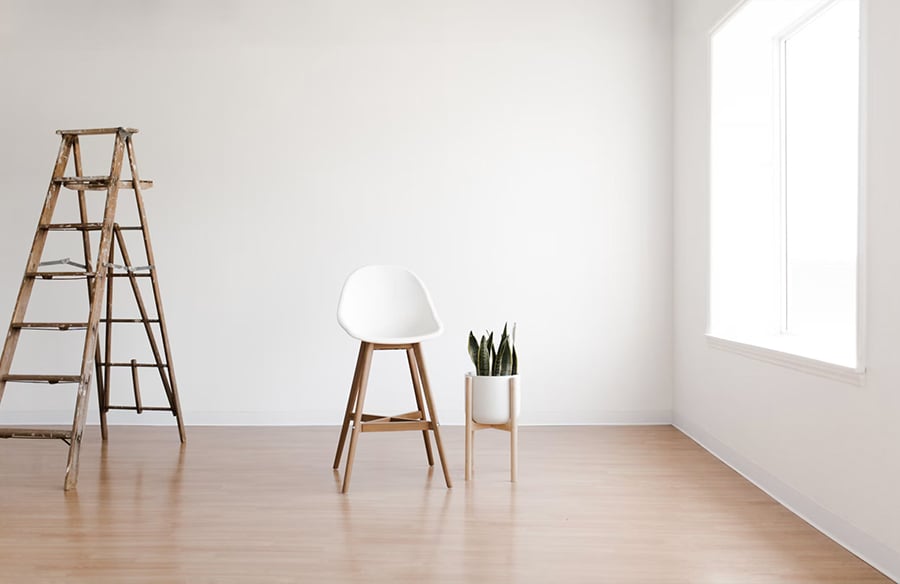
Picture a bare living room: a pale floor, a large window on the left, a door in the far corner, and no clear place for the sofa. Facing the window seems sensible until you consider the television wall. A digitally furnished photograph can help you compare arrangements, as long as you treat it as a suggestion to check against the real room.
Three things to keep in mind
- Preserve the room: keep walls, windows and viewpoint exactly as photographed.
- Check scale: compare the pictured furniture with real measurements.
- Separate preview from reality: label the edited image and keep the original.
Understand What a Furnished Image Can Show
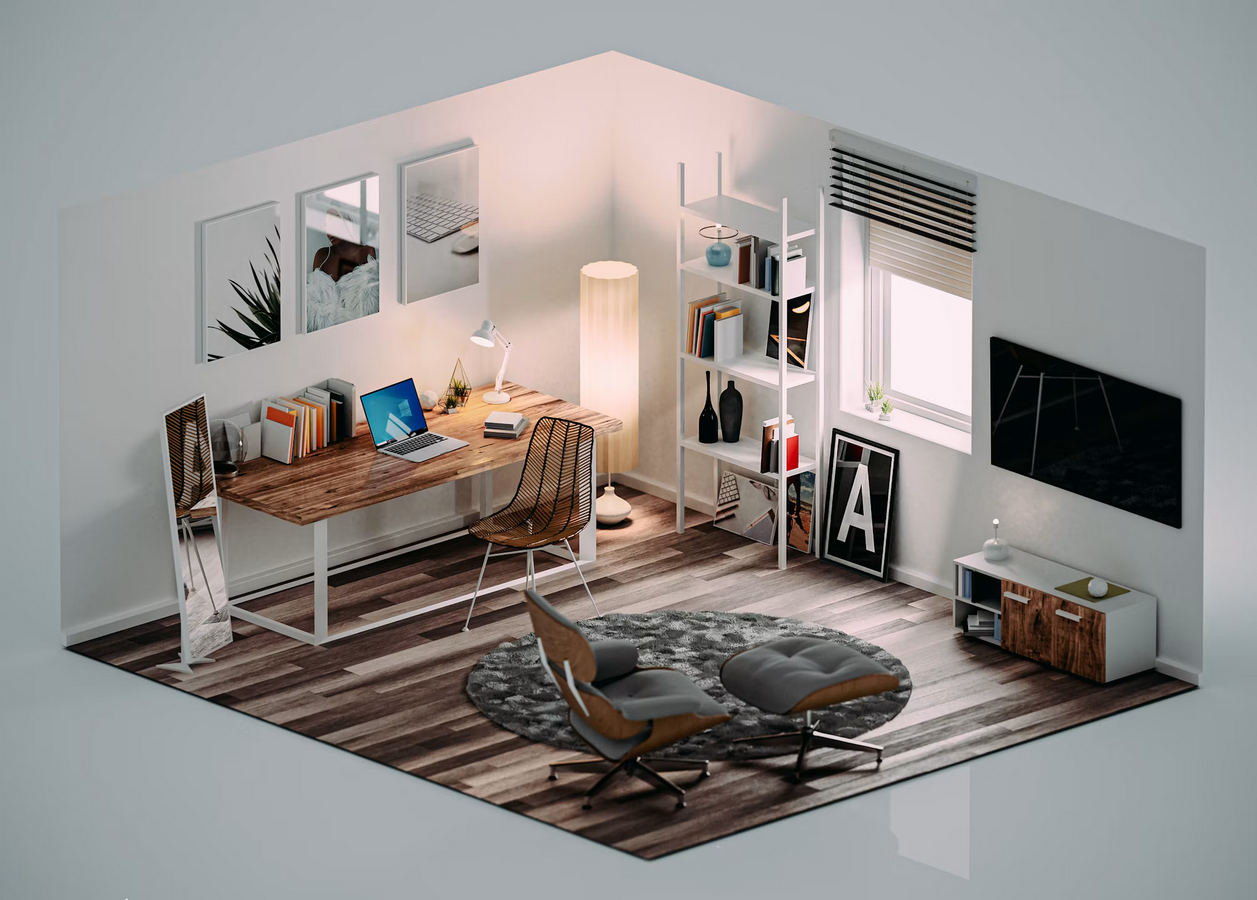 Virtual staging adds furniture, rugs, artwork and decor to a photograph of a room. Physical staging furnishes the room itself; virtual staging changes only the picture. You can explore how a sofa might look against the window wall before moving any furniture.
A useful preview helps you judge furniture scale and visual weight, meaning how much attention a piece draws. Guidance on comparing furniture options recommends keeping the architecture, viewpoint and main layout fixed. That makes it easier to judge the effect of changing a piece without other differences distracting you.
For a homeowner, an empty-room preview can help explore how a space might work as a reading corner, a dining area, or a place for two sofas facing each other. It cannot confirm that a particular sofa will fit along a wall or clear a doorway. Those decisions need measurements, which is why space planning starts with wall lengths, door positions and clear walking routes.
An already furnished room can also be a starting point. Some staging tools include item removal, allowing you to explore different furnishings in the picture. Digital removal cannot reveal the true condition of the floor or wall behind an item, so keep those hidden areas in mind when assessing the result.
In its 2025 survey of US agents, the National Association of Realtors reported that 83% of buyers’ agents said staging helped buyers visualize a property as a future home. The survey received 1,266 usable responses. These are agent-reported findings about staging generally, so they do not establish the effectiveness of AI-generated images.
Build a Believable Room Preview
Use the bare living room as a starting point. A reliable photograph and a clear purpose give you a basis for comparing furniture arrangements.
Keep a reliable original. Photograph the room in daylight from a position near the entrance that shows the window, door and as much of the floor as possible. Keep the camera level. Save the untouched file without overwriting it, since later comparisons depend on it. Use a measured plan or tape measure to record wall lengths and the window width. The photograph alone cannot confirm those dimensions.
Give the room a clear purpose. Suppose the room needs to seat four people for conversation. Start with a sofa, two chairs and a low table. Adding a desk, bookcase and dining set would make that arrangement harder to assess. Overcrowding and furniture that is out of scale with the room are among the most common staging mistakes. Keeping the furniture focused on the room’s purpose also makes alternative layouts easier to compare.
Choose how you want to make changes. Some services have designers furnish the photograph for you, while others offer tools that let you adjust the result yourself. Apply Design’s AI virtual staging offers automatic item removal, designer-curated furniture sets in several styles and a drag-and-drop editor for adjusting furnishings, with pricing per image from USD 10.50. Consider whether you want to request revisions from a provider or make changes directly.
Before choosing a workflow, check how each provider counts and charges for revisions and new versions. That helps you budget for comparing alternatives rather than assessing the price of the first image alone.
Compare like with like. Create a preview with the sofa facing the window, then another with it facing the television wall. Use the same original photograph and keep the architecture unchanged. Change one furnishing decision at a time so you can judge its effect on balance and the route through the room. Changing the viewpoint, furniture and layout together makes it harder to tell why one arrangement seems more workable.
Check the Preview Before Ordering or Sharing
Inspect the room and the furniture. Compare the preview with the original. Is the door in the far corner still reachable, or does a chair block it? Does the sofa appear longer than the wall you measured? If you made previews from different viewpoints, are the furnishings consistent? Look for objects floating above the floor or sinking into it, and check whether windows, floor finishes or paint colors have changed.
Confirm dimensions before buying. Compare the real product’s length with the measured wall and check its depth against the space available. Review the route past the furniture and through the doorway. An arrangement that looks spacious in a photograph still needs to leave enough room for movement in the actual space. For another perspective, compare this approach with previewing furniture in vacant rooms while keeping measurements central.
Label the image before publishing. Identify it clearly as a concept or a virtually staged image and keep the original available. Showing both together lets viewers distinguish the room’s existing features from the proposed furnishings.
Requirements vary by listing service. In California, SDMLS requires clear disclosure of digitally altered images in listings it covers. CRMLS Rule 11.5.2, in effect since January 1, 2026, requires the original image immediately before or after the altered version in covered listings. Check the current disclosure and original-image requirements of the service you use before uploading.
Conclusion
Use the original photograph, measurements and a clear room purpose to make a digital furnishing preview useful. Compare a few deliberate layouts, inspect doors and surfaces, and label the result before sharing. The image can support a design conversation, but the real room and the tape measure remain the final checks.
FAQs
What does a furnished preview show?
It suggests how furniture, color and open floor area may work together in the photographed room, but it does not verify dimensions.
Can it confirm that a sofa will fit?
No. Check product dimensions, wall lengths, door clearances and movement routes in the actual space.
Why keep the original photograph?
The original lets viewers distinguish existing features from proposed furnishings and helps you spot changes in architecture or surfaces.
How should a generated image be shared?
Label it clearly as a concept or digitally altered image, show the original when required, and obtain permission for property photographs or vendor screenshots.