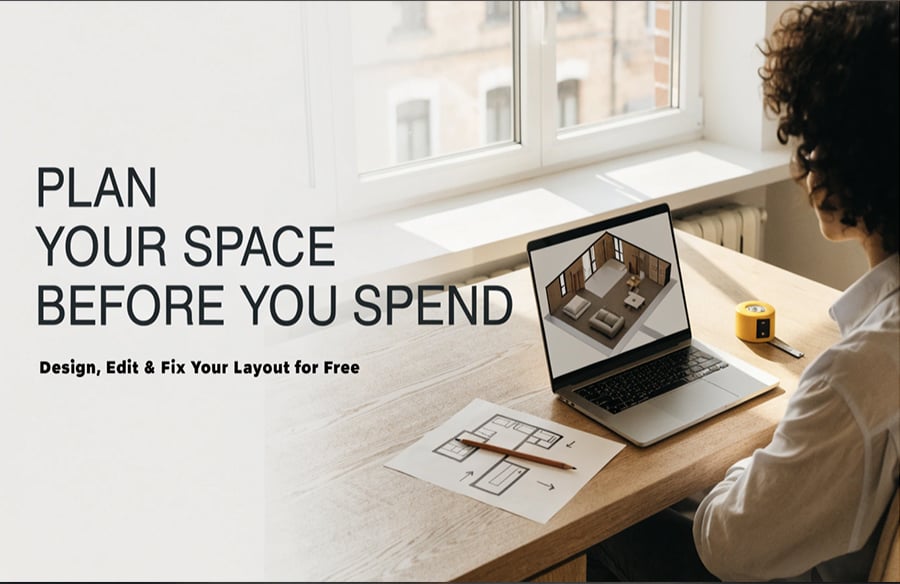
Picture this. You have just found the perfect apartment, and the movers are booked for Saturday. Then you realize you have no idea whether your sofa will fit through the door, let alone where the bed should go. Sound familiar?
Moments like this are why 3D floor plan free tools exist. They let you build a virtual version of a space, move things around, and spot problems while fixing them costs nothing. Here is how to make the most of them.
The Problem with Guessing
Most of us plan rooms in our heads. We picture where the couch goes, imagine the walkway, and hope for the best. The trouble is that our imagination is terrible at scale. A 12-by-10 foot bedroom sounds roomy until a double bed, two nightstands, and a wardrobe arrive.
A rough sketch does not help much either. Flat drawings show length and width, but not height, depth, or how a room actually feels when you stand in it. That is the gap a 3D view closes. You see the space the way you would see it in person: the tall bookshelf blocking the window, the door that cannot open fully, the hallway that feels like a tunnel.
What “Free” Really Gets You
Many people assume a free tool must be a stripped-down toy. For everyday planning, that is rarely true. A solid free planner usually lets you:
- Draw walls and rooms to scale
- Add doors, windows, and stairs
- Place furniture and fixtures
- Flip between 2D and 3D views
- Rework the layout as many times as you want
That is plenty for a home refresh, a move, a small office, or a class project. You only need paid software when you want photorealistic renders or professional-grade exports.
Where to Begin
A good first step is 3DFloorPlan, a browser-based planner built for people who are not designers. There is nothing to install and no manual to read. You open it, start drawing, and see your layout take shape in minutes.
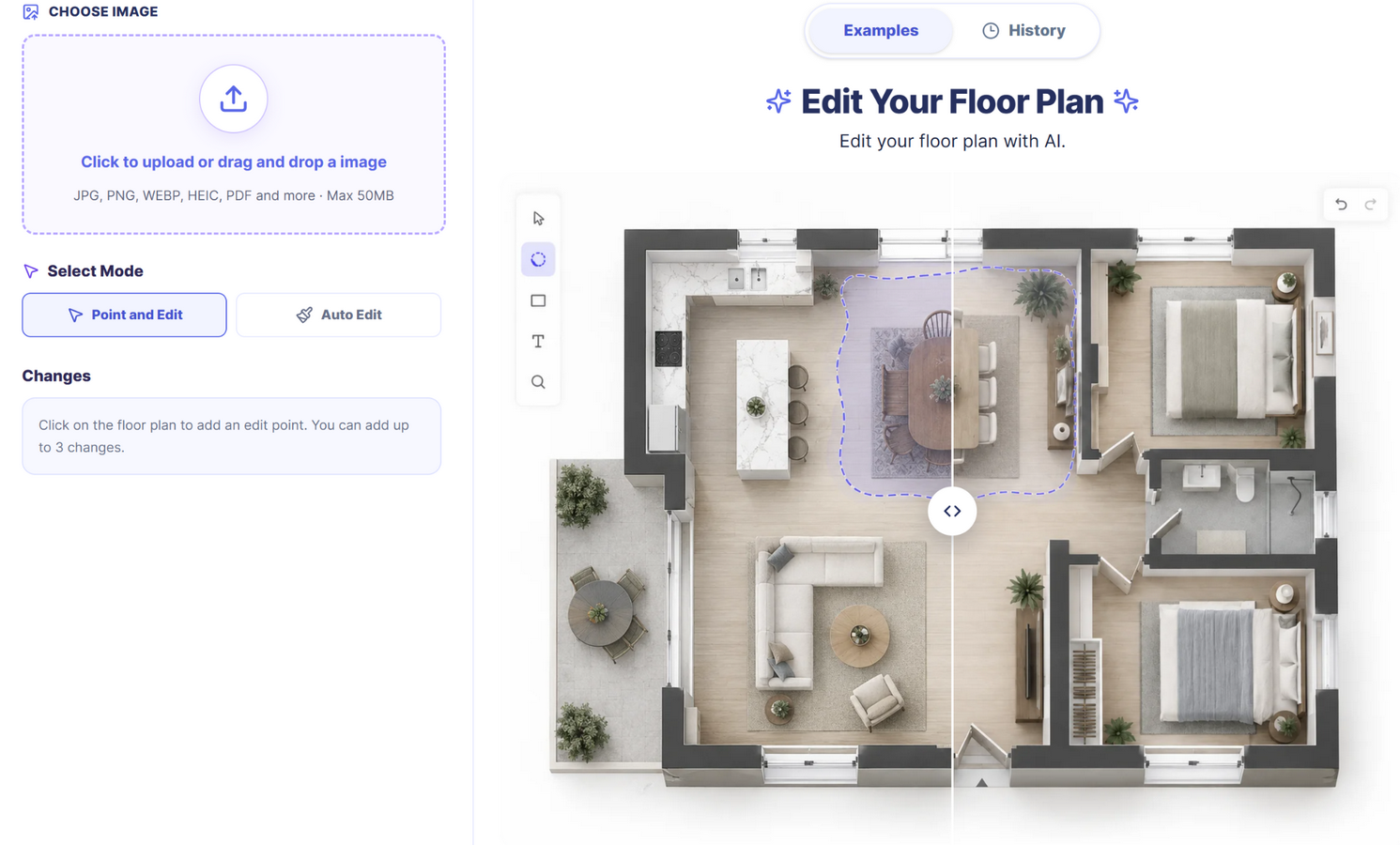 That speed matters more than it sounds. The biggest reason people abandon planning tools is friction. When the first result appears quickly, you stay motivated to refine it. A simple tool you actually use beats a powerful one you close after ten minutes.
How to Edit a Floor Plan Free (Without Starting Over)
Nobody gets a layout right on the first try, so editing is where the real value lies. If you want to edit floor plan free, the floor plan editor lets you adjust walls, rooms, and furniture directly, so each change builds on what you already have.
Here is a workflow that keeps things simple.
Measure first. Write down wall lengths, door and window positions, and ceiling height. Guessed numbers produce plans that fail in real life.
Draw the shell. Place the outer walls, then the inner ones. Do not touch furniture until the room shapes are right.
Add openings. Doors and windows control both movement and light, so place them carefully and check which way doors swing.
Furnish honestly. Use real dimensions. Shrinking a sofa on screen to make it fit only fools you.
Walk the route. Trace your path from the front door to every room. Keep about 90 centimeters (three feet) clear in main walkways.
Save versions. Try an open kitchen in one plan and a separate dining room in another. Comparing options is where digital planning shines.
Five Quick Edits That Make a Big Difference
You do not need a full renovation to benefit. Small edits can change how a space works.
- Rotate the bed. Turning it ninety degrees can free up an entire wall.
- Swap a door direction. An inward swing often wastes a corner that an outward one gives back.
- Float the sofa. Pulling it off the wall can define a living area in an open-plan room.
- Move the desk toward the window. Natural light improves both mood and focus.
- Test a wall removal. Seeing a kitchen open into a living room is far more convincing than a contractor’s description. Just remember that structural walls need professional sign-off.
Real-Life Situations Where@ It Pays Off
Moving house. Recreate your new place, drop in your current furniture, and decide what comes along and what gets sold.
Renting. You cannot knock down walls, but you can find the arrangement that makes a small flat feel larger.
Starting a business. A salon, café, or studio depends on flow. Plan where customers walk, wait, and pay before you build anything.
Selling a property. A clear layout helps buyers picture life in an empty room.
Caring for family. Check that hallways and bathrooms are wide enough for a walker or wheelchair before an elderly relative moves in.
Mistakes People Make
Even a great tool cannot rescue careless input. Watch for these:
- Forgetting wall thickness. Walls eat real space, especially in older buildings.
- If it looks full on screen, it will feel worse in person.
- Ignoring utilities. Plumbing, outlets, and ventilation limit where fixtures can go.
- Skipping storage. Closets and shelves are easy to forget and painful to add later.
- Treating the plan as final approval. A digital layout shows your idea. It does not confirm building codes or structural safety.
Quick Answers
Do I need design experience? No. If you can drag and drop, you can build a plan.
How accurate is it? As accurate as your measurements. Take them carefully.
Can I use it on a phone or tablet? Browser-based tools generally work on most devices, though a larger screen makes detailed drawing easier.
Is free enough? For planning, comparing, and decision-making, usually yes.
The Takeaway
Good spaces are rarely accidents. They come from testing ideas, catching mistakes early, and adjusting until everything fits both the room and the people living in it. A 3D floor plan free tool gives you that testing ground at no cost, and the ability to edit floor plan free means no idea is ever locked in.
So grab a tape measure, pick one room, and open 3DFloorPlan. Build a first draft in the free floor plan editor, rotate it in 3D, and see what it shows you. Chances are you will catch something the back of an envelope never would.