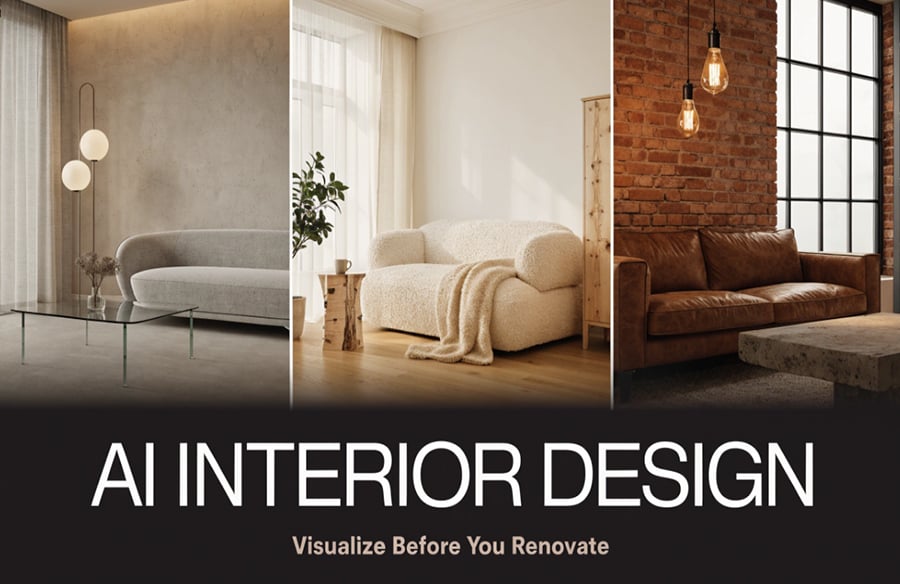
Renovating a room is exciting, but it is also risky. A wall color that looked perfect on a swatch can feel cold at home, and a sofa that seemed ideal online may crowd the space. Many homeowners and designers now use AI interior design to avoid these surprises. Instead of imagining the result, you can see it first.
With AIReel, you can upload a photo, pick a style, and preview a redesigned space in seconds. This guide explains how AI room design works, which styles you can test, and how to get the best results before spending money on a renovation.
How Artificial Intelligence Is Transforming Interior Design
AI interior design uses machine learning models trained on thousands of interior images to generate realistic design concepts. You provide a photo of your room or a short text description, and the system produces new layouts, color palettes, furniture arrangements, and decor ideas.
This integration of advanced computational methods with visual data analysis marks a significant evolution in architectural visualization, moving beyond static renders to dynamic, user-driven conceptualization.
An AI interior design generator like the one from the app works as a fast-moving design assistant. It recognizes the walls, windows, floor, and existing furniture in your photo, then reimagines the space in the style you choose. You can also describe a mood in plain language, such as “warm Scandinavian living room with natural wood.”
For architects, students, and homeowners alike, this means faster ideas and fewer costly mistakes.
Why Visualizing Before Renovating Matters
Traditional renovation planning relies on mood boards, sketches, and imagination. These methods are useful, but they leave a gap between the idea and the reality. That gap is where budgets get blown.
Visualizing a design first helps you:
- Avoid expensive mistakes. Seeing a bold color or layout in advance reduces the chance of repainting or rebuying.
- Communicate clearly. Showing a contractor or family member an image is far more effective than describing it.
- Compare options quickly. You can test five styles in the time it takes to sketch one.
- Build confidence. Decisions feel easier when you can see the outcome.
Tools for virtual room design, such as the app, have turned this preview step into something anyone can do, not just professionals with 3D rendering software.
How the app Works as an AI Room Designer
Using an AI room designer like the app is simple:
- Upload a clear photo. Take it in good daylight from a corner so the whole room is visible.
- Choose a room type. Select living room, bedroom, kitchen, office, or another space.
- Pick a style. Choose from modern, minimalist, industrial, and more.
- Generate the design. The tool creates a redesigned version of your room.
- Refine and compare. Adjust the style, try variations, and save your favorites.
You don’t need any design background or technical software. If you can take a photo, you can start redesigning with the app.
Room Styles You Can Test with the app
One of the biggest advantages of interior design AI is how easily you can switch between styles. Here are some popular directions worth previewing in the app.
Modern
Modern rooms focus on clean lines, neutral colors, and uncluttered surfaces. They suit people who want a calm, sophisticated look. Try this style if you like open space and simple furniture.
Minimalist
Minimalism takes “less is more” further. Expect light tones, hidden storage, and only essential pieces. It works especially well in small apartments, where visual clutter makes a room feel smaller.
Scandinavian
Scandinavian design combines soft whites, light wood, and cozy textiles. It feels bright and welcoming, which makes it a favorite for bedrooms and living rooms.
Industrial
Think exposed brick, metal accents, and dark tones. Previewing industrial design with the tool is helpful because the style can feel heavy if overdone, and you can judge the balance before committing.
Bohemian
Bohemian rooms mix patterns, plants, and layered textures. Since this style depends on how elements work together, a visual mockup helps you decide how bold to go.
Traditional and Classic
Classic interiors use rich colors, symmetrical layouts, and timeless furniture. The app can show how this style looks in your actual room shape, which is hard to judge from catalog photos.
Key Benefits of AI Home Design with the app
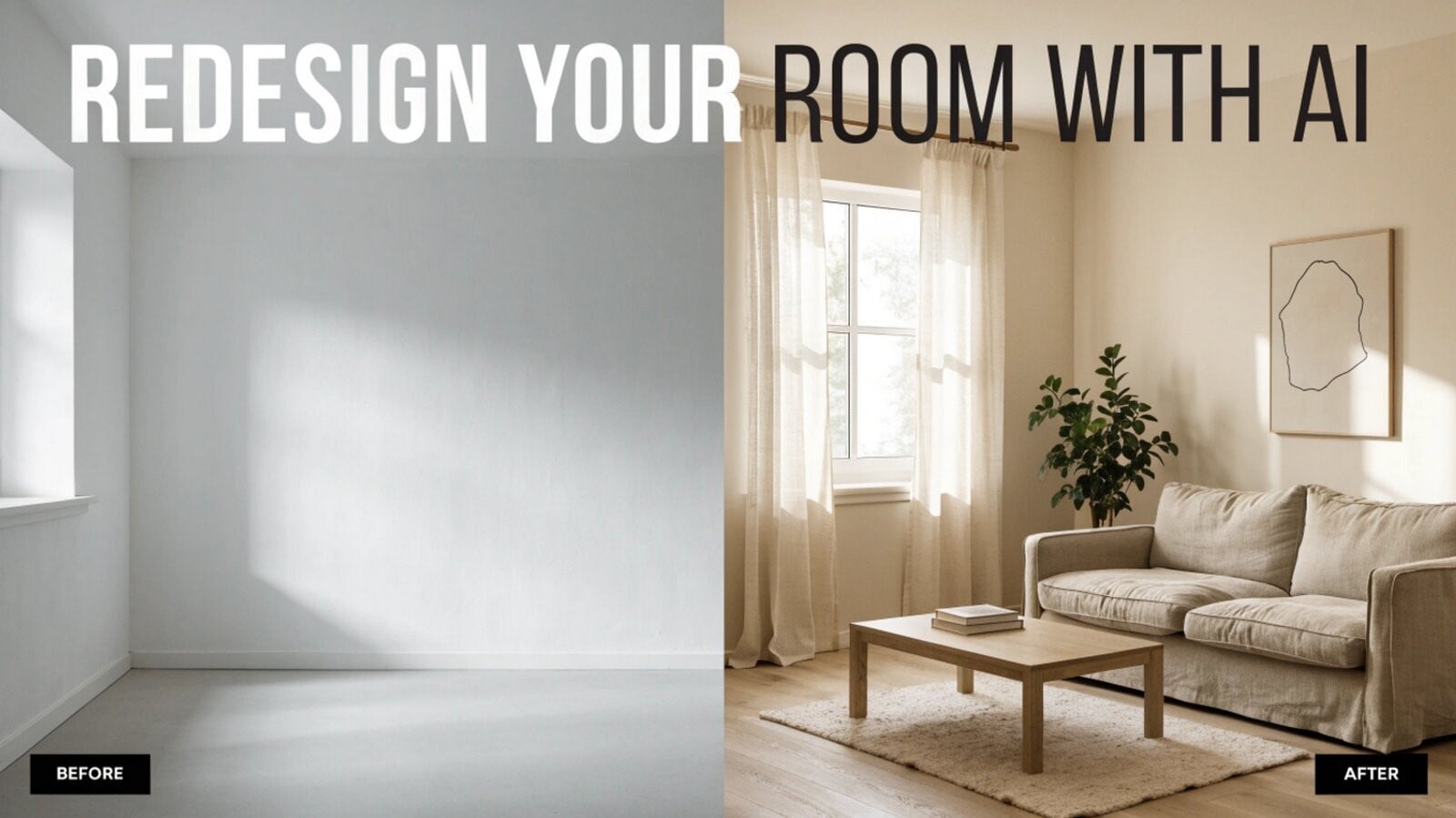 The rise of AI home design is not just about novelty. It offers practical advantages.
Speed. What once took days of drafting can now take minutes. You can explore many ideas in a single afternoon.
Lower cost. Hiring a designer for every concept is expensive. The app lets you narrow down your preferences before paying for professional services, so consultations become more focused.
Accessibility. You don’t need technical skills or specialized software. If you can upload a photo, you can use these tools.
Creative inspiration. Sometimes AI suggests combinations you would not have considered, such as an unexpected color pairing or a different furniture layout.
Better planning. With AI interior visualization, you can check proportions, lighting, and flow, which helps you plan purchases more carefully.
Tips for Getting Better Results
The quality of your input shapes the output. Keep these tips in mind when you redesign a room with AI on the app:
- Use a well-lit, high-resolution photo. Blurry or dark images lead to weaker results.
- Clear the clutter. Removing unnecessary items helps the AI read the room’s structure correctly.
- Be specific with prompts. “Cozy living room with warm lighting and natural materials” works better than “nice room.”
- Generate multiple versions. Don’t settle on the first result. Try several variations.
- Think about real-world constraints. Consider your budget, window placement, and structural limits when choosing ideas.
- Save and compare. Place your favorite designs side by side before deciding.
Limitations to Keep in Mind
Despite its strengths, room design AI is a planning aid, not a replacement for professionals. AI images may not account for exact measurements, building codes, plumbing, or electrical needs. Furniture shown in a render may not exist in the exact size or color you see.
For architects and designers, this highlights the critical role of human expertise in translating conceptual visualizations into buildable, compliant, and structurally sound realities. AI serves as a powerful ideation partner, but the final integration of form, function, and regulatory adherence remains firmly within the professional’s domain.
Think of the app as your concept stage. Once you have a direction, you can validate it with real dimensions, material samples, and, when needed, an architect or interior designer. Used this way, AI saves time without replacing expertise.
The Future of Interior Visualization
Design is moving toward more interactive, personalized tools. As models improve, you can expect more accurate lighting, realistic materials, and the ability to tweak individual elements, such as swapping a single chair or changing only the flooring.
For students and young designers, platforms like these tools are also powerful learning tools. They encourage experimentation and help users understand how color, scale, and layout affect the feel of a space. For homeowners, they make design feel less intimidating and more creative.
Conclusion
Renovation decisions are rarely small, and guessing is an expensive way to design. AI interior design gives you a way to see your ideas before they become real, whether you are drawn to minimalist calm, industrial boldness, or Scandinavian warmth.