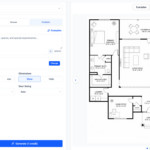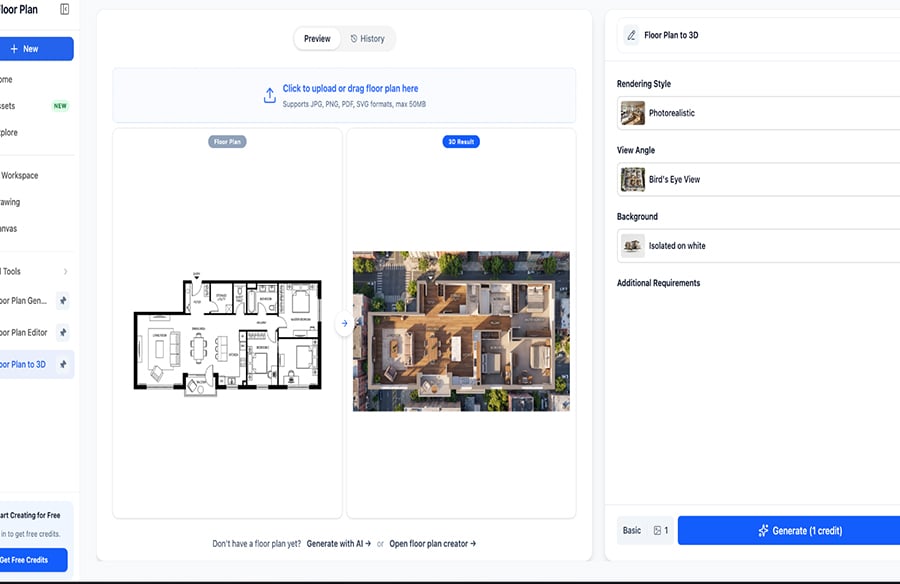
Renovation mistakes are expensive, and most of them start on paper. A wall that looked fine in the drawing blocks the only window in the room, or a new kitchen island leaves barely enough space to walk past. Seeing your 2D floor plan to 3D before you hire a contractor is the cheapest insurance available. Better still, the AI generator lets you test layouts in a single afternoon, with no account, no card and no software to install. This guide walks through a renovation-focused workflow, shows where free tools fall short and explains what to verify before any of it touches a real budget.
Why Should You View a 2D Floor Plan to 3D Before Renovating?
Because a 3D model exposes clearance, sightline and proportion problems that a flat drawing hides. Viewing your 2D floor plan to 3D takes minutes, and it can spare you from change orders once walls are already open.
Problems a 3D view catches early
Flat drawings show where things go. They rarely show how a room feels. A 3D view makes these issues obvious at a glance:
- Doors that swing into each other or into a cabinet.
- Walkways narrower than they looked on paper.
- Windows half-covered by a tall unit or a new partition.
- Rooms that feel smaller than their square footage suggests.
If you only have budget for one pre-construction check, make it this one. Seeing a 2D floor plan to 3D won’t replace an architect, but it will make your conversation with one far more specific.
What Can an AI Floor Plan Generator Free Without Login Do for a Renovation?
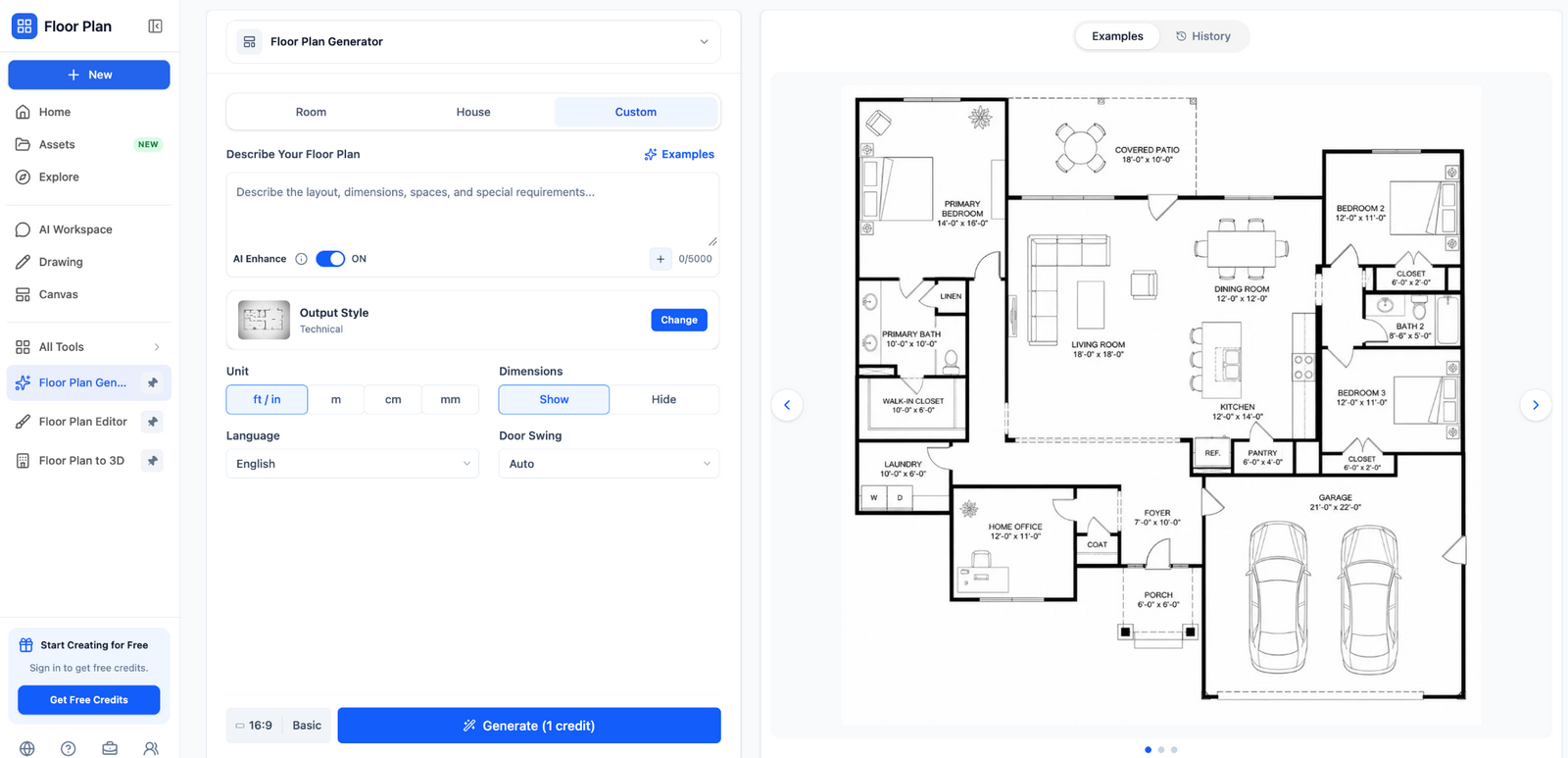 An AI floor plan generator free without login can redraw your current layout from a photo or sketch, then help you compare alternatives, such as an opened-up kitchen, without registering anywhere. It can’t judge structure, but it gives you something concrete to react to.
Redrawing the existing layout
Start with what’s already there. Measure each room with a tape, sketch the outline and label the rooms. Upload the sketch and let the tool return a clean version. This becomes your baseline, and every idea you test later is compared against it.
Testing alternative layouts
Once the baseline looks right, change one thing at a time. Remove a partition, shift a doorway, swap the bedroom and the study. Text-prompt tools make this quick because you simply describe the change and regenerate.
Here’s the catch. The AI has no idea which walls carry load. A layout that looks perfect on screen may need a steel beam in real life, and only a structural engineer can say so.
Who gets the most value from this approach?
The AI generator suits all of them because nothing stands between the idea and the first draft. Contractors and designers who deliver drawings to clients usually outgrow it quickly, since they need editable files and consistent exports.
Step-by-Step: From a Measured Sketch to a 3D Model
- Measure every room and note the ceiling height. Write the numbers on your sketch.
- Draw clean, straight walls and close every room so no gaps remain.
- Upload the image to your chosen AI generator free without login.
- Compare the generated 2D layout with your measurements and correct any wall that’s off.
- Switch from the 2D floor plan to 3D view, rotate the model and save screenshots of each angle.
- Repeat with one change per version, and name each screenshot so you can compare them later.
How accurate is the result?
The output is only as accurate as the input. AI tools read proportions well but can misjudge exact dimensions, especially from a tilted phone photo. Treat the model as a visual aid and trust your tape measure over the screen.
What Are the Downsides of Free, No-Login Tools?
The main trade-off of any AI generator free without login is permanence. With no account, there’s no project history, so save every export the moment it appears. Other limits vary by tool:
- Daily generation caps, which can cut a testing session short.
- Watermarks or lower-resolution downloads on the free tier.
- Minimal editing, so a single wrong wall can mean starting over.
- Skipping the login helps, but you’re still uploading an image of your home. Crop out addresses, names and any documents before you upload.
For homeowners comparing two or three ideas, a no-login tool is the sensible first step. Paid software earns its price only when you need editable drawings to hand to a contractor.
Conclusion
Moving a 2D floor plan to 3D gives you a clear look at the layout before money is spent, and the AI generator makes that step available to anyone with a sketch and a phone. Use it to explore ideas, then confirm measurements and structure with a professional. Your next 2D floor plan to 3D test could be running in minutes.
Suggested tags
2D floor plan to 3D, AI floor plan generator free without login, free AI floor plan generator, renovation floor plan, sketch to floor plan, floor plan to 3D converter, AI floor plan generator no signup, home renovation planning