A multi-scene AI video can have a strong script and still feel like several unrelated clips. Faces change, rooms acquire new furniture and warm evening light suddenly becomes a cold studio look. The problem usually begins before generation: each prompt gives the model a slightly different visual brief. This guide explains how to build a repeatable text-to-video pipeline with Pollo AI, from continuity planning to the final assembled sequence.
Why Does Text-to-Video AI Lose Consistency Between Scenes?
Each render starts from the information in its current prompt, so omitted details are free to change. When you create scenes with text to video AI, treat every prompt as part of the same production brief rather than as an isolated request. Check the four areas that drift most:
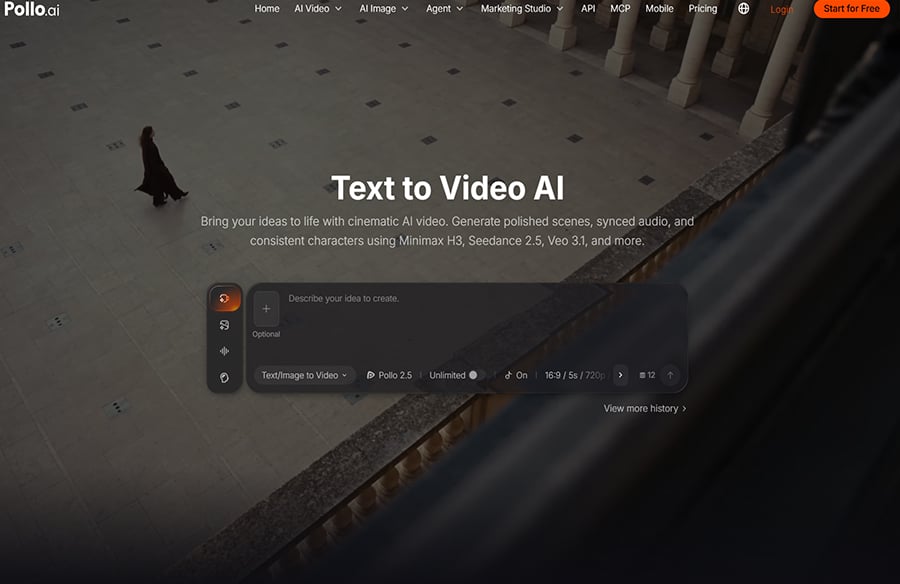
Pollo AI states that its text-to-video workflow is designed to reduce frame flicker, edge shaking and subject drift within a generated clip. Separate scenes still need a shared continuity plan because each new prompt can introduce different visual decisions.
- Character. Faces, hair, age, clothing and accessories can change between clips.
- Setting and props. A room, street, product or background object may be rebuilt differently in every scene.
- Light and colour. Time of day, contrast and palette can shift even when the story has not moved location.
- Style and camera. One shot may look illustrated while the next becomes photorealistic, or the lens and movement may change without purpose.
How Do You Assemble Multi-Scene Clips with AI Video Editing?
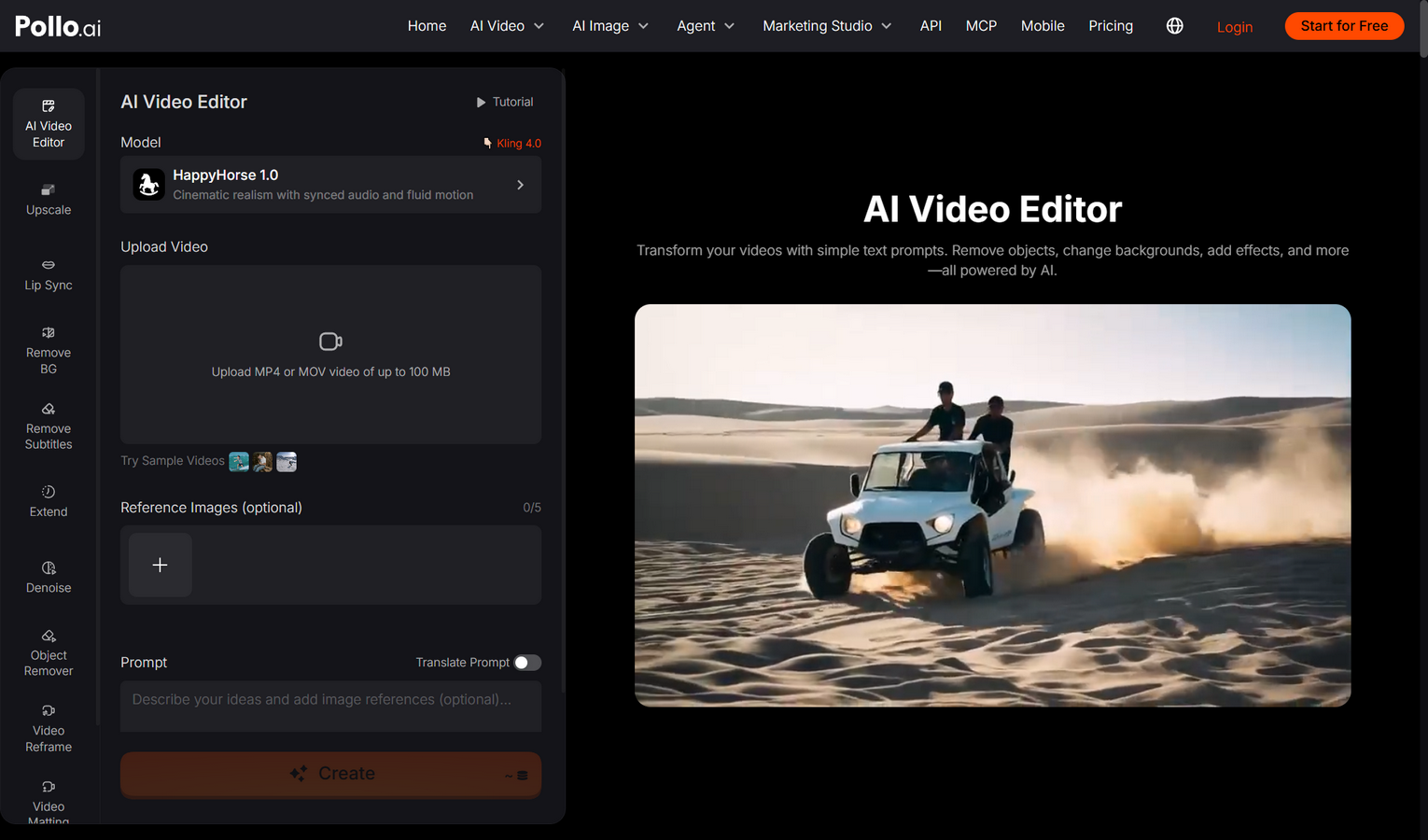 Arrange the approved clips in story order, trim them around matching motion and correct obvious visual jumps before adding sound or titles. The assembly stage should make the sequence feel intentional, not hide continuity problems under fast transitions.
- Build a rough timeline. Place the clips in script order and watch them without music. This makes changes in faces, colour and screen direction easier to notice.
- Trim on compatible movement. Cut from one action to a related action, such as a character reaching for a door and then entering the next space.
- Match the visual atmosphere. If one usable clip is slightly colder or brighter, adjust it before the difference becomes more obvious beside the next shot.
- Correct visual mismatches. After arranging the clips, edit the video online with AI to match weather and atmosphere, remove unwanted objects or adjust a distracting background. Keep factual product details, logos and on-screen text under manual review.
- Add sound and captions last. Once the pictures connect, use consistent ambience, music and caption styling to support the same world across the full sequence.
How Does a Two-Block Prompt Keep Scenes Connected?
Split every prompt into a shared continuity block that never changes and a shot block that changes for each scene. This gives the model a stable visual baseline while still allowing the story to move forward.
| Block | What goes in | Example |
| Shared block | Character, setting, light, palette and style | “Maya, a courier with short black hair and a yellow raincoat, rainy neon city at night, cool blue and magenta light, cinematic anime style” |
| Shot block | One action and one camera move | “She checks a parcel under an awning, slow push-in” |
What Should Stay Fixed in Every Text-to-Video Prompt?
Repeat every detail that the audience must recognise from one scene to the next. Keep the shared block to one or two lines so it remains easy to paste without accidental rewrites.
- Write the shared block once. Use specific nouns and visible traits rather than vague descriptions such as ‘stylish’ or ‘cinematic’.
- Write one shot block per scene. Give each shot one action and one camera move; too many actions invite unstable motion.
- Reuse the wording exactly. Changing ‘yellow raincoat’ to ‘gold jacket’ may look harmless to a writer but can produce a new costume.
- Keep one model and format. Switching models, aspect ratios or quality settings can change rendering style and composition.
How Can a Continuity Sheet Prevent Expensive Regeneration?
A one-page continuity sheet gives every scene the same approved facts before credits are spent. It should record the character, location, palette, lens language and any props that must survive between shots.
For a product video, include exact material, colour and shape details. For a character story, record hair length, clothing layers, accessories and which hand holds an object. Add a small thumbnail of the approved look if one is available. Before generating scene two, compare its prompt with the sheet instead of relying on memory. This five-minute check is cheaper than rebuilding half a sequence after a late continuity review.
How Do You Review Visual Consistency Before Publishing?
Review the sequence once for story and once for continuity, because trying to judge both at the same time makes small errors easy to miss. Use a simple final checklist:
- Identity. Does the character or product remain recognisable in every shot?
- Geography. Do entrances, exits, screen direction and object positions make sense between cuts?
- Atmosphere. Do time of day, weather, shadows and colour temperature follow the script?
- Motion. Do camera moves and subject speed feel like parts of one production?
- Information. Are logos, captions, product claims and interface details accurate and readable?
Ready to Build a More Consistent Text-to-Video Sequence?
Start with three scenes, one shared continuity block and one clear action per shot. Generate the sequence with Pollo AI, assemble the clips in order and note every detail that changes unexpectedly. Revise the shared block once, then regenerate only the weak scene. A controlled pipeline produces stronger continuity and wastes fewer generations than rewriting every prompt from scratch.