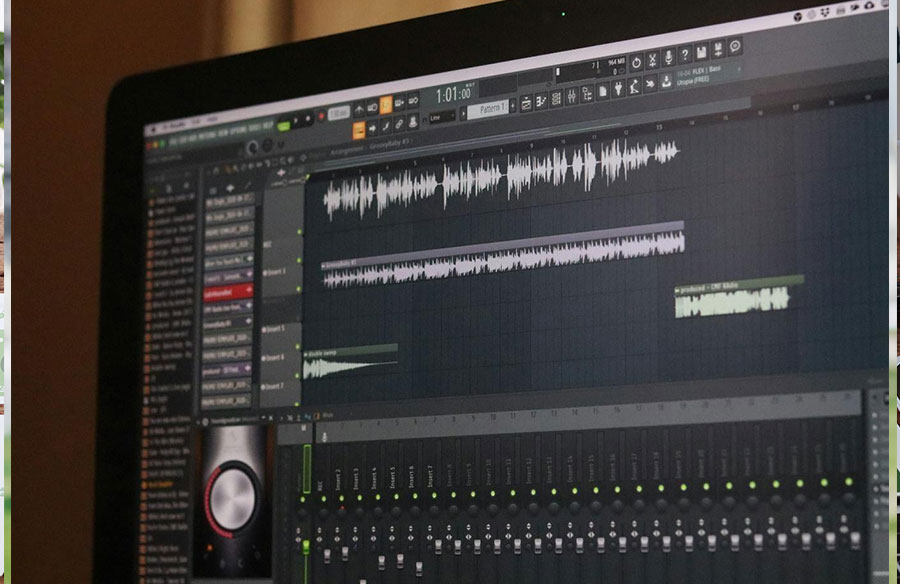
A video may appear polished, but still fail miserably when the sound does not rhyme with the story. Notably, music is emotional; it shapes the perception of the scene and silently guides viewers through every moment.
Therefore, the perfect soundtrack can generate excitement, build tension, or even bring warmth, something that graphics never could achieve.
However, many creators find it difficult to pick the right music that really fits. A song can be excellent as a piece of music, but when combined with visuals, it can be out of place, too loud, or even inappropriate.
This means it is not just about getting a song, but one that fits perfectly with what one is saying. Even knowing about tone and pacing, and how to make your audio video sync with your footage, the process still takes purpose and creativity.
Here are five best practices to help you choose, narrow down, and combine music so your video feels complete, immersive, and professionally created.
1. Start with the Right Track: Know Your Story and Mood
Defining what you intend to communicate through your content is essential before you attempt to add music to a video.
Are you aiming to inspire, inform, amuse, or persuade? Each intention has a unique emotional coloring, and your music should have it at the very first note.
An upbeat, fast melody can be used in promotional videos, whereas a calmer, slower sound can be used in more emotional or introspective narrations.
Therefore, begin by determining the main mood of your video. Next, consider its pacing, visual style, and audience.
For instance, a tutorial might require subtle background music that is not distracting, while a cinematic montage might require a dramatic score that builds emotion.
Also, when changing a podcast to a video, you need to consider the right music that will capture your audience’s attention. Use the right platforms that allow you to sync audio and video online free to ensure a perfect balance without affecting your video quality.
Several video and audio editing platforms, such as Veed audio editor, allow you to merge video and audio easily while ensuring perfect results.
In choosing music, consider tempo, rhythm, and instrument. These factors do affect how your message is received.
After narrowing down the list of choices, preview every song with your images. This action shows how the music either complements or conflicts with your video.
2. Match Rhythm and Visual Flow
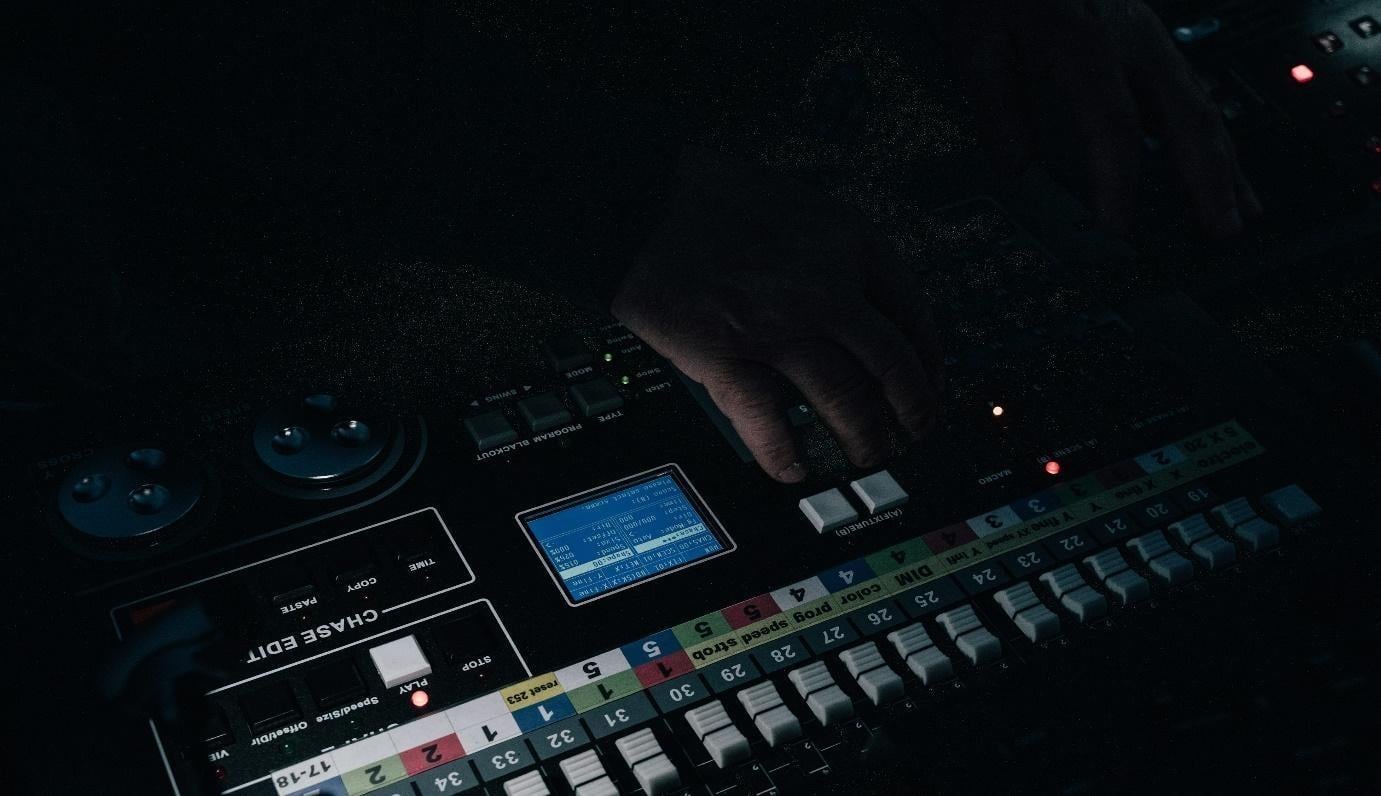 Good soundtracks do not accompany the scenes; they match them. It is the synchronization of beats with cuts, transitions, or important moments in the video.
This method, known as audio sync or rhythm matching, will make your video look more purposeful and professional.
The first step is to find a natural beat in your footage. Are there quick cuts? Long establishing shots? These are the times to mark in your editing schedule.
Then, you have to select music that complements that structure with a beat pattern. As the visuals are as dynamic as the music, the whole composition sounds more unified. Online tools also allow you to add sound effects to a video, making it more appealing.
Most online editors enable you to cut the track in such a way that you can have the most effective part of the music hitting exactly where you desire. This is particularly intuitive with tools that let you visually view audio waveforms in the timeline.
Moreover, you can add sound to a GIF to make it more engaging. You can use the online tutorials to learn how to add music to a GIF. Gifs are the quickest and perfect way to convey and engage your audiences using visuals.
3. Think beyond the Main Track: Sound Effects and Voiceovers
Sometimes, music alone is not enough to hold the viewer’s interest. Sound effects or voiceover might enhance the attachment viewers feel to your content.
For instance, the use of ambient sounds, such as crowd noise, keyboard traps, or nature throughout your video, might enhance the video quality. Voiceover might also help your viewers better understand your message.
For people who use social media for marketing or creating engaging videos, it’s essential to learn how to create sound on TikTok or how to add music to a photo. This ensures that your content is not boring and your audience is well-engaged.
If it is something your tool can handle, you may also try features that let you add voiceover to video online for free, along with the occasional inclusion of sound effects.
However, make sure that you are not over-accessorizing the experience for the viewer. Too many auditory stimuli can make the experience seem disorganized rather than refined.
 4. Keep It Legal: Use Licensed or Original Music
Copyright is one of the most difficult aspects of attaching music to your videos. Even when creating a GIF with music, you must ensure adherence to copyright rules.
You should avoid using a widely known commercial song without the necessary rights to prevent disabling or demotivation on platforms like YouTube or Instagram.
To circumvent this, you should use royalty-free music from reputable libraries, or you can compose your own.
Platforms and sites that offer a curated online library of audio-to-video content with pre-approved music give you peace of mind when dealing with copyright issues.
If the royalty-free options are not the best option, you may hire a composer or use original recordings. This also makes your content sound more unique.
5. Edit Thoughtfully: Trim, Fade, and Balance
After settling on your soundtrack and putting it on your timeline, you are not done. The editing of the audio can destroy the result or make it.
Begin by cutting sections of the track that do not support the visuals. The majority of editors allow you to fade the music in and out – you can use these fades to smooth the transition between the two extreme points of your video.
You may also need to adjust the audio levels so that dialogue or major sound effects are not overwhelmed by the music.
While editing, you also need to learn how to add subtitles to a video. This makes it easier for your audience to understand your content better.
The tools usually also allow you to merge audio and video online for free and separate the volume levels for background music, sound effects, and voiceovers. The flexibility allows you to control the interaction of every layer; therefore, every sound has its role.
Final Thoughts
Finding a perfect soundtrack and rhyming it with your video is more than just picking a catchy song. It is about learning the mood, rhythm, and technical delicacy.
With the right track, matched to your visual flow, sound effects or voiceovers applied carefully, careful consideration of licensing regulations, and precision in editing, you’ll be able to create videos that are not only good-looking, but also good-feeling.
You can always play with sound and create beautiful, professional-sounding videos with the means to achieve that without having to climb any learning curve.