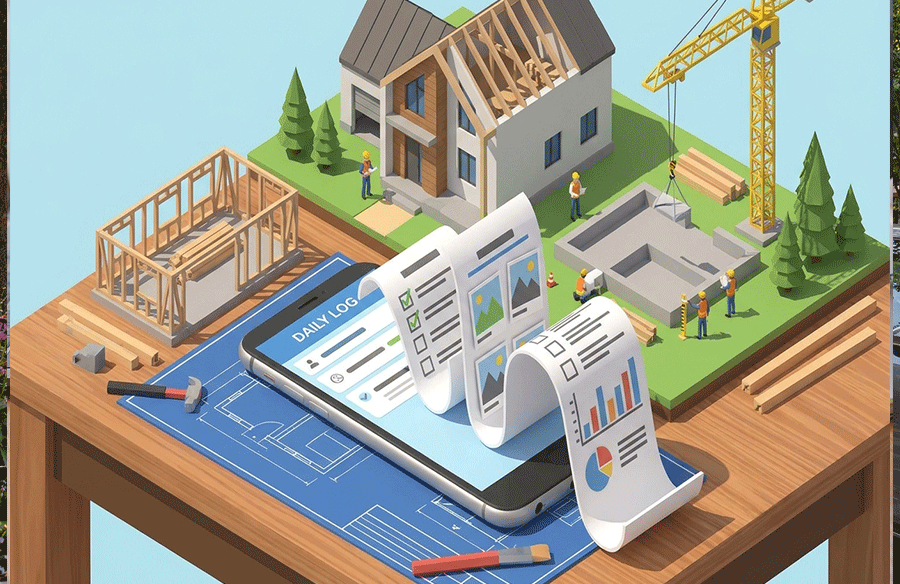
Key Takeaways
- The right platform covers the whole job, from estimate to final payment, instead of forcing you to stitch together disconnected tools.
- Match the software to how your company actually works, including the size of your projects, your trades and your office and field teams.
- Check financial controls, field usability, integrations and support as closely as you check features.
- Run a structured demo with your own scenarios, and plan training and rollout before you sign.
Introduction
General contractors carry a lot of moving parts. Estimates feed budgets, budgets feed pay applications, schedules depend on subcontractors, and safety records must be ready when someone asks. When each piece lives in a different spreadsheet or app, information gets re-entered, mistakes slip in and nobody has a clear picture of the job.
Construction management software aims to fix that by bringing the work into one place. This buyer’s guide explains what to look for, which questions to ask and how to compare options, so you can choose a platform that suits your business and gets used on site as well as in the office.
What general contractors need from software
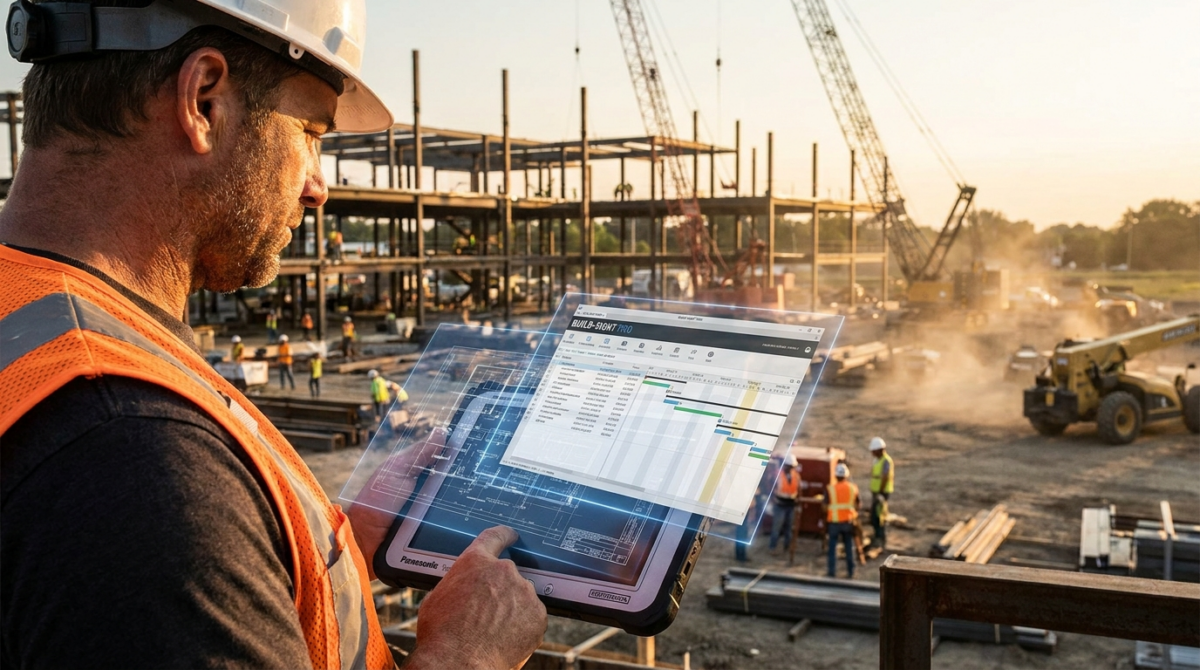 Before you compare construction management software for general contractors, it helps to be clear about the problems you want to solve.
Most contractors share a few pain points. Information is scattered across email, text messages, paper and spreadsheets. Field teams record things late, or not at all. Job costs surface after the money is spent. Subcontractor paperwork goes missing, and safety and compliance records are hard to find.
A good platform tackles these problems by connecting the stages of a project. It captures data once, shares it with the right people and keeps a clear record. The goal is not more software, but fewer gaps between the office, the site and the accounts.
Start by listing your biggest frustrations, and rank them. That list becomes your scorecard when you compare vendors.
Preconstruction and estimating
Winning work comes first, so look closely at the front of the process.
Check how the software handles takeoff, estimating and bid management. You should be able to build estimates from your own cost data, reuse assemblies and templates, invite subcontractors to bid and compare quotes against a record of scope.
Ask what happens when a bid is won. The best systems turn the estimate into a project budget, schedule and subcontract list with minimal retyping.
Project management and site operations
The day-to-day running of a job is where daily value appears.
Look for scheduling tools that handle tasks, dependencies and milestones, and that update easily when something changes. Check how the software manages daily logs, RFIs, submittals, drawings, meeting notes, photos and punch lists. Field teams should be able to record progress quickly, from a phone or tablet, without wrestling with the interface.
Site management matters too. Sign-ins, orientations, worker records and access control all affect safety and compliance. A platform that keeps these records alongside the project makes audits much easier.
Test the workflows with your own team. Ask a superintendent to log a daily report and raise an issue. If they find it slow or confusing, adoption will suffer.
Financial management and job costing
Money is where mistakes hurt the most.
Check how the software tracks budgets, commitments, change orders, claims, invoices and payments. You should see the true financial position of each job at any time, including what has been spent, what is committed and what remains.
Look at pay applications and billing. Confirm that applications can be generated from the schedule of values, that retention and lien waivers are tracked and that cash flow can be forecast across projects. Clear answers here reduce disputes and speed payment.
Ask how the software connects to your accounting system. Some platforms integrate with common accounting packages, while others replace parts of them. Find out which approach is used, how data moves and who maintains the link.
Subcontractor and compliance management
Subcontractors can make or break a project.
Look for tools that manage prequalification, insurance certificates, licences, safety documents and contracts. Automatic reminders for expiring documents help avoid compliance gaps. A central record of every subcontractor, with their history and performance, supports better decisions on future jobs.
Check how communication works. Notices, document requests and updates should all live in one place, and subcontractors should be able to use the system without lengthy training.
Reporting, analytics and artificial intelligence
Good data is only useful if you can see it.
Check what dashboards and reports come built in, and how easily you can create your own. You should be able to see schedules, costs, risks and outstanding tasks across the portfolio, and to drill down into any project.
Many platforms like BuildPass now add artificial intelligence features, such as assistants that search project records or build reports on request. Whichever product you consider, ask what the assistant can do, what data it uses and how access is controlled, since privacy and accuracy matter.
Integrations and openness
No platform works alone.
List the tools you already use, such as accounting software, scheduling packages, drawing tools, email, calendars and storage. Ask which integrations exist, how they are maintained and whether open interfaces allow custom connections.
Think about data portability. You should be able to export your records in a usable format, so you are never trapped. Ask what happens to your data if you leave.
Usability and adoption
The best software is the one people actually use.
Look at the interface. It should be clear, fast and consistent across desktop and mobile. Field teams need simple screens and offline support for sites with poor reception. Office teams need depth and control.
Ask about onboarding. Good vendors provide training, templates and a clear rollout plan, and they help you import existing data such as subcontractor lists. Find out how long a typical rollout takes and what you must do on your side.
Choose a champion in the office and one in the field, and start with a pilot project before rolling out to the whole company.
Support and vendor stability
You are choosing a partner as well as a product.
Check what support is included, how you can reach it and what hours it covers. Local support that understands your region and regulations is a real advantage. Ask for references from contractors of a similar size and type, and speak to them directly.
Look at the vendor’s track record. Note how long they have operated, how often they release updates and how they handle customer feedback. A healthy product evolves steadily.
Run a structured evaluation
A clear process prevents expensive mistakes.
Build a shortlist of a few vendors based on your priorities. Prepare scenarios from your own projects, such as winning a bid, handling a change order and processing a pay application. Ask each vendor to walk through the same scenarios, and score them against your list.
Ask about the full cost. Look at licence structure, modules, implementation, training and support, and compare the total over several years.
Making your choice
Define your problems, then compare construction management software for general contractors against a clear scorecard. Check estimating, project management, finance, compliance, integrations, usability and support. Test with real scenarios, involve your team and plan the rollout. The right platform will connect the office and the site, and give you a true picture of every job.
Frequently asked questions
What should general contractors look for in construction management software?
Look for connected estimating, project management, financial controls, compliance tools, good field usability, integrations and strong support.
How do I compare construction management software vendors?
Build a shortlist, prepare scenarios from your own projects, ask each vendor to demonstrate them and score the results with your team.
How long does it take to roll out construction management software?
It depends on company size and complexity. A pilot project first helps you learn quickly and adjust before a full rollout.