Review models swell when a site scan arrives as dense triangles nobody will rig. ai retopology tools rebuild that mass to a number the review laptop can hold.
Studios still trace edge loops across a surface that is already finished. A day goes to a hero character, an afternoon goes to a prop, and the tracing starts again when the silhouette moves. A context building in a pin-up is rarely that hero. It has to sit still, orbit cleanly, and stay out of the way while the room argues about the facade.
A Context Building That Only Has To Sit
A review file is a stack, not a single sculpture. There is a massing from the project team, a scan of stone or ornament from the site, and sometimes a lobby figure or a piece of entourage that has to bend. Those files do not share one author or one program. The scan arrives as dense, directionless triangles. The massing may be fine as a diagram and hopeless as a mesh you can orbit on the laptop that will sit in the room.
The failure you can see is not a bad elevation. The viewport stutters, a section cut takes too long, or someone sends the file back and asks for a lighter twin before the pin-up. That return is rework on geometry that was never going to carry the shot. The design argument has not even started, and the time budget for the meeting is already gone.
Hand retopology is the right spend on the few meshes a rigger or a close-up camera will interrogate. It is the wrong spend on the long tail: props, hard-surface blocks, scans, and generated meshes that only have to hold their shape under a review light. Most pipelines already split the work that way. Automatic passes ship the tail. Hands stay on the pieces that carry the shot. The decision in a studio is which file is which, before anyone opens a loop tool.
Three Passes A Studio Can Compare
Three ways exist to lighten a heavy model, and they do not leave the same mesh behind. The comparison is about time, about what the edges still are, and about the moment the result fails a later step. A visualization lead can run that comparison on one context building and one piece that must move, then keep the pass that matches each.
Hand Loops On A Finished Massing
Manual retopology means drawing edge loops over a surface you already accepted. You do not change the design. You rebuild the cage so a later deformation has somewhere to bend. On a hero character that cage is a day. On a prop it is an afternoon. If art direction then moves the silhouette, both numbers reset, because the loops followed a shape that no longer exists.
A massing model that will be replaced after the review does not earn that day. The room needs to orbit it, swap a material, and maybe cut a section. It does not need production loops around every opening. Spending the day there is how a pin-up slips while the facade discussion never starts. Keep the hand pass for the mesh that will still be in the film, the animation, or the close orbit next month.
A Slider That Only Keeps Survivors
Decimate takes polygons off the mesh you already have. The edge flow that remains is whatever happens to survive the reduction. A decimation slider asks you to guess at 40 percent, with no promise that a surviving edge will sit where a later edit needs it. For a background rock, or a context block that never deforms and that nobody will unwrap, that guess is enough. The shape gets lighter. The meeting can move.
The same slider fails when the object has to deform, subdivide, or be UV unwrapped by a person. Surviving triangles are the wrong flow at a joint. A movable screen, a folding shade, or a lobby figure will pinch, and the unwrap will fight the person who has to place a material. Lighter is not the same as usable. If the next step is a human edit, decimate has already thrown away the edges that edit needed.
| Pass | Time it costs | What the mesh keeps | When it fails |
| Hand loops | A day on a hero, an afternoon on a prop | Loops a later deformation can follow | The silhouette moves and the tracing starts over |
| Decimate | A percent guess, often near 40 | Whatever edges survive | Something must bend, subdivide, or be unwrapped |
| Browser remesh | A typed face count, no install | A new surface with its own flow | A hero face that still needs loops by hand |
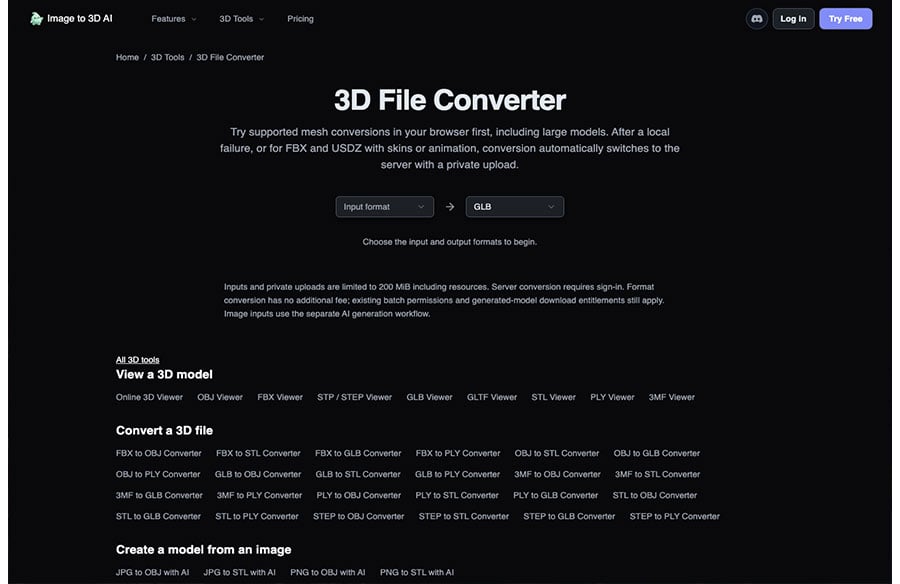
Read the table as a routing rule for one review, not as a ranking. The context block can stay on decimate. The hero face stays on hands. The scan and the generated massing go to the third row, because they need a new surface rather than a thinner copy of the old one. Image to 3D AI is that third row: you set a face count, and a cleaner layout comes back without a plugin license on the review machine.
Where A Typed Count Changes The Week
The browser pass builds a new surface instead of pruning the old one. You type the face count the review file can hold, or you leave the choice on automatic when nobody has a number yet. The mesh comes back at the count you named. That is the difference from a slider. The budget is a number the laptop can defend, not a percentage someone hoped would be light enough.
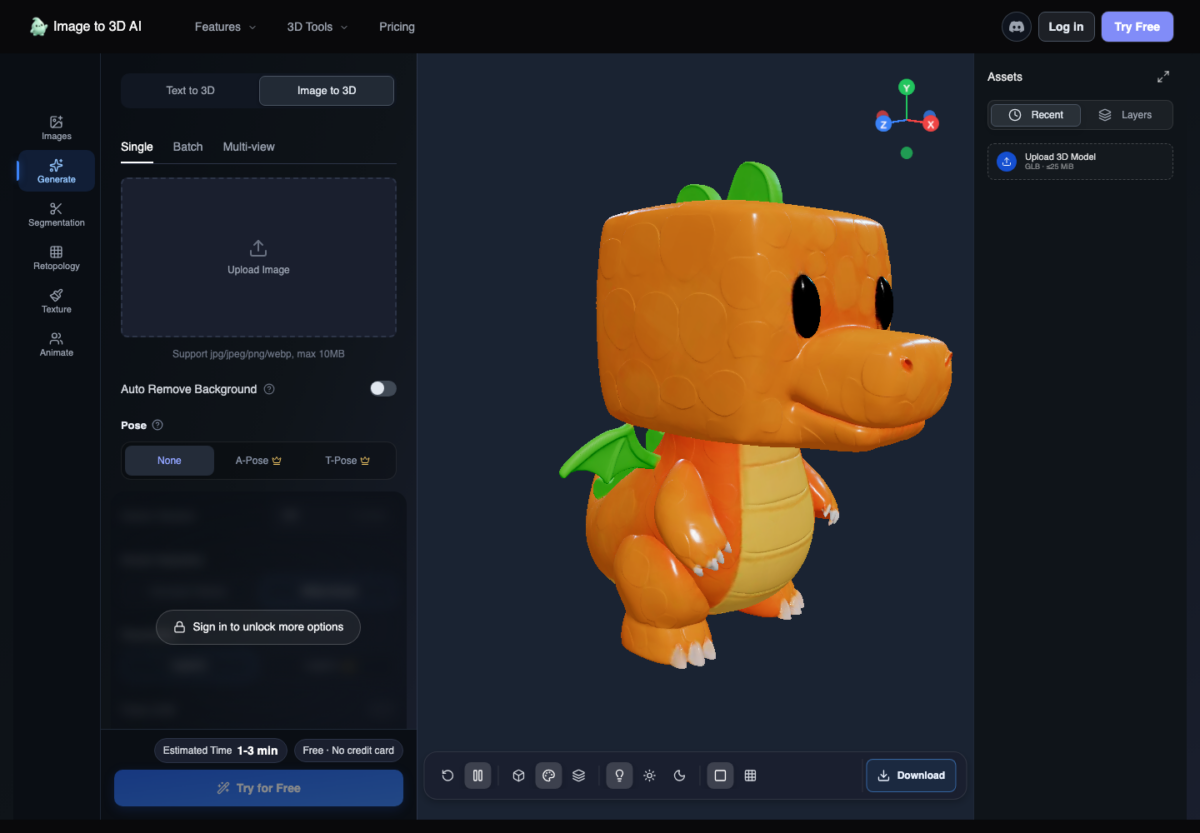 Quads are the layout that deforms without pinching, which is what a folding shade or a lobby figure needs. Triangles cover the wider engine-style budgets for pieces that only have to sit. Either way, the check happens in the viewer before the file returns to the DCC or the engine. If the orbit still stalls, the count was wrong and the pass can run again. If a joint pinches, the piece was never a candidate for triangles.
Edge Flow You Can Still Select On A Scan
Photogrammetry of stone, a carved ornament, or a site fragment shows up as dense triangles with no direction. A remesh gives that scan an edge flow you can select, UV, and edit. Topology is what lets the next steps work: a material callout can change, a UV can be laid by a person, and the review laptop can still turn the model. The scan can stay a background object. It just has to stop stalling the file.
Tablet sculpts have the same problem from the other direction. A sculpting app can export millions of triangles and has no retopology step of its own. Export OBJ or GLB, run the pass in the browser, and bring back a mesh that can be posed. A studio that collects site studies from a tablet does not have to wait for a desktop seat before the model can enter the board.
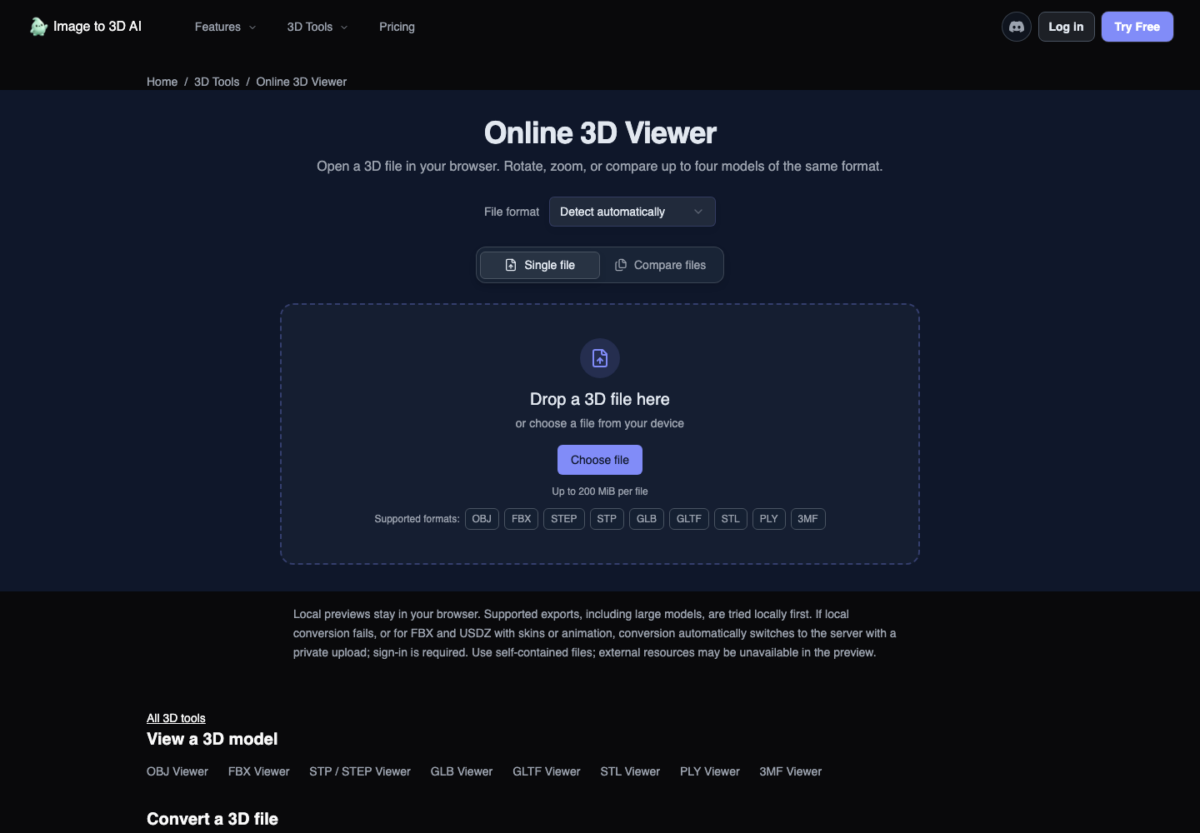
Addons that live inside one program are a different shape of tool. They edit the mesh that is already in that scene, which is less friction when the whole team never leaves that program. Free AI Retopology runs in the browser: export the model, remesh it, and bring the result back. If the scan, the generator output, or a teammate’s file comes from another DCC, nobody has to install anything on the machine that only has to open the pin-up. Image to 3D AI is built for that handoff.
Plan choice belongs in the same decision, because a client review is commercial work. Pro is $12.9 a month, billed at $154.80 for the year, with 1,000 credits a month, and that plan includes retopology along with private models marked for commercial use. The free tier stays public and non-commercial. A client file needs the private setting, so the plan has to match the room where the model will be shown.
Where Quad Mode Still Needs A Modeler
Quad mode runs on Pro and cannot be combined with a per-part pass, which returns triangles. The free tier leaves retopology off the included list, even though a model can be remeshed in the browser with nothing to install and no plugin license. A hero face, where loops have to sit around the eyes and mouth, still needs a hand. Automatic work is for the long tail of props, scans, and generated meshes.
 Who Carries A Lighter Mesh To Pin-Up
Carry the browser pass into the review when the file mixes a site scan, a generated massing, and a tablet study. The stronger move is the typed count and a new edge flow, not another afternoon of loops on geometry the room will replace. Image to 3D AI is the tool that makes that count stick without a seat locked to one machine.
Leave hand loops on the hero face, and leave a pure background block on decimate when it will never bend or be unwrapped. Those two passes still have a job. They are just the wrong job for the long tail that makes the file too heavy to open.
Open the pin-up on that lighter mesh. The hour nobody spends tracing a context building is the hour the facade can actually be discussed.