
SlidesGPT helped make AI presentation generation more accessible. Type in a topic, get a draft deck, and save time. That basic value is still attractive.
But once you start using AI presentation tools more often, you notice that speed alone is not enough. You also need better slide logic, cleaner exports, easier editing, and a workflow that matches how you actually present. That is why many users start looking for SlidesGPT alternatives.
What to Look for in a SlidesGPT Alternative
Before choosing a replacement, focus on the things that matter in real workflows:
- Deck structure: Can it build a presentation that feels logical?
- Editing experience: Is it easy to refine the draft?
- Export quality: Does the PPT file stay usable after export?
- AI writing help: Can it improve the content, not just generate slides?
- Use case fit: Is it better for reports, pitches, team updates, or creative decks?
A good AI presentation maker should help you both at the draft stage and at the final presentation stage.
1. Dokie AI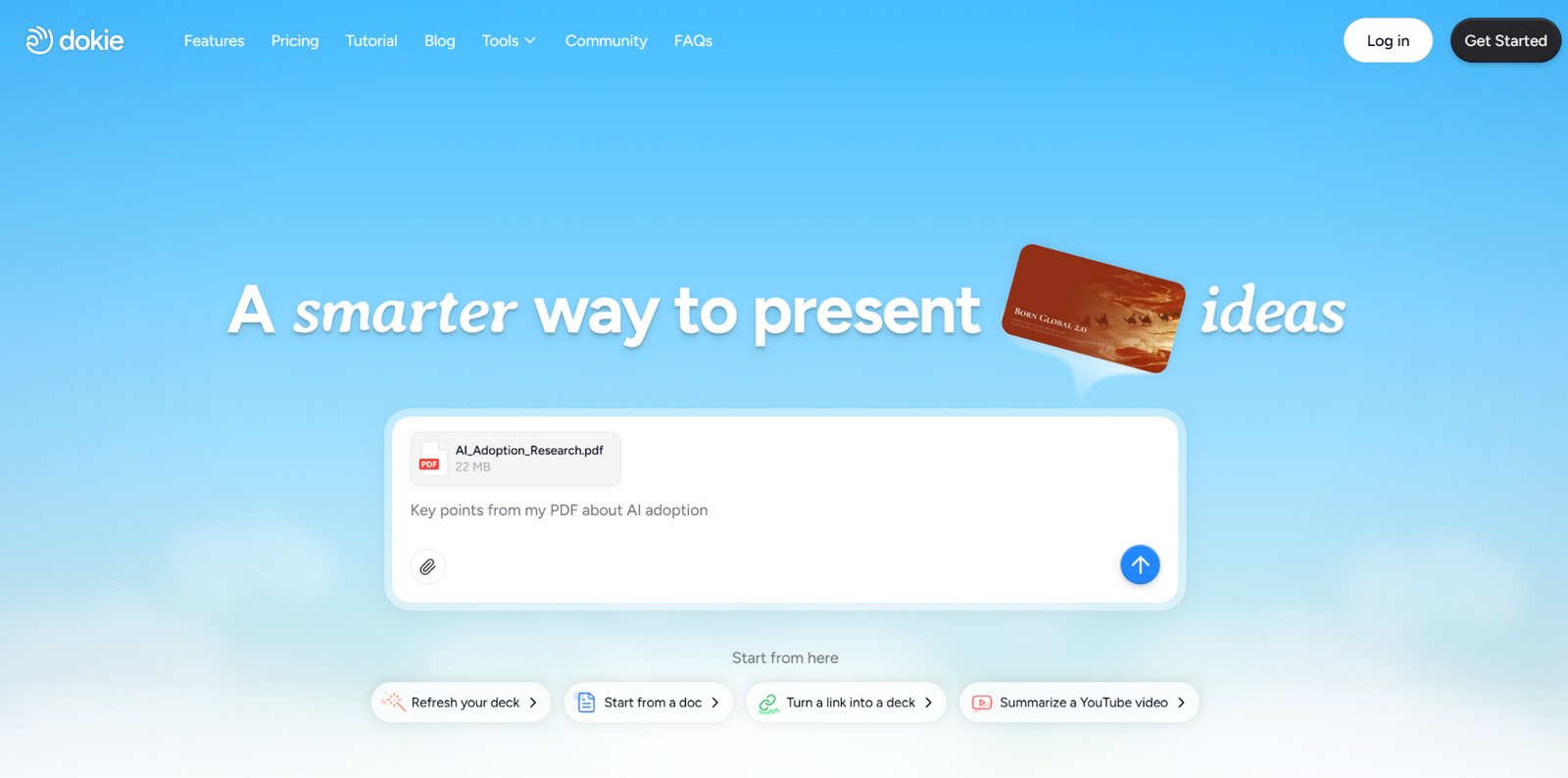 Dokie AI is one of the best SlidesGPT alternatives for users who want more structured, presentation-ready decks. SlidesGPT is good at quickly generating a starting point, but many users still need to spend time reordering slides or improving the flow. Dokie AI is stronger when the goal is to create a deck that already feels more organized from the start.
That makes it especially useful for business presentations, weekly reports, strategy decks, client updates, and internal summaries. If you care more about practical presentation logic than just getting a fast first draft, Dokie AI is a strong choice. It is a better fit for users who want slides that feel closer to real office use and need less manual cleanup before a meeting.
2. Gamma
Gamma is one of the most popular AI presentation alternatives because it offers a more modern and flexible experience than many traditional slide tools. Instead of feeling like a standard PowerPoint generator, Gamma feels more like a lightweight visual storytelling platform. That makes it appealing for users who want fast content creation and easy sharing.
Compared with SlidesGPT, Gamma often feels more polished and more interactive. It is especially useful for internal presentations, async sharing, quick idea communication, and modern web-style decks. The downside is that it may feel less traditional for users who mainly need classic PPT presentations. Still, if you want something more visually fluid and AI-native than SlidesGPT, Gamma is a very strong option.
3. Beautiful.ai
Beautiful.ai is a strong SlidesGPT alternative for users who care about slide polish and design consistency. While SlidesGPT is often centered on fast generation from prompts, Beautiful.ai puts more emphasis on helping users create polished slides without having to manually adjust every layout.
This makes it a good fit for users who want presentations that look professional right away. It works well for marketing decks, company overviews, pitch decks, and general business presentations. Compared with SlidesGPT, Beautiful.ai may feel more guided and less open-ended, but that can be an advantage for busy users who want attractive slides with less effort. If you value visual quality and cleaner layouts, it is worth considering.
4. Plus AI
Plus AI is a practical choice for users who already work inside Google Slides or PowerPoint and do not want to adopt a separate presentation tool. Instead of changing your workflow, it adds AI help directly into the slide software many teams already use. That makes it one of the most workflow-friendly SlidesGPT alternatives.
Compared with SlidesGPT, Plus AI is less about using a separate app to generate a one-off deck and more about improving how you already build presentations. This matters a lot for business teams with templates, shared brand assets, and existing decks to update. If you want AI support without leaving your usual tools, Plus AI is a very smart option.
5. Canva
Canva is a good SlidesGPT alternative for users who want more creative freedom and stronger design flexibility. It is not just a presentation tool. It also supports social content, documents, posters, whiteboards, videos, and other visual formats. That makes it useful for marketers, creators, educators, and small teams.
For presentations, Canva gives you far more control over how slides look. Compared with SlidesGPT, it is less focused on pure prompt-to-deck generation and more focused on flexible visual creation. That means it may require a little more hands-on work, but it also gives you more room to customize. If design matters as much as speed, Canva is a strong option.
6. Presentations.AI
Presentations.AI is another strong alternative for users who want AI speed without giving up a polished, professional result. It sits somewhere between structure-first business tools and more design-led presentation platforms. That balance makes it useful for many types of users.
Compared with SlidesGPT, Presentations.AI often feels more presentation-focused and less like a simple generation tool. It is a good fit for startup teams, consultants, founders, and professionals who want a deck that looks modern but still works in business settings. If you want something that feels more refined than a basic AI draft generator, it is worth testing.
7. MagicSlides
MagicSlides is a useful SlidesGPT alternative for people who often start with source material instead of a blank idea. It can help turn text, PDFs, URLs, and other content into presentation drafts more quickly. That makes it especially helpful for teachers, researchers, marketers, and busy professionals.
Compared with SlidesGPT, MagicSlides is often more practical for content repurposing workflows. If your goal is to convert existing material into slides rather than simply generate a deck from a topic, MagicSlides may fit better. The final result may still need editing, but it can save a lot of time at the first-draft stage. For speed and conversion convenience, it is one of the better alternatives.
8. AutoPPT
AutoPPT is a solid choice for users who want a simple AI presentation maker with a low learning curve. It focuses on helping users generate decks quickly from prompts or uploaded content, which makes it appealing for students, solo users, and smaller teams.
Compared with SlidesGPT, AutoPPT offers a similar promise of fast presentation generation, but some users may prefer its simplicity or workflow. It is a useful option if you want to test a straightforward tool without spending too much time learning a complex interface. If your main goal is to move from idea to first draft as quickly as possible, AutoPPT is worth a try.
Which SlidesGPT Alternative Is Best for You?
The best SlidesGPT alternative depends on what you care about most.
If you want better business deck structure, Dokie AI is one of the strongest choices. If you want modern, web-style presentations, Gamma is a great option. If you want polished layouts with less design effort, Beautiful.ai is a natural fit. If you want to stay inside Google Slides or PowerPoint, Plus AI is often the most practical. If you care about design flexibility, Canva stands out.
For users who want better balance between AI speed and presentation quality, Presentations.AI is a strong choice. For users who often turn documents or other material into slides, MagicSlides is especially useful. And for users who just want simple, fast generation, AutoPPT remains a practical option.
Final Thoughts
SlidesGPT is still useful, especially for getting a presentation draft quickly. But once your presentation needs become more serious, you may need a tool that does more than generate slides from a prompt.
The best alternative is the one that saves time not only at the beginning, but also during editing, exporting, and presenting. For some users, that means stronger structure. For others, it means better design, easier collaboration, or a more familiar workflow.
If you make slides often, choosing the right AI presentation tool can have a much bigger impact than most people expect.
FAQs
1. What is the best SlidesGPT alternative for business presentations?
Dokie AI is one of the best SlidesGPT alternatives for business presentations because it focuses more on deck structure and presentation readiness.
2. Which SlidesGPT alternative is best for PowerPoint users?
Plus AI is a strong option for PowerPoint and Google Slides users because it fits more naturally into existing workflows.
3. Is Gamma better than SlidesGPT?
Gamma can be better for users who want a more modern, web-style presentation experience. But users who prefer traditional PPT workflows may prefer another tool.
4. Which SlidesGPT alternative is best for design quality?
Beautiful.ai and Canva are both strong options for users who care a lot about visual polish and presentation design.
5. Which alternative is best for turning content into slides?
MagicSlides is especially useful for turning source material like text, PDFs, and URLs into presentation drafts quickly.