Digital content creators often need fresh visual ideas for blogs, advertisements, presentations, and social media campaigns. Finding suitable images and producing engaging videos can take time, especially when a project requires several different visual styles. AI-powered creative tools offer another approach by helping users turn written descriptions and existing photographs into new visual assets.
Vidnoz AI provides online tools for image creation and photo animation, giving users opportunities to experiment with different forms of digital storytelling. Understanding how these tools fit into a creative workflow can help users produce more consistent and purposeful content.
Begin with an Idea, Not Just an Image
Every successful visual project starts with a clear objective. A small business might need a product illustration, a student might want a visual for a presentation, and a content creator might be planning a humorous video for social media.
Before opening an editing tool, write down what the image should show and how it will be used. Consider the main subject, background, mood, color palette, and intended audience. These details make it easier to communicate the idea to an AI system.
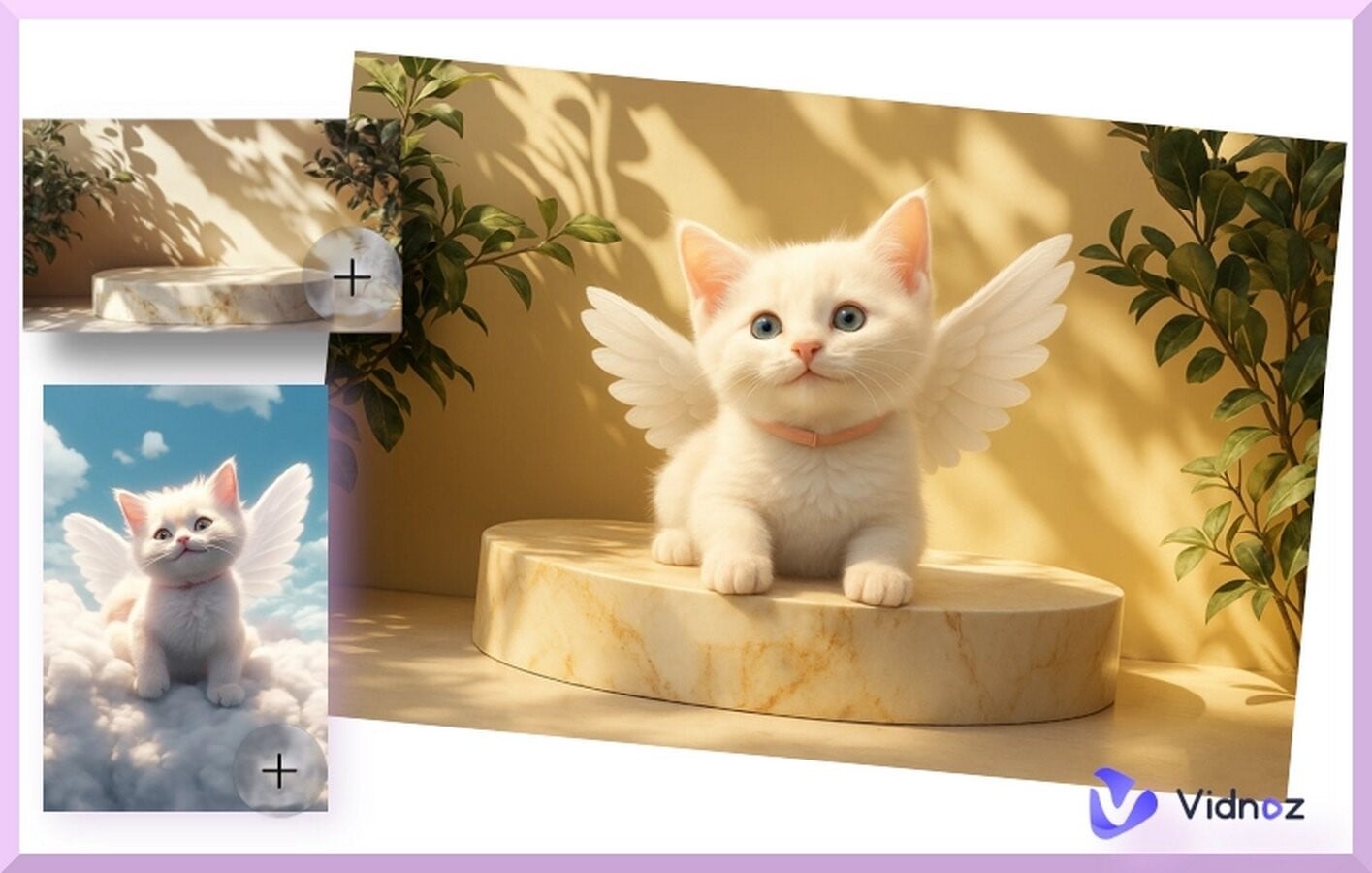 An AI image generator can transform a written prompt into a visual concept. It can also help users explore variations of an existing image, depending on the available settings.
For example, a small online shop could create a conceptual product scene with a clean background, soft studio lighting, and carefully arranged decorative elements. A teacher might generate an illustration of the solar system, while a travel blogger could experiment with a colorful landscape for a planned article.
The key is to provide specific instructions and review the results rather than expecting the first generation to be perfect.
Make Static Images More Entertaining
Once an image has been created, the next question is whether movement could make it more engaging. A static portrait might work well in a gallery, while an animated version could be better suited to a short entertainment clip.
A AI dance generator free allows users to explore the process of turning suitable photographs into dance animations. Rather than recording a new performance, creators can start with a still image and select a motion style supported by the tool.
This can be useful for playful social media content, character animation experiments, and short clips designed to attract attention. For example, a creator could use a suitable character image to produce an entertaining dance sequence for a themed post.
Good source images matter. Choose a clear image with an unobstructed subject and sufficient lighting. Then preview the generated video to check whether the movements appear natural and whether important visual details remain consistent.
Build a Simple Image-to-Animation Workflow
Using separate creative stages helps keep a project organized. Instead of generating random images and adding effects without a plan, follow a sequence that connects the original idea to the final content.
Step 1: Write a creative brief. Describe the purpose of the content, its audience, and the message it should communicate.
Step 2: Generate the visual. Use a descriptive prompt to create an image that matches the brief. Adjust the wording if the result contains the wrong colors, setting, or composition.
Step 3: Decide whether animation is necessary. Not every image needs movement. If animation supports the idea, choose a suitable photo-animation or dance effect.
Step 4: Inspect the finished result. Look for distorted details, awkward motion, unexpected changes, or elements that distract from the main subject.
Step 5: Prepare the content for publication. Choose appropriate dimensions, review the file quality, and confirm that you have the rights needed to share the image or video.
This workflow makes creative experimentation more focused and helps prevent unnecessary revisions.
Practical Uses for Creators and Businesses
AI-generated visuals can support a range of everyday projects. Social media managers can develop alternative graphics for different campaigns. Bloggers can create illustrations that complement written content. Educators can prepare visual examples to explain concepts, while small businesses can explore early design ideas before commissioning a full production.
Animation adds another option when the objective is to create short, entertaining content. However, the right format depends on the message. A detailed infographic may communicate research more effectively as a static image, while a playful character animation may work better in a short video.
AI tools should support the creative objective rather than determine it. Choosing the appropriate format first can save time and make the finished work more effective.
Improve Results Through Careful Review
AI-generated content sometimes includes unusual anatomy, inconsistent objects, inaccurate details, or movements that do not look convincing. Reviewing each result is therefore essential, especially when visuals represent a real product, public figure, educational subject, or business.
Use accurate source material when factual details matter. Check text appearing inside generated images because spelling and layout may require correction. For animated photographs, make sure the motion is appropriate and that the image is used with permission.
Also review the platform’s current generation limits and terms before relying on a particular feature for repeated or commercial use. Free access may have daily limits or restrictions that affect larger projects.
Explore Creative Possibilities with Vidnoz AI
Vidnoz AI offers online tools that support image generation and photo animation, allowing users to experiment with visual ideas through a browser-based workflow. Beginners can start with a simple prompt or suitable photograph, while more experienced creators can refine their instructions and compare different outputs.
The most effective approach is to treat AI as a creative assistant. It can speed up initial experimentation, but the creator remains responsible for choosing the right concept, checking the quality, and ensuring that the final content meets its intended purpose.
Conclusion
Creating digital visuals no longer has to begin with a complex editing process. AI image generation can help turn ideas into pictures, while photo animation can add movement when a project calls for something more dynamic.
By combining clear prompts, suitable source images, and careful quality checks, users can develop a more organized content-creation workflow with Vidnoz AI. Whether the goal is a social media graphic, an educational illustration, or a playful animated clip, the strongest results come from matching the tool to the idea and reviewing the output before sharing it.