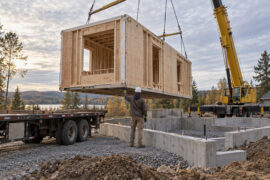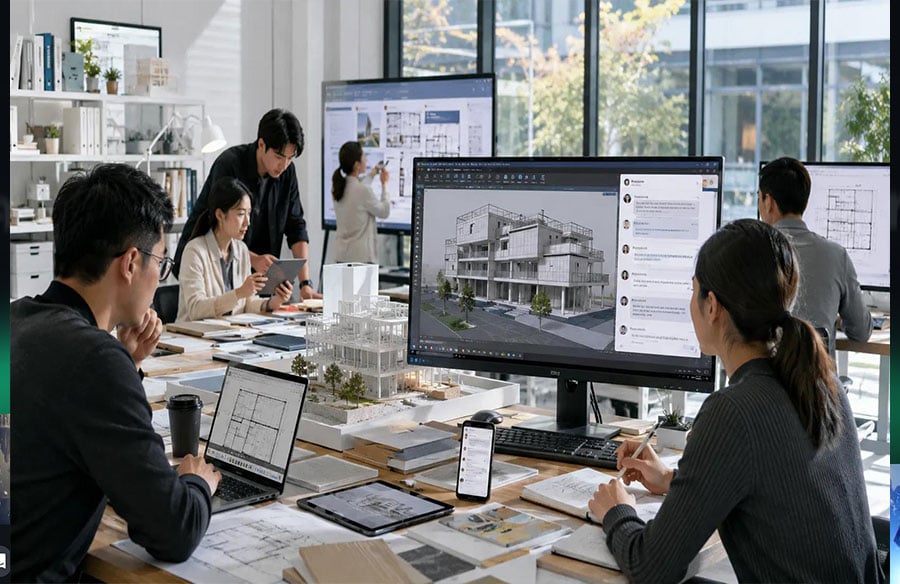
Architecture and design projects rarely happen in one place. A concept may begin on a workstation in a studio, move into a client meeting on a tablet, continue on a construction site through a smartphone, and return to a desktop environment for revisions later in the day.
That movement between devices has changed how design teams communicate.
Architects, interior designers, engineers, consultants, contractors, suppliers, and clients often need to exchange information quickly while working in very different environments. A project manager may need to review a drawing on a laptop, answer a contractor’s question from a phone, and then organize the resulting decisions in a cloud-based project system.
The challenge is not simply having enough communication tools. It is making sure that important information remains understandable, accessible, and secure as teams move between desktop, mobile, browser, and cloud environments.
For modern design practices, cross-device communication has become part of the project workflow itself.
Why Architecture Teams Depend on Continuous Communication
Architecture is highly collaborative.
Even a relatively small project can involve several disciplines working at the same time. Architects may coordinate with structural engineers, mechanical and electrical consultants, interior designers, visualization teams, contractors, and clients.
Each group has different responsibilities, but their decisions affect one another.
A change to a floor plan can influence structural requirements. A revised material specification may affect procurement. A construction-site issue can require immediate clarification from the design team.
This makes communication continuity essential.
Email remains useful for formal correspondence, while project-management platforms and cloud storage systems are better suited to organized documentation. Messaging tools often fill another role: fast conversations, quick confirmations, meeting coordination, site updates, and immediate questions.
The most effective teams usually do not rely on one communication method for everything. Instead, they combine several tools and assign each one a clear purpose.
Desktop Communication Still Matters in Design Studios
Mobile communication is important, but desktop environments remain central to architecture and design work.
Design professionals frequently spend long periods working with:
- CAD drawings
- BIM models
- Renderings
- PDFs
- Specifications
- Spreadsheets
- Presentation documents
- Project-management platforms
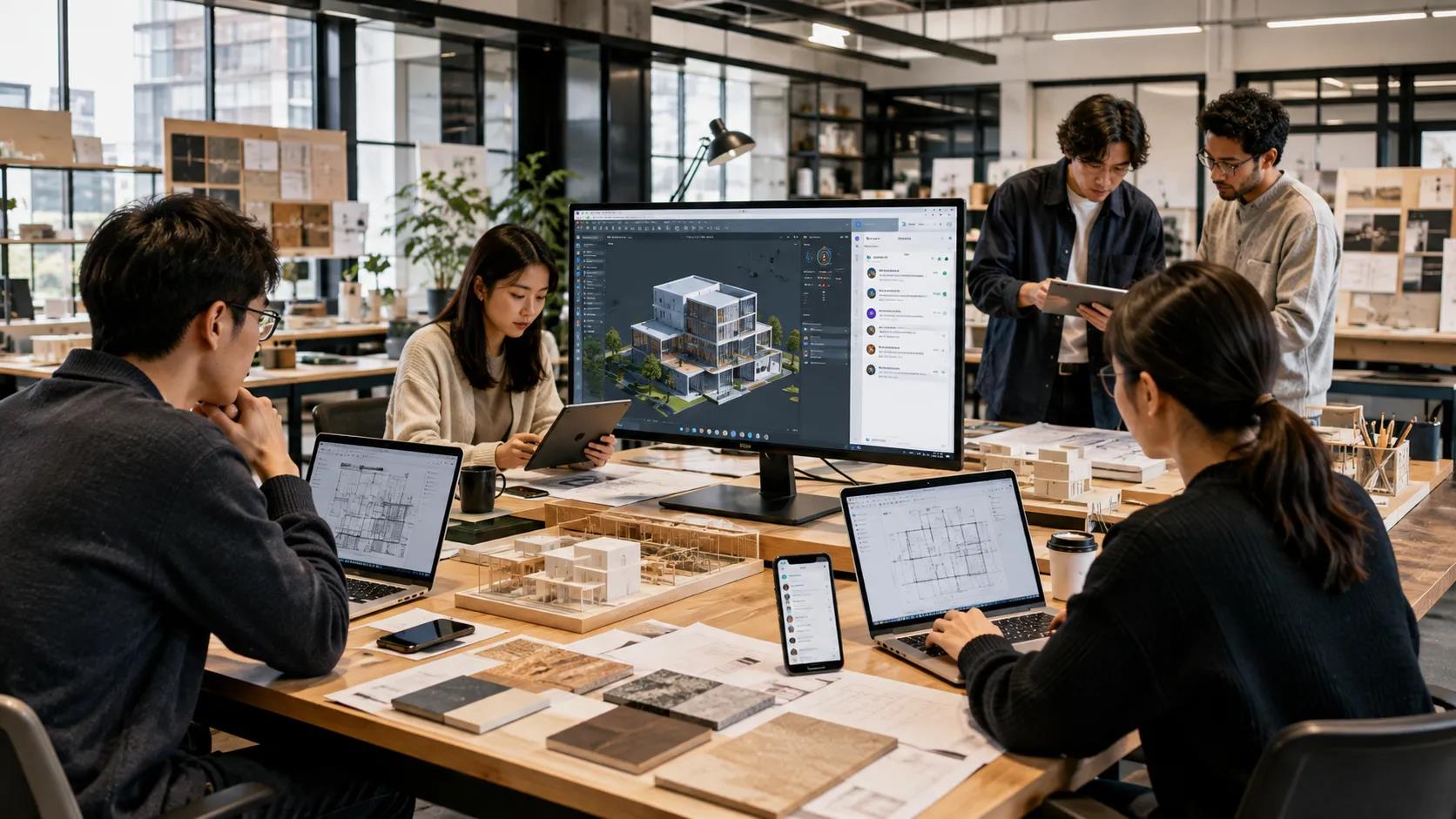
A large monitor makes it possible to keep communication tools visible beside project files without constantly switching between applications.
A physical keyboard also improves efficiency when responses require detailed explanations. Instead of writing a long technical message on a phone, a designer can keep the conversation open beside a drawing and reference information directly while typing.
File management is another advantage.
Architectural workflows often involve large or highly structured files. Desktop environments make it easier to organize downloads, compare versions, rename documents, and move information into the correct project folder.
For teams that spend most of the day at a workstation, desktop messaging can therefore become part of the wider digital workspace rather than a separate communication channel.
Choosing a Desktop Setup That Fits the Workflow
A desktop communication setup should support the design process without adding unnecessary complexity.
Different firms may use Windows, macOS, or a combination of operating systems. Some users work from fixed desktop workstations, while others rely on portable laptops that move between the studio, home office, and client meetings.
The right configuration depends on how communication fits into the rest of the workflow.
Teams using Telegram alongside design and productivity software may consult a Telegram desktop setup guide when configuring computer-based access, especially when messaging needs to remain available beside drawings, documents, or project-management tools.
The important consideration is not simply whether a desktop version exists. Teams should also think about:
- Operating-system compatibility
- Notification behavior
- File-download locations
- Account synchronization
- Security settings
- Language preferences
- Shared-computer policies
A well-configured desktop environment should make communication easier without becoming another source of distraction.
 Moving Between the Studio and the Construction Site
Architecture teams work in environments that change throughout the day.
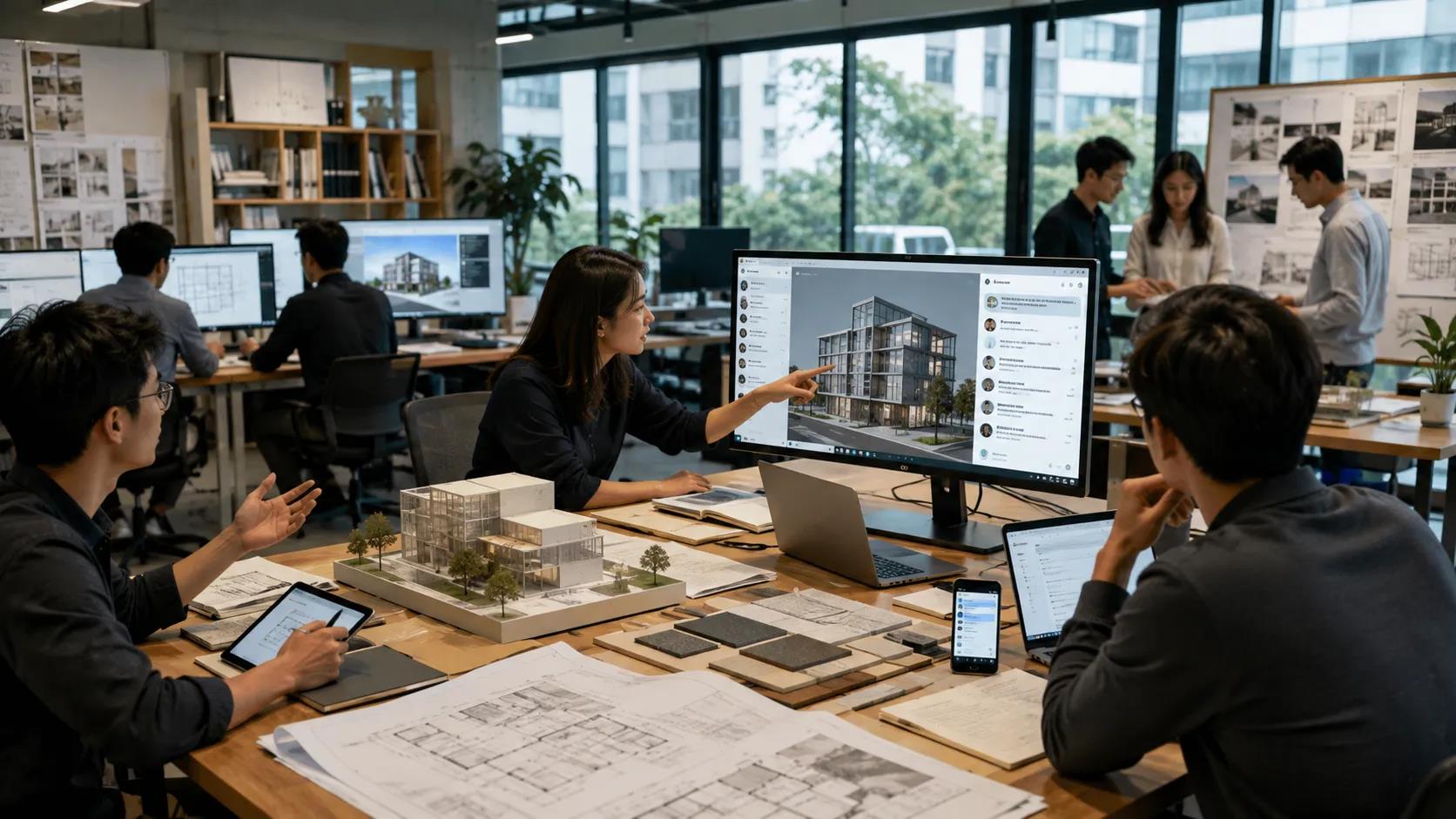
In the studio, a desktop computer may be the primary device. At a construction site, the smartphone often becomes more practical. During a client presentation, a tablet may provide the best balance between mobility and screen size.
Each device supports a different type of interaction.
A desktop environment is better suited to reviewing drawings and writing detailed explanations. A mobile device is better for capturing photographs, sending quick updates, or answering urgent questions while moving around a site.
This is why cross-device synchronization matters.
A contractor may send a photo from the site. An architect can review the message on a desktop computer, compare it with the latest drawing, and send a response. Later, the same conversation can be checked from a phone while traveling.
The communication continues even though the working environment changes.
 Communication Should Not Replace Project Documentation
Fast messaging is useful, but it should not become the only place where project decisions are recorded.
Architectural projects generate large amounts of information that may need to be referenced months or even years later.
Important material can include:
- Drawing revisions
- Client approvals
- Technical specifications
- Requests for information
- Meeting notes
- Site observations
- Material selections
- Contractor instructions
Messaging applications are good for immediate coordination, but formal records should usually be moved into the appropriate document-management or project-management system.
For example, a designer may confirm a detail through a chat message, but the approved decision should also appear in the project documentation if it affects drawings, contracts, or construction.
This separation reduces the risk of important decisions becoming buried inside long conversation histories.
Global Design Teams Also Face Language Barriers
International architecture practices introduce another layer of complexity: language.
A project team might include people working from Hong Kong, Taipei, Singapore, London, or New York. Some team members may prefer English software interfaces, while others may be more comfortable using Traditional Chinese.
The same setting can therefore appear under different terms.
For example:
- Settings / 設定
- Notifications / 通知
- Devices / 裝置
- Desktop / 電腦版
- Download / 下載
- Privacy / 隱私
These differences may seem minor, but they can become confusing when one team member is explaining a software setting to another.
A user following English-language instructions may need to locate the corresponding Traditional Chinese option. Another user may search for technical information using Chinese terms even though the software interface is configured in English.
Clear communication becomes easier when teams recognize these terminology differences.
Multilingual Interfaces Can Reduce Communication Friction
Software localization can improve usability for international teams, particularly when users need to configure accounts, notifications, privacy, or device access.
Chinese-speaking members of global design teams may use resources explaining Chinese interface settings for Telegram when they need to understand localized menus, language options, or desktop configuration while the surrounding project workflow operates mainly in English.
This can be useful when team members are trying to match the same setting across different devices.
For example, a project manager may explain that desktop notifications should be disabled during presentations. An English-language interface may show “Notifications,” while a Traditional Chinese interface may display 「通知」.
The function is the same, but users need to recognize the equivalent terminology.
Localization therefore does more than translate words. It can make technical instructions easier to follow and reduce unnecessary confusion in multilingual teams.
 Desktop and Mobile Interfaces Serve Different Contexts
The same communication platform may look very different on a phone and a desktop computer.
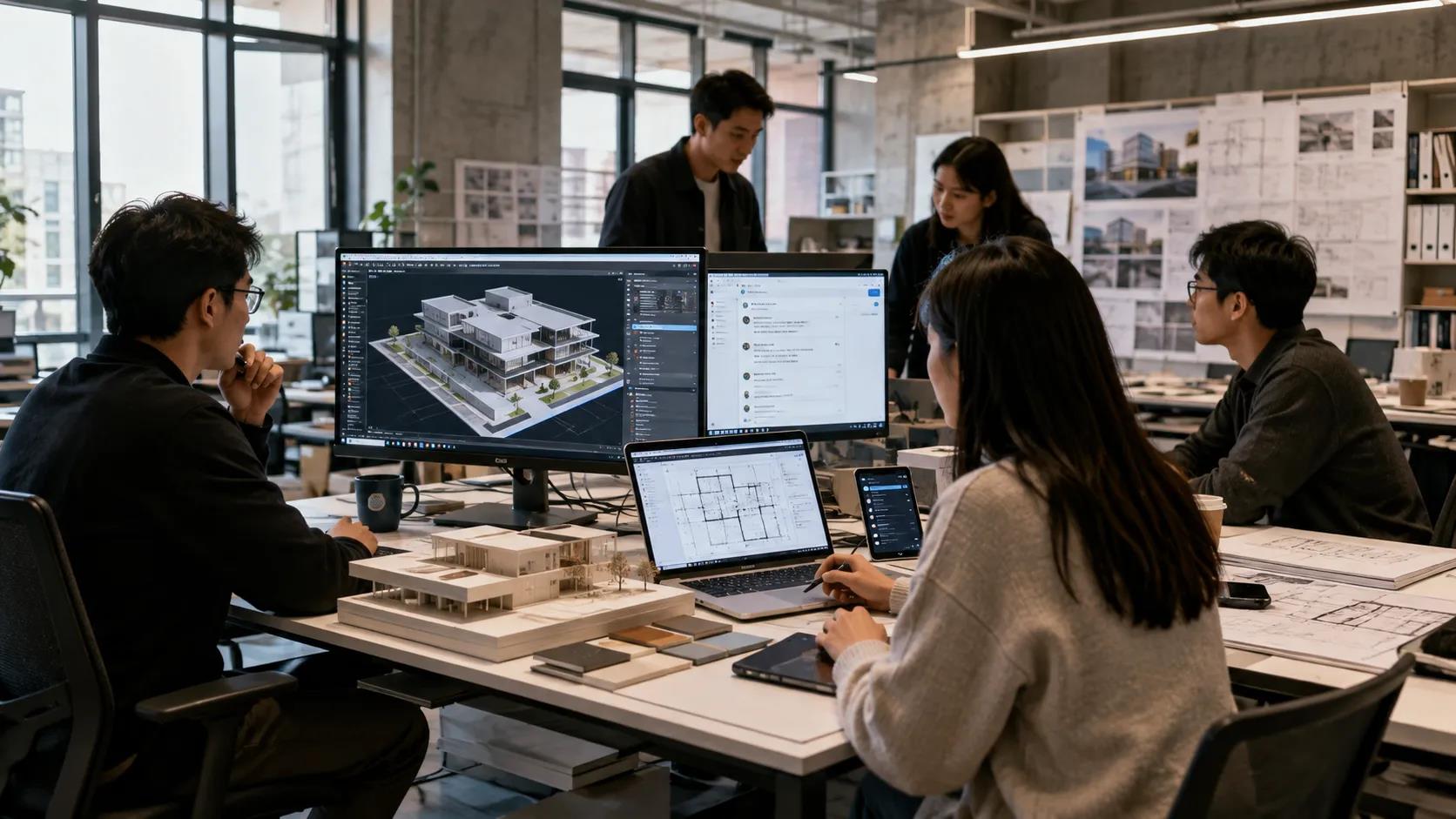
Mobile interfaces prioritize compact navigation and touch interaction. Desktop applications can display more information at once.
For architecture teams, this difference can influence how information is handled.
On a phone, a user may quickly read a message and view a site photograph. On a desktop computer, the same user may compare the photograph with a drawing, open additional documents, and write a more detailed response.
This is why project teams should avoid assuming that instructions will look identical on every platform.
When explaining a workflow, it can help to specify whether the instruction applies to:
- Desktop
- Mobile
- Tablet
- Browser
- Windows
- macOS
- Android
- iOS
That small amount of clarification can prevent significant confusion.
Notification Design Matters in Creative Work
Architecture and design require long periods of concentration.
Constant messaging notifications can interrupt that process.
A designer working on a complex model or preparing a client presentation may not need to respond immediately to every group conversation. At the same time, urgent messages from a project manager, contractor, or client may require quick attention.
A more effective notification strategy can separate communication by priority.
For example:
- Critical project channels can remain active.
- General discussion groups can be muted.
- Message previews can be disabled during presentations.
- Desktop notifications can be limited during focused work.
- Mobile alerts can remain active for site-related issues.
The goal is not to eliminate communication but to prevent communication from disrupting the work it is supposed to support.
Security Matters When Project Information Is Sensitive
Architecture teams frequently handle information that should not be publicly accessible.
This may include:
- Client documents
- Contracts
- Building plans
- Project addresses
- Interior layouts
- Site photographs
- Procurement information
- Commercial discussions
When messaging accounts are connected to multiple devices, teams should review their security settings carefully.
Useful practices include:
- Enabling two-step verification
- Reviewing active sessions
- Removing old devices
- Using screen locks
- Avoiding shared public computers
- Limiting message previews
- Keeping operating systems updated
- Protecting downloaded project files
A lost laptop or forgotten browser session can create unnecessary risk.
Security should therefore be treated as part of the communication workflow rather than as a separate technical issue.
Building a Better Communication Workflow for Design Teams
A reliable cross-device communication system does not require every team member to use every feature.
It requires clear rules.
- Separate Fast Communication From Formal Documentation
Use messaging for quick coordination, but move important decisions into the official project system.
- Use the Right Device for the Situation
Desktop computers are better for detailed work, while smartphones are better for mobility and site communication.
- Keep Terminology Clear
International teams should recognize equivalent terms across English, Traditional Chinese, and other language environments.
- Manage Notifications Intentionally
Not every conversation deserves the same level of interruption.
- Protect Connected Devices
Review active sessions and remove devices that are no longer being used.
- Define Communication Channels
Separate client communication, internal design discussions, consultant coordination, and construction-site questions where possible.
- Keep Files in the Appropriate System
Do not allow messaging applications to become the only archive for project documentation.
Designing Communication as Part of the Workflow
Modern architecture depends on digital tools, but technology alone does not create an efficient project.
The real challenge is designing how information moves between people, devices, and platforms.
A good communication system allows an architect to leave the studio, visit a construction site, attend a client meeting, and return to a workstation without losing the context of important conversations.
It also recognizes that different team members may use different devices, languages, and working environments.
When desktop, mobile, and cloud tools are organized around clear responsibilities, communication becomes less fragmented. Teams can respond faster without losing control of project documentation, privacy, or focused design time.
For architecture and design practices, cross-device communication is ultimately another form of system design: information needs to reach the right person, through the right channel, on the right device, at the right moment.