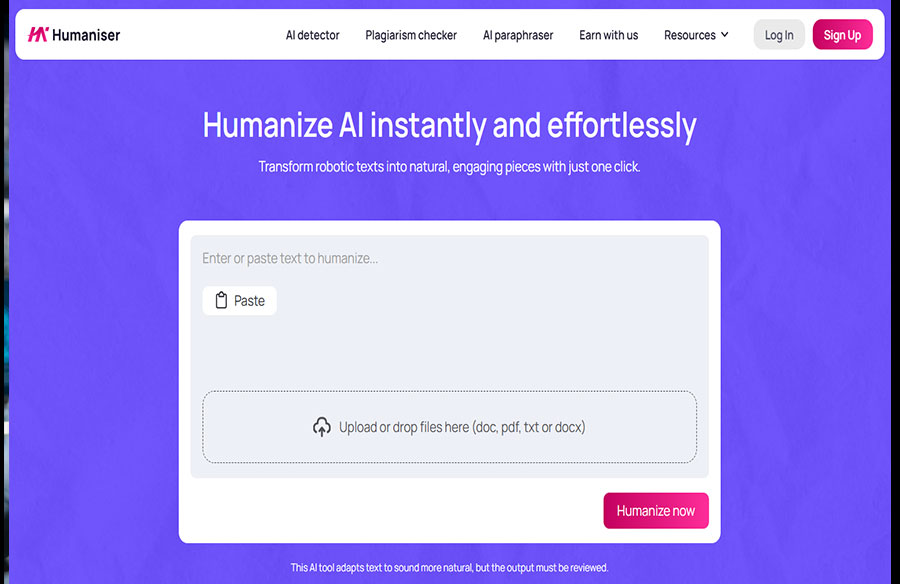
Humaniser.ai feels built for that very specific writing problem where your draft is technically fine, yet still sounds like it was assembled in a windowless room by a robot with excellent manners.
I tested Humaniser.ai with that problem in mind. I took a text that had decent ideas but a very obvious AI sheen, ran it through the platform, checked the new version with its built-in AI detector, scanned it for plagiarism, and then edited it myself.
That final step mattered. A reliable tool can speed up the process, but it still needs your judgment, your context, and your taste.
What Humaniser.ai does
Humaniser.ai is designed to make AI-written text sound more natural. You paste in your draft, run the humanizer, and get a rewritten version that aims to sound more readable.
The platform is not only a one-button rewriter. Along with the humanizer, the website includes an AI detector, plagiarism checker, and paraphraser. That creates a fuller workflow for people who use AI for writing but do not want to submit something that screams “generated.”
The tool is useful when you need to:
- Smooth out stiff AI phrasing without rewriting every sentence manually
- Check whether the edited version still looks AI-heavy
- Scan for accidental similarity before using or submitting the text
- Rework awkward passages when the first version feels flat
Instead of copying your draft between random tools and hoping the results make sense together, you can humanize, check, and refine in one place.
My test: from stiff AI draft to usable text
For my test, I used a medium-length educational-style text. It looked like the kind of draft students, bloggers, or content writers often get from ChatGPT: clear enough, structured enough, and refined in the worst possible way.
The original had the usual AI tells. The intro was broad. Some transitions sounded predictable. A few sentences repeated the same idea with different wording, as if the text was trying to meet a word count without admitting it. The information was there, but the voice was missing.
I pasted the text into Humaniser.ai and used the humanizer. The result was better than I expected: it did not simply swap normal words for fancier ones. A weak humanizer for AI often creates that thesaurus effect, where “useful” becomes “advantageous” and suddenly your paragraph stops making sense.
Humaniser.ai gave me a version that was easier to read. The sentences had more movement. Some lines became more direct. The phrasing felt less stiff, and the overall draft moved closer to something a person could edit and actually use.
It was not perfect, though. A few phrases still felt too smooth. One paragraph needed a sharper example. Another sentence had the kind of tidy ending I would probably cut if I were to submit it to another person for review.
Still, I was not staring at a blank page anymore, and I was not fighting every line from scratch.
Where the humanized version improved most
The biggest improvement was not “personality,” at least not in the magical sense. Humaniser.ai did not suddenly turn the text into a hilarious personal essay. What it did was more practical: it made the draft less mechanical.
Here is where I noticed the greatest improvement:
- Sentence rhythm: the text became less repetitive and easier to move through
- Transitions: several clunky links between ideas became smoother
- Word choice: the draft sounded less formal without becoming sloppy
- Readability: the rewritten version required less mental effort to follow
- Editing speed: I could focus on style and accuracy instead of rebuilding the whole piece
The tool did not replace editing. It made editing less annoying, which is often the better promise.
The built-in AI detector result
After humanizing the text, I ran the new version through the built-in AI detector. The result showed 6% AI content.
That score felt okay. I would not treat any AI detector as a final authority because these tools can be inconsistent, and different detectors often disagree with each other. Still, 6% was a useful signal. It suggested that the text no longer looked heavily machine-written according to the platform’s own checker.
I was glad I could run a quick check and use the result as a second opinion. And anyone using an AI humanizer for Chat GPT outputs would probably agree with me. ChatGPT can help you get a draft quickly, but checking the edited version helps you avoid handing in or publishing text that still carries obvious AI patterns.
The plagiarism check
Next, I ran the humanized version through the plagiarism checker. It showed 4% plagiarism, including mostly common phrases.
That result did not worry me. Some similarity is normal when a text includes standard academic wording or common expressions that appear across many sources. What mattered more was that the checker gave me a quick way to see whether anything looked risky.
AI-generated drafts can sometimes lean too close to source-like phrasing, even when you did not copy anything on purpose. A plagiarism scan helps catch that before the text goes anywhere important.
What I still checked manually
After the AI and plagiarism checks, I read through the humanized version carefully. I did not want to treat the tool output as “done” just because the scores looked safe.
The manual pass was quick, but it made the text better. I changed a few lines to fit my style, tightened one paragraph, and removed several generic phrases.
My final check focused on:
- Voice: did this sound like something I would actually write?
- Specificity: did any sentence need a clearer example or sharper detail?
- Accuracy: did the rewritten version keep the original meaning?
- Flow: did the paragraphs move naturally, or did they feel patched together?
- Over-polish: did any line sound vague or “AI helpful”?
That editing pass did not take much time. More importantly, it was much easier than rewriting the whole draft myself. Humaniser.ai gave me a stronger middle draft, then I handled the final layer: taste, context, and control.
Most impressive features
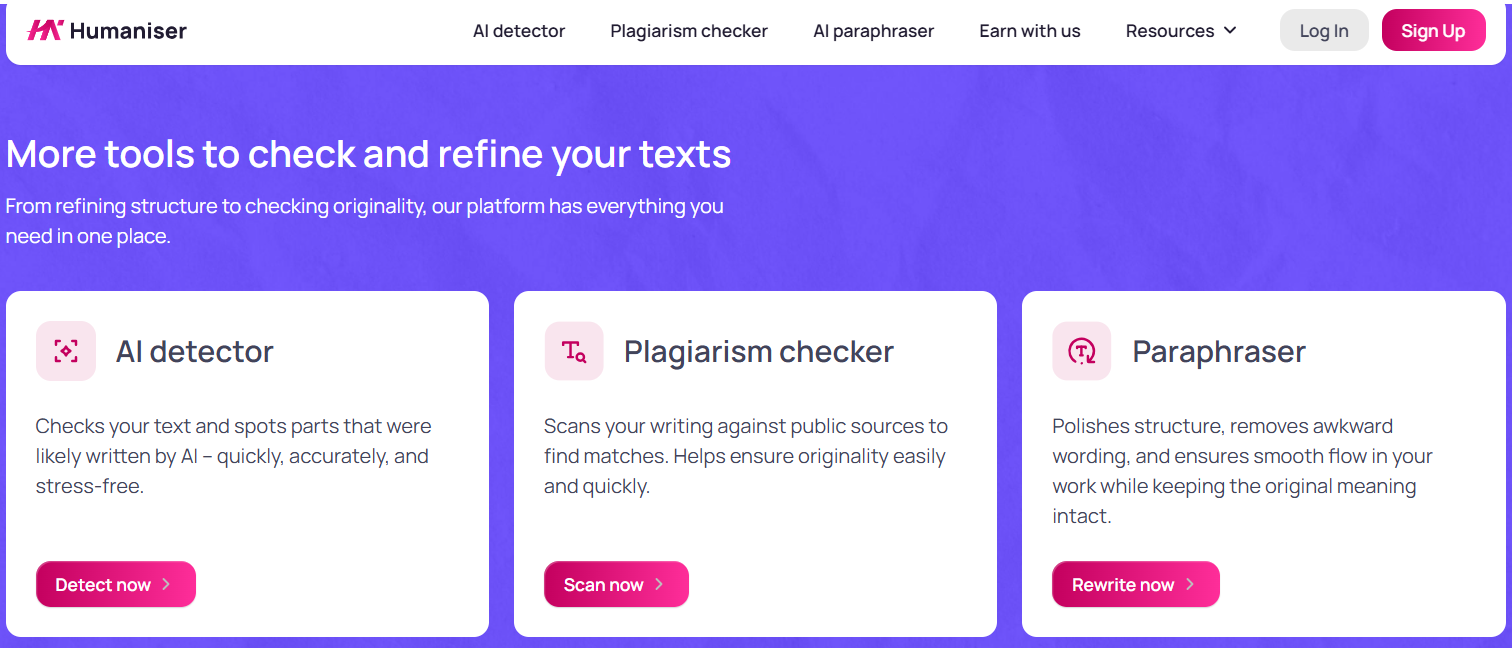 The strongest part of Humaniser.ai is the full loop. You can humanize AI content, check the AI score, scan for plagiarism, and use the paraphraser when a line still feels awkward.
The humanizer is useful when your draft has the right information but the wrong texture. The detector helps you check whether the rewritten version still looks AI-heavy. The plagiarism checker gives you a safer view of originality. The paraphraser is handy when you have one stubborn sentence that refuses to sound normal.
The interface also helps. It is simple, direct, and easy to understand without a tutorial. You still need to review the final output, but the platform removes a lot of the heavy lifting.
Final verdict on Humaniser.ai
Humaniser.ai is a useful and trustworthy option if you want a faster way to turn robotic AI drafts into more natural text. In my test, the humanizer made the draft smoother and easier to edit, the built-in AI detector showed 6% AI content, and the plagiarism checker showed only 4% similarity, mostly from common phrases.
The humanized version still needed a human read-through, and that is not a flaw. A proven writing workflow should leave room for your own voice. Humaniser.ai helped me get past the stiff middle stage faster, then let me make the final text sound like I envisioned it.