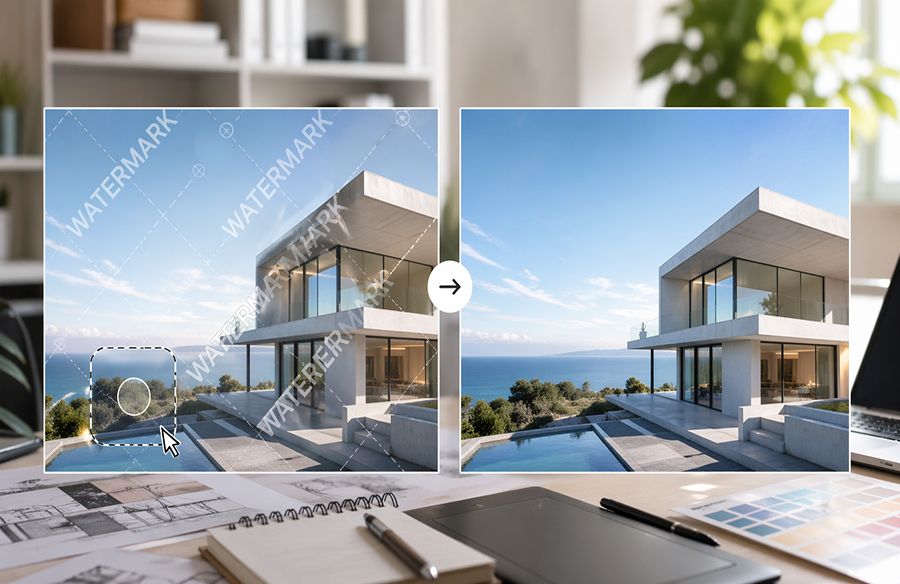
In today’s design workflow, visual references play a crucial role in shaping ideas, presentations, and final outputs. From architectural mood boards to concept sketches, designers constantly work with images sourced from various platforms. However, many of these images include watermarks, logos, or unwanted overlays that can distract from the visual clarity.
This is where the need to remove watermark from image assets becomes increasingly relevant—especially for designers who want clean, presentation-ready visuals without spending hours in complex software like Photoshop.
Why Designers Need Watermark-Free Images
When preparing client presentations or portfolio work, every detail matters. A visible watermark can:
- Break visual consistency
- Reduce professionalism
- Distract from key design elements
Traditionally, removing watermarks required advanced editing skills using tools like Photoshop. But not every designer has the time—or the need—to go through a manual, layer-based editing process.
AI is Changing Image Editing Workflows
With the rise of AI-powered tools, tasks that once required technical expertise are now accessible to anyone. Modern watermark remover tools use machine learning to intelligently reconstruct image areas, making edits look natural and seamless.
Instead of cloning pixels manually, AI analyzes surrounding textures, lighting, and patterns to fill in removed areas. This not only saves time but also produces cleaner results—especially for complex backgrounds.
How to Remove Watermark from Image Without Photoshop
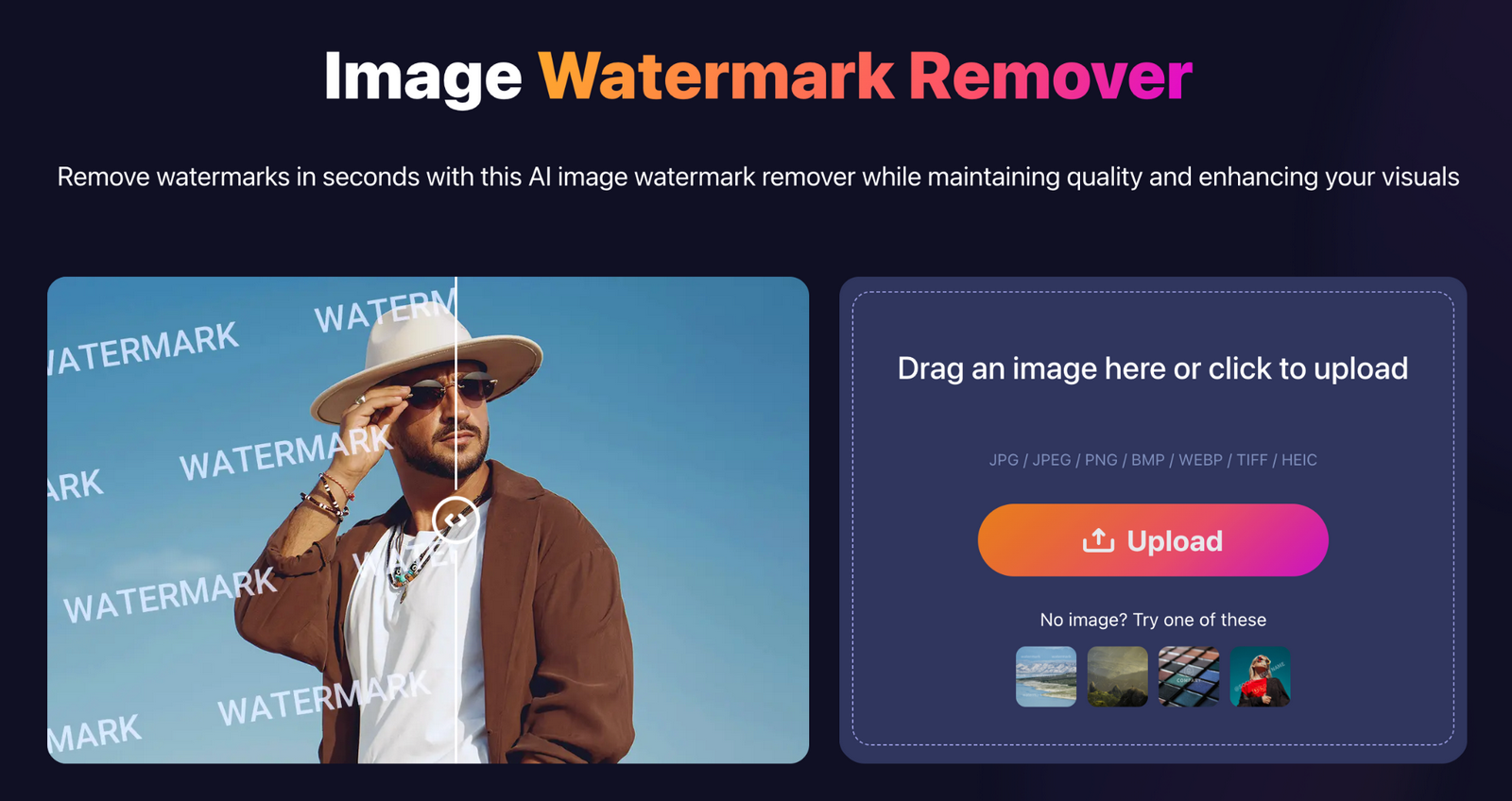 Today, you can remove watermark from image files directly in your browser with just a few steps:
- Upload your image
- Select the watermark or unwanted area
- Let the AI process the image
- Download the cleaned version
Tools like Remove Watermark make this process fast and intuitive, allowing designers to clean reference images without installing any software. Whether you’re working on architectural visuals, product mockups, or social media graphics, this approach significantly improves efficiency.
Use Case: Preparing Design References
Imagine you’re building a mood board for a client presentation. You find the perfect reference image—but it includes a large watermark across the center. Instead of discarding it or spending time editing manually, you can quickly remove watermark from image elements and integrate it into your design workflow seamlessly.
This is especially useful in early-stage ideation, where speed and flexibility matter more than pixel-perfect manual edits.
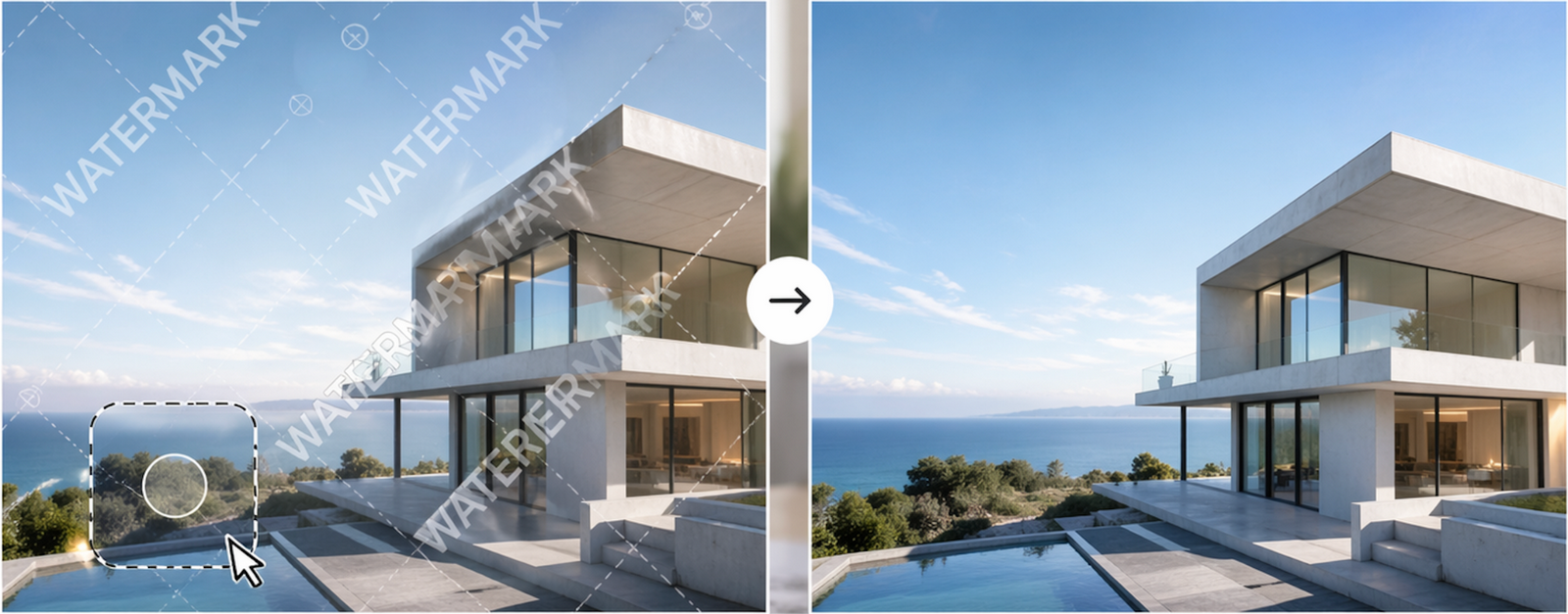
Visual Example
 Beyond Images: What About Video?
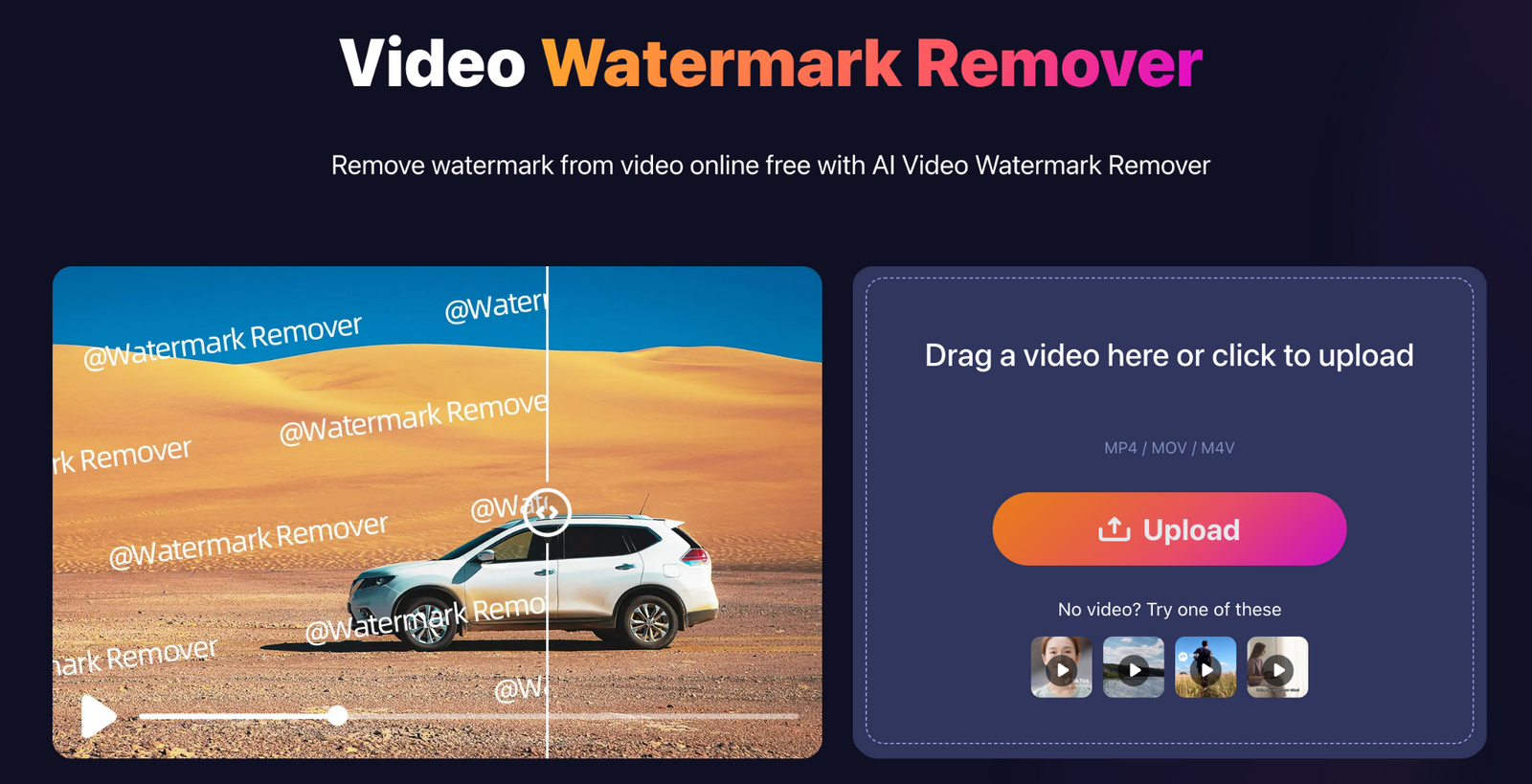
While image editing is now highly streamlined, similar needs exist in video workflows. In some cases, designers may also need to Remove watermark from video content when preparing presentations or demo materials. Although more complex, AI is gradually making this process more accessible as well.
 Final Thoughts
As design workflows continue to evolve, AI tools are becoming essential for improving productivity and output quality. The ability to remove watermark from image files quickly and efficiently allows designers to focus more on creativity and less on repetitive editing tasks.
Whether you’re an architect, graphic designer, or content creator, integrating a reliable watermark remover into your workflow can significantly enhance how you prepare and present visual content.