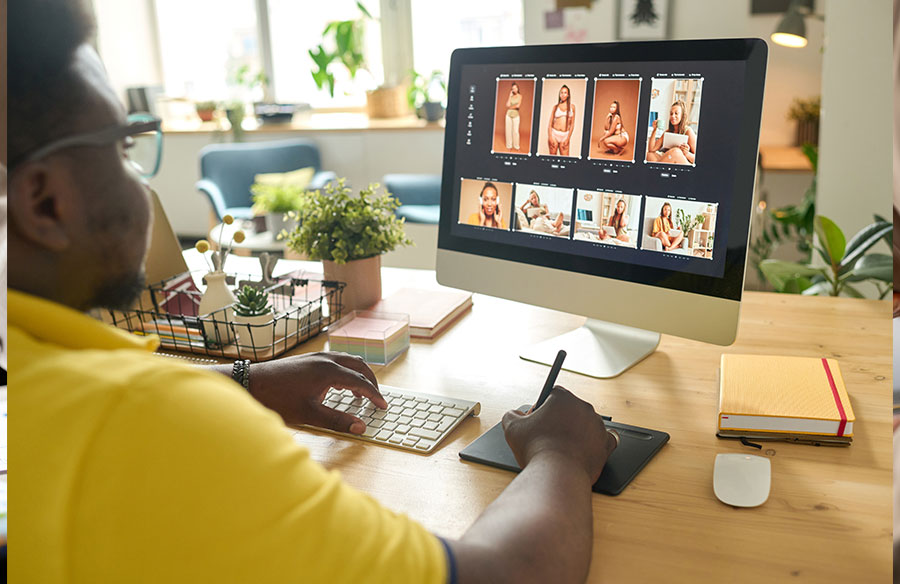
Designers often wait for that spark to come when creating something from scratch. However, let’s face the fact: it doesn’t always show up on its own. Instead, you have to actively seek inspiration to brainstorm new visual concepts. But the problem is that searching through random websites, pages, and profiles to get inspiring ideas takes a lot of time and effort.
Sometimes, you don’t even find the right graphics at all, making your creative process slow and frustrating. That’s where image finder tools come in handy. They not only speed up the visual discovery process but also bring relevant material that matches your needs and vision. Many design experts already know about these tools and use them regularly to fuel their creativity.
In this guide, we will discuss exactly how they make the most out of such tech-based solutions. Also, we’ll introduce you to some top photo search tools so that you can enhance your workflow. So, let’s get started.
What Are Image Finder Tools?
Before moving to how exactly picture-finder tools contribute to creative inspiration, let’s first get familiar with them. Why? Because many of you may be hearing about this for the first time or may have only a little idea of what they are and how they work. Well, these tools are advanced search platforms that are mostly backed by AI-powered visual recognition technology.
If you talk about their working process, they take a photograph as a reference, extract its visual features, and look for similar versions online. From color, style, and composition to shapes, textures, and even patterns, they focus on everything when running a similarity check. This results in retrieving a large collection of photos from the internet that share high similarity with the sample photo.
What Exactly Do Designers Use Image Finder Tools For?
When it comes to taking inspiration for their designs, creative professionals use image finders for different purposes. Here is exactly how they use these tools to enhance their creativity so that they can come up with the right ideas to complete their visual projects:
Gathering Style References
Designers often have to collect pictures that show the same style in different approaches for reference. While the internet is full of a variety of styling options, finding identical versions of a particular one is still a challenging task. However, image search tools resolve this issue by finding pictures that feature nearly the same styles that experts look for. This makes it easier to study a style deeply and apply it in a specific way in their own visuals.
Analyzing Competitors’ Designs
Another way design specialists capitalize on picture search tools is by examining competitors’ work across the globe. Even a single search by a specific picture reveals the visual material of many other companies working on similar design projects. This gives a comprehensive overview of how others are styling their visuals and what is needed to be unique from them.
Keeping An Eye On New Trends
Design trends keep changing with time, and keeping an eye on them is essential to stay updated with new additions in the industry. While this can be done in several other ways, most designers prefer running a quick visual search for this purpose. It also helps to follow trusted industry resources, such as Adobe’s official design inspiration library, which showcases trending styles, fresh concepts, and modern visual ideas. This gives designers better exposure to what’s going on and how other professionals are designing their graphics, helping them ensure that they also reflect the trendy touch in their own work.
Exploring Unique Color Compositions
Color composition matters as much as color choice in design. That’s the reason why designers explore the internet with picture finders to see how different hues and shades work together in real projects. By searching for similar images, they get a lot of ideas about what color they should consider the primary focus and which shades to use as accents. Also, the matches assist them in figuring out the right color arrangement for their design.
Finding Similar Patterns & Textures
Using creative patterns and textures in the background is common these days. However, no designer prefers to repeat the exact pattern seen elsewhere. That’s why they opt for similar picture-finding tools that bring too many options by performing a quick reverse image search. This provides them an opportunity to choose between different variations and combine elements in new ways to create unique textures and patterns.
Discovering Typography Ideas
Typography is the heart of nearly all designs, and professionals always remain in search of fresh and effective ways to present text. Fortunately, photo search tools help them with this, too. Along with finding visually matching colors, textures, patterns, and styles, they also extract identical typography styles from the web. By reviewing the provided matches, they easily come up with the right typeface, layout, and text arrangement ideas that add to the overall visual appeal of their work.
Uncovering Product Display Options
The way a product is displayed can make a big difference in improving a design’s attractiveness and effectiveness. Taking this into account, many creative experts rely on reverse picture lookup tools to see various ideas to present an item. When different presentation styles are in front of them, they can compare approaches and choose the most effective layout. This also helps them to combine multiple approaches to display their product in a completely new way.
Top Image Search Tools Designers Can Use For Inspiration
By now, it should be clear how design experts utilize the capabilities of digital image finders to get inspiration for their work. Now that you understand that these tools play a pivotal role, it’s important to know which ones designers use the most, as there are multiple options on the internet. So, let’s get familiar with some of the top options that you can use to fuel your creativity when designing something.
Image-Search.org
Image-Search.org is a versatile web utility that lets you make a reverse image search freely. Apart from this flexibility, it also offers diversity in result extraction. Wondering how? Well, you can look into the database of popular search engines for similar matches with this photo finder, including Google, Bing, and Yandex. That’s the reason why many designers prefer it when it comes to taking visual inspiration. So, you can also capitalize on it whenever you feel lost, especially when starting something from scratch.
How To Use It?
- Access Image-Search.org.
- Input a reference design.
- Click “Search Similar Images.”
- Let the tool show multiple database options.
- Press “Show Matches” to see results from your preferred resource.
Reversely.ai
Reversely.ai is popular among designers due to its ability to categorize results based on similarity with the provided photo. Besides that, its integration with smart AI technology is another feature that attracts design experts towards it. As you enter an input picture, this image finder scans it instantly, compares it across the web in real time, and shows all the found matches in an intuitive way. Since it already categorizes results, you can easily review partial and exact versions for design inspiration.
How To Use It?
- Open it on your browser.
- Enter a sample picture.
- Give it a few seconds to show matches.
- Explore results by category carefully.
SmallSEOTools—Picture Search
SmallSEOTools has been specifically developed to offer smart web utilities to streamline the workflow of professionals, including designers. Its large suite of web-based tools has a cutting-edge photo finder that works with sophisticated visual identification technology. What makes it unique is that it allows you to take real-time pictures with your device’s camera. This is helpful when you see a stunning design around you and want to explore more like it for inspiration.
How To Use It?
- Go to SmallSEOTools.
- Navigate to its picture search tool.
- Give it the image you want to search for.
- Hit “Search Similar Images.”
- Explore the provided results.
- Scroll down for database choices.
- Click the one that you want to explore.
Summing It Up
To put it concisely, image finder tools enable designers to discover similar color schemes, patterns, textures, styles, and typography ideas. Together, all these things spark their creativity and help them figure out the right design approach that they can apply to their projects. So, if they are using these tools to fuel their creativity, why not you? Start capitalizing on such tools from today to improve your design skills and create stunning visuals that not only catch attention but also encourage actions.