PDF (Portable Document Format) files have become the standard for sharing documents in both personal and professional settings. Whether you’re sending contracts, reports, brochures, or presentations, PDFs maintain the integrity of the document’s layout and formatting. However, one of the common challenges faced by users is the large size of PDF files, especially when they contain high-quality images or complex graphics. These large files can be cumbersome to share via email, upload to cloud services, or store on devices with limited storage capacity. The solution to this problem is compressing PDF files.
In this article, we’ll explore why Compress PDF Document Files is essential for easy sharing and storage. We’ll cover the benefits of PDF compression, explain when to use it, and discuss some practical methods for reducing the file size of PDFs.
What is PDF Compression?
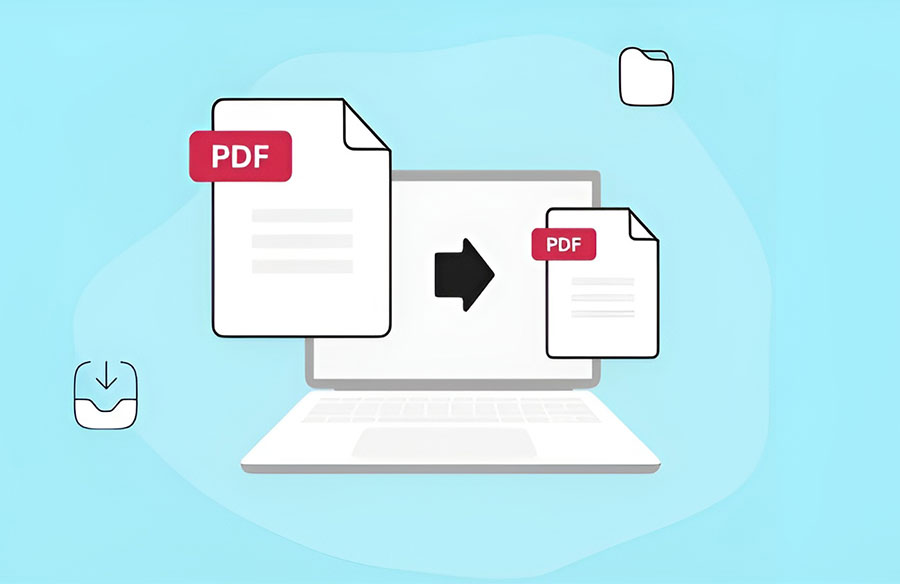
PDF compression refers to the process of reducing the file size of a PDF document without sacrificing its quality. It typically involves optimizing the file by reducing the resolution of images, removing unnecessary elements (such as metadata or hidden content), and using more efficient compression algorithms. The result is a smaller PDF that retains its original formatting, text, and images, but is easier to share and store.
Benefits of Compressing PDF Files
1. Easier Sharing via Email
One of the main advantages of compressing PDFs is that it makes them easier to share. Many email providers impose file size limits on attachments—Gmail, for example, allows a maximum attachment size of 25MB. If your PDF file exceeds this limit, you’ll either need to resize the file or send it through a cloud-based service, such as Google Drive. By compressing your PDF file to a smaller size, you ensure that it can be sent via email without exceeding the limit.
Compressing PDFs can also be helpful when sending multiple files. Reducing the size of each document means you can send more attachments in one email without hitting the attachment size cap.
2. Faster Upload and Download Speeds
In addition to email sharing, compressed PDFs are easier to upload and download. Large files can take a long time to transfer, especially if you’re working with slow internet speeds or trying to upload them to cloud storage services. Compressing a PDF significantly reduces its size, allowing for faster upload times and quicker access for recipients.
This is particularly useful in a professional setting where time is critical. Whether you’re submitting a report to a client or sharing a presentation with a colleague, reduced file sizes make the process more efficient, saving you and your recipients time.
3. Improved Storage Management
PDFs can sometimes be large enough to consume substantial storage space, especially if you regularly work with high-resolution images, presentations, or detailed reports. By compressing your PDF files, you can free up storage on your device, making it easier to manage multiple documents.
For businesses, storing large numbers of PDF files can quickly eat into available storage capacity. Compressing documents ensures that you use storage space more efficiently. This can be particularly important for cloud storage services, which often charge based on the amount of data stored. By reducing the size of your PDFs, you can save on cloud storage costs.
4. Facilitating Document Archiving
When you need to store documents for future reference, compressing PDFs can make the archiving process more efficient. Over time, the accumulation of large files can result in a disorganized storage system, making it difficult to retrieve documents when needed. Compressing PDFs allows you to store a larger volume of documents in less space, keeping everything organized and easy to find.
Additionally, compressed PDFs are easier to back up, ensuring that important documents are securely stored without taking up too much room on backup drives or cloud servers.
5. Better Mobile Experience
With the increasing use of mobile devices for work and communication, it’s important that PDF files are optimized for viewing on smartphones and tablets. Larger PDF files can cause slow download times or may not open at all on devices with limited storage. Compressing the file ensures that it can be quickly accessed on mobile devices without compromising the quality of the content. This is particularly important for business professionals who need to review documents on the go.
6. Reduced Data Usage
For people using mobile data or working in areas with limited internet connectivity, compressed PDF files can be a lifesaver. Smaller file sizes require less data to upload, download, or email, making them a more efficient option for sharing documents without consuming excessive data. This can be especially important for remote workers or individuals in areas where internet bandwidth is limited.
When Should You Compress PDF Files?
While PDF compression offers numerous benefits, there are situations where it might be essential. For example:
- Before Sending Large Files via Email: If your PDF file is too large for email or cloud services, compression will help you shrink the file to meet size restrictions.
- When Uploading to Websites or Platforms: Some websites or platforms may have size limits for uploading documents. Compressing PDFs will make them easier to upload without encountering restrictions.
- For Digital Archiving: If you’re archiving a large number of PDFs, compressing them ensures efficient storage and easy retrieval.
- When Sharing on Mobile Devices: Compressed PDFs are more accessible and easier to view on smartphones and tablets.
How to Compress PDF Files
There are several methods you can use to compress PDF files, including online tools, software, and PDF readers.
- Online PDF Compressors: Websites like ILovePDF, Smallpdf, and PDF2Go offer free tools for compressing PDFs online. You simply upload the file, select the compression level (such as high, medium, or low), and download the smaller version.
- Desktop Software: Applications like Adobe Acrobat allow you to compress PDFs with more control over the compression settings, ensuring that the final file meets your needs without sacrificing quality.
- Using PDF Readers: Some PDF readers, such as Foxit Reader and Nitro PDF, also offer built-in compression options. These options may not offer as much control as dedicated tools, but they’re often sufficient for basic compression tasks.
Conclusion
Compressing PDF files is an essential task for anyone who frequently shares or stores digital documents. By reducing file sizes, you make sharing easier, faster, and more efficient, whether through email, cloud services, or mobile devices. Compression also helps optimize storage, facilitates document archiving, and enhances the overall user experience for both the sender and recipient. With a variety of tools and methods available, compressing PDFs has never been easier, making it a vital step in improving document management and workflow efficiency.