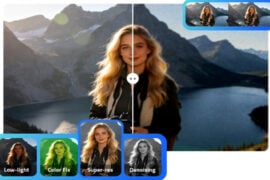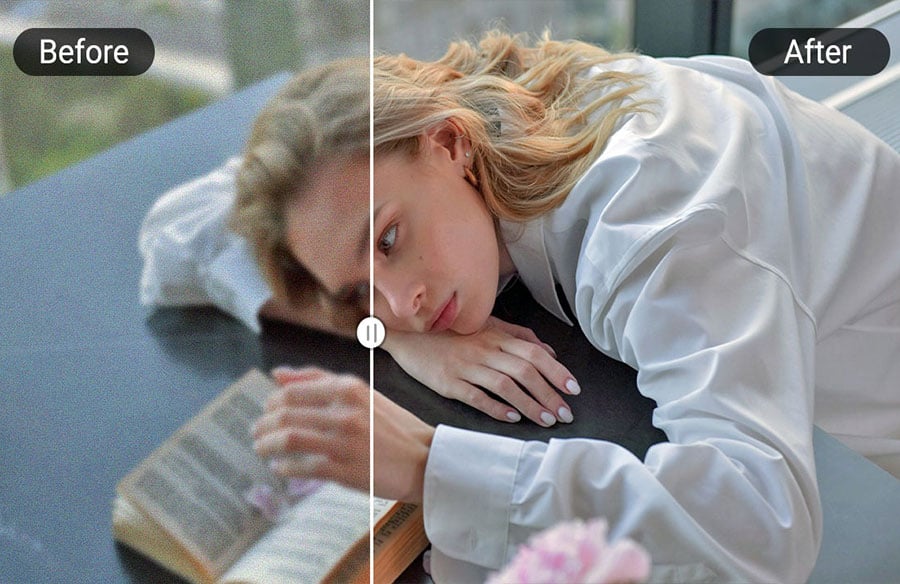
Image quality matters more than ever. We’ve all experienced those frustrating moments: treasured family photos looking faded, screenshots turning out blurry, or internet images looking pixelated. Professional photo editing tools like Photoshop sound great, but they’re complicated and take forever to learn. Even experienced photographers can sometimes find editing tricky.
This is where an AI photo enhancer comes to the rescue. These smart helpers can improve your photos with just a few clicks – no technical skills required. Simply upload your image, and watch the magic happen. We’ve found 5 free tools that can turn your not-so-great photos into crisp, share-worthy photographs.
Pica AI

What sets Pica AI apart is its specialized old photo restoration tool. It can repair damaged or creased vintage photographs with remarkable precision. The platform provides a before-and-after comparison, allowing users to clearly see the quality improvement. The tool provides 5 free credits per day, with each enhancement consuming 2 credits. Its interface is notably clean and user-friendly, making it easily accessible even for beginners. While it supports common formats like JPG and PNG, note that batch processing is currently not available – images must be processed one at a time.
Picwish

In addition to image enhancement, Picwish includes extra editing tools such as AI image generator, photo colorizer, cropper, and background remover. With dedicated apps for Windows, Mac, iOS, and Android, Picwish maintains consistent functionality across platforms. It also supports batch editing and provides API access for developers, making it a flexible solution for both individual users and technical professionals.
Remini

The platform provides a range of sophisticated editing options. Its Face Enhance feature includes a beautify option where users can adjust skin appearance. The Background Enhance mode allows for different blur styles, and color correction tools offer various filter options. While processing speed is impressive, free version limitations are significant. Unlike other tools, Remini doesn’t refresh free credits daily and free users can only download JPG files.
Upscale Media
For users with bulk processing requirements, Upscale Media offers batch conversion and API integration. By default, the tool enlarges images by 2x, with additional 4x and 8x scaling options available. Users must manually activate the quality enhancement feature by turning it on. While the interface is clean and functional, there are some user experience issues. Most notably, the before-after comparison previews are quite small and cannot be enlarged, making it difficult to evaluate enhancement details. It’s recommended to test with a sample image before processing important photos.
Cutout.pro

Beyond basic image enhancement, Cutout.pro offers a suite of advanced editing tools. Users can remove objects, erase backgrounds, retouch photos, crop faces, create animated selfies, and colorize old images. While some features require payment, the platform maintains generous free options. Mobile users can access similar functionality through the “Vivid” app, available on iOS and Android.
Final Thoughts
Select based on your specific needs:
Old Photo Restoration: Pica AI (simple interface, excellent results)
Daily Batch Processing: Picwish (unlimited standard quality, cross-platform)
Video Enhancement: Remini (fast processing, video support)
Multi-purpose Editing: Cutout.pro (comprehensive toolset, reasonable free tier)
Large-scale Processing: Upscale Media (API access, developer-friendly)
Whether you’re a photography enthusiast, social media content creator, or professional designer, these free AI tools make professional-qualit image enhancement accessible to everyone. Choose the right tool for your needs, and transform your photos into their best possible versions.