

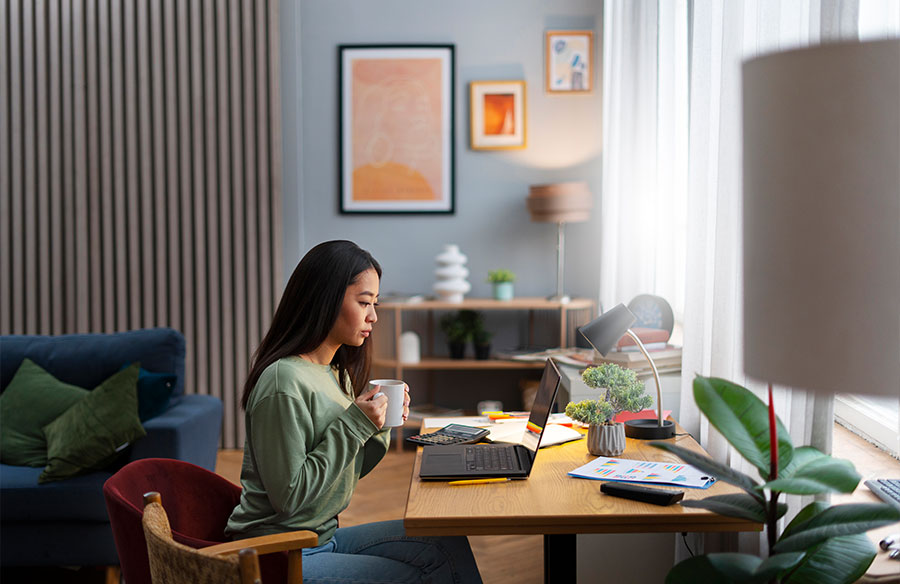
Since the rise of remote work during the pandemic, home offices have become an essential part of many people’s routines. Creating a healthy, comfortable, and efficient workspace at home can make all the difference in staying productive and focused. A well-set-up home office goes beyond just having the right furniture and tech; it’s also about designing a space that supports your needs. Here’s a quick guide on creating a home office that keeps you working at your best and what factors to consider along the way.
Why a Professional Home Office Setup Matters
A well-designed home office can greatly impact your focus, well-being, and even your daily routine. Here’s why it’s worth putting some thought into:
- Health: Working at the kitchen table or on the couch can lead to poor posture and discomfort. Over time, this can cause neck and back pain. With an ergonomic desk and chair setup, you can reduce strain, stay energized longer, and focus better. For affordable ergonomic options, TreasureBox offers a range of desks designed for comfort and efficiency.
- Organization: Having a dedicated workspace makes it easy to keep everything you need—like documents, books, and tech—within reach. No more spending time searching for essentials, and fewer interruptions mean a smoother workflow.
- Productivity: When your workspace is tailored to your needs, it’s easier to maintain your usual workload. A comfortable, well-equipped setup helps you stay focused without unnecessary breaks, boosting both productivity and overall well-being.
The better your workspace aligns with your needs, the more you’ll feel accomplished and relaxed by the end of the day.
Finding the Right Spot for Your Home Office
Choosing the right location is key. Ideally, your home office should be separate from your living area to help maintain a clear boundary between work and relaxation. Here are a few things to consider for an optimal setup:
- Natural Light: Set up your desk near a window for plenty of daylight, which can improve focus and mood.
- Separation: A dedicated room with a door can help create a sense of privacy and limit distractions.
- Space for Essentials: Ensure there’s enough room for your desk, chair, and any equipment you need, like a printer or extra monitor.
- Storage: Look for storage solutions to keep your workspace organized, whether it’s shelves, drawers, or cabinets.
- Connectivity: Your setup should include reliable internet, phone access, and enough outlets for all your devices.
- Calm Atmosphere: A neutral color scheme can create a peaceful environment, which helps with focus.
Investing a bit of time and effort into your home office setup can create a workspace that’s comfortable, organized, and productive—making each workday smoother and more enjoyable.
Setting up a productive home office requires more than just the right space—it also means choosing the right equipment. Here’s a guide to the essential items that can help create a comfortable, efficient workspace at home.
Essential Office Furniture and Technology
- Desk: Choose a desk that fits your needs. If sitting for long hours isn’t ideal, a height-adjustable desk lets you alternate between sitting and standing, which can be better for comfort and focus. For smaller spaces, consider foldable desk options to save space when not in use.
- Office Chair: A quality chair is crucial for good posture and focus. Look for a model with adjustable armrests, lumbar and head support, and a tilt or synchronous mechanism that can adapt to your body. It’s worth investing in a chair designed to support long periods of seated work.
- Lighting: Proper lighting can make a big difference in productivity and comfort. Include multiple light sources, such as ceiling lights or floor lamps for overall illumination, and desk lamps to make reading and writing tasks easier. Daylight bulbs are a good choice for a natural feel.
- Laptop Accessories: If you work on a laptop, get a docking station, along with a separate keyboard and mouse, to support a comfortable, ergonomic posture.
- Monitor: A screen of at least 22 inches helps reduce eye strain and makes work tasks easier to manage. If you often multitask, dual monitors can be even more effective for productivity.
- Headset and Webcam: For video calls or focus in shared spaces, a noise-canceling headset is invaluable. It keeps background noise out during calls, and paired with a high-quality webcam, makes virtual meetings smoother.
- Reliable Internet Access: A fast, stable internet connection is essential for work efficiency. If your router is far from your workspace, a Wi-Fi repeater can help maintain a strong signal, so you’re not dealing with connectivity interruptions.
For those working from home on a regular basis, additional equipment may be helpful:
- Printer and Scanner: If your job requires handling physical documents, having a printer and scanner on hand can save time.
- Storage Solutions: Filing cabinets or mobile storage units help keep documents and supplies organized and accessible.
- Extras for Comfort: Items like footrests, monitor risers, and desk organizers can make your workspace more ergonomic and enjoyable. Green plants and subtle decorations also help create a pleasant, calming environment.
These essentials help create a workspace that not only supports productivity but also contributes to a more comfortable and focused workday at home.







