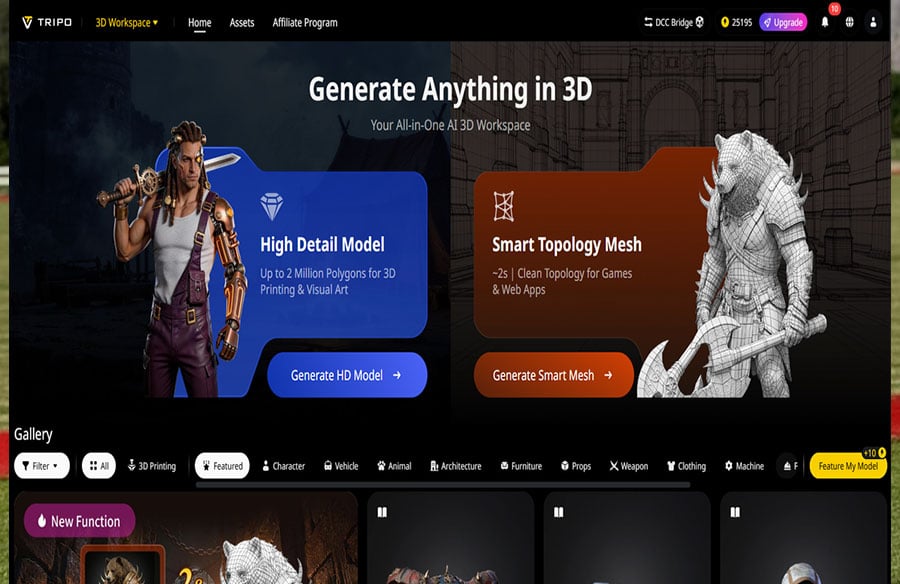
Architects, interior designers, and design professionals face a constant challenge: balancing creativity with efficiency. Traditional 3D creation for design projects is slow, labor-intensive, and limiting—manual modeling of floor plans, furniture, and architectural details takes days, retopology and texturing require specialized skills, and iterating on designs often means starting from scratch. This inefficiency not only delays projects but also stifles creativity, leaving designers stuck in repetitive, tedious tasks instead of focusing on innovation. But AI is transforming the design industry, and Tripo Studio is leading the charge: an AI-powered 3D tool that automates the most time-consuming tasks, streamlines design workflows, and empowers designers to bring their boldest ideas to life—faster than ever before.
Tripo Studio Core Features: Tailored for Architecture & Design Professionals
Tripo Studio’s features are engineered to solve the unique pain points of design professionals, combining powerful AI technology with design-specific functionality. Each feature is independent, precise, and designed to enhance creativity while saving time:
1. Text to 3D Model: Generate detailed 3D models of architectural elements, furniture, or entire spaces from simple text prompts. This feature solves the problem of slow manual modeling, allowing designers to quickly visualize ideas—whether it’s a modern sofa, a minimalist kitchen, or a contemporary building facade. With AI 3D Model Generator technology, designers can iterate on concepts in seconds, accelerating the design process.
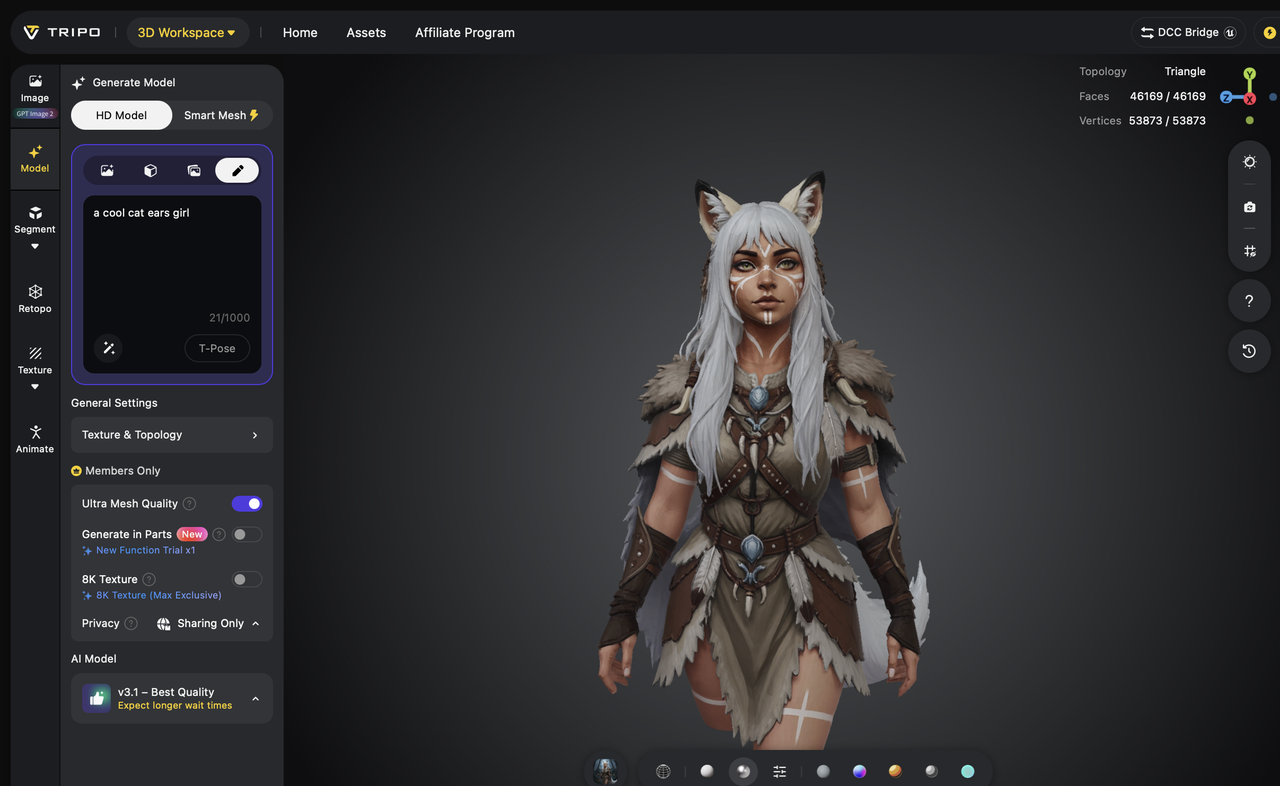
2. Image to 3D Model: Convert 2D floor plans, sketches, or design renderings into fully realized 3D models with one click. This feature is a game-changer for designers who have existing 2D concepts and want to bring them to life in 3D, saving hours of manual modeling. Image to 3D Model preserves the precision of 2D designs while adding depth and dimension, making it easy to present ideas to clients.
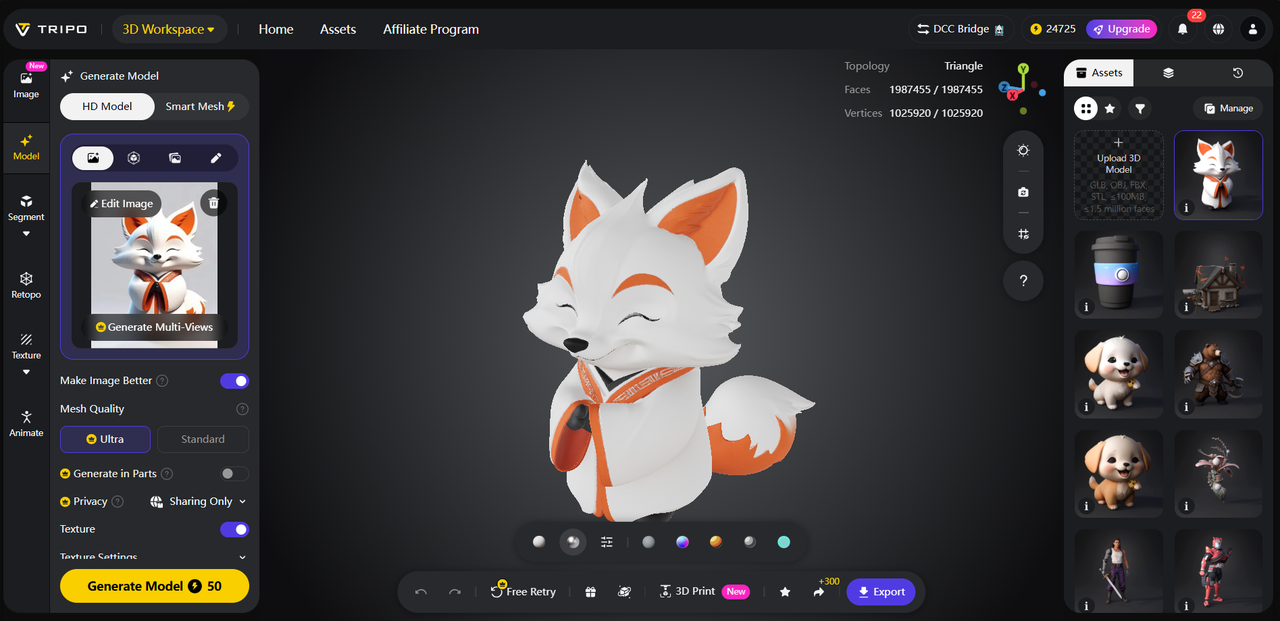
3. AI Model Segmentation: Automatically split 3D models into individual, editable components—such as walls, furniture, and fixtures—making it easy to iterate on designs, swap out elements, or adjust details. It solves the problem of rigid, hard-to-edit 3D models, allowing designers to make quick changes without reworking entire projects. The Segmentation/Split 3D Model tool is perfect for interior designers who want to experiment with different furniture layouts or architects adjusting building details.
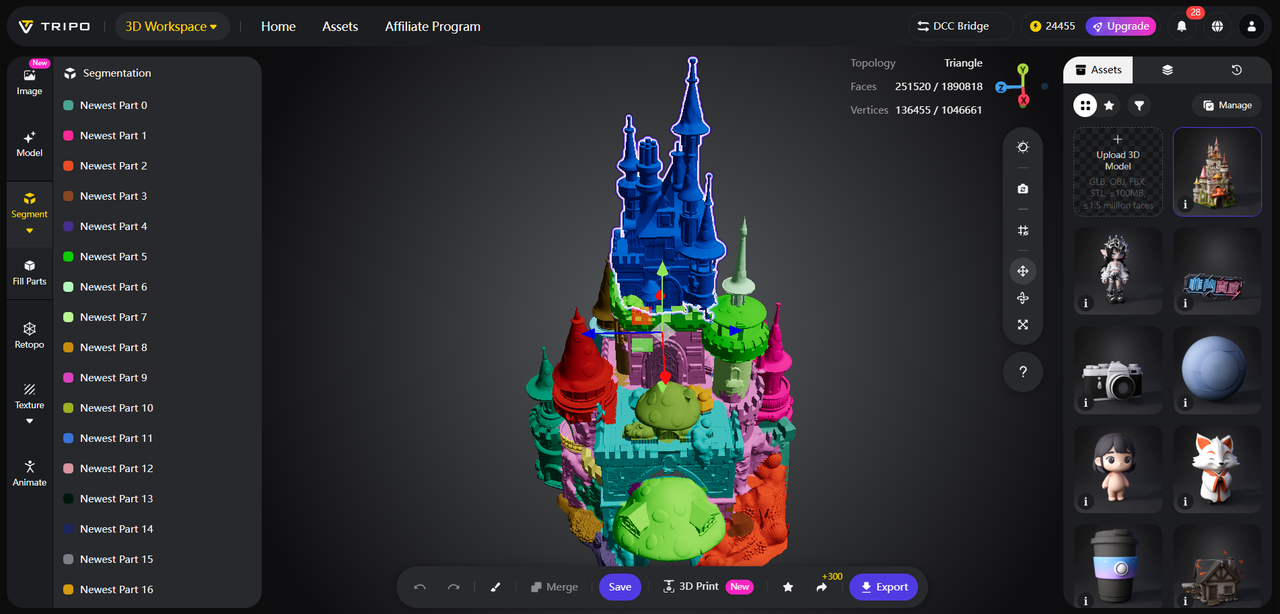
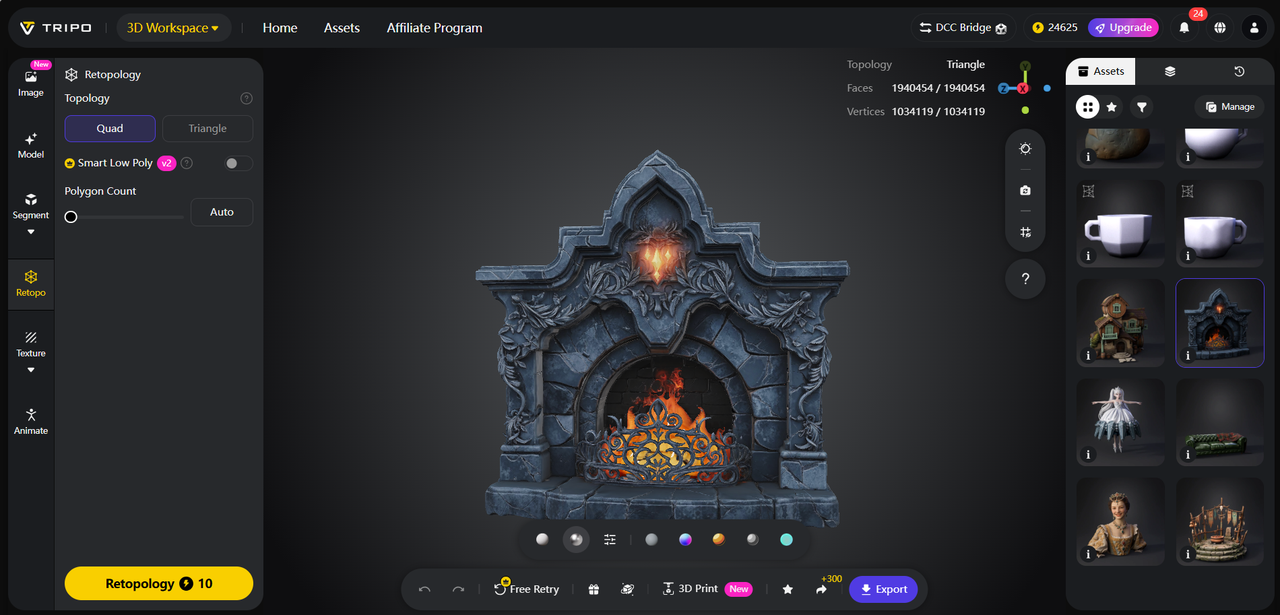
4. AI Retopology: Automate the tedious process of retopologizing 3D models, ensuring clean, optimized geometry that’s ready for rendering, animation, or client presentations. This feature eliminates the need for manual retopology, which is a bottleneck in design workflows, and ensures 3D models are smooth, precise, and professional-looking. It’s ideal for architectural models that require high precision and detail.
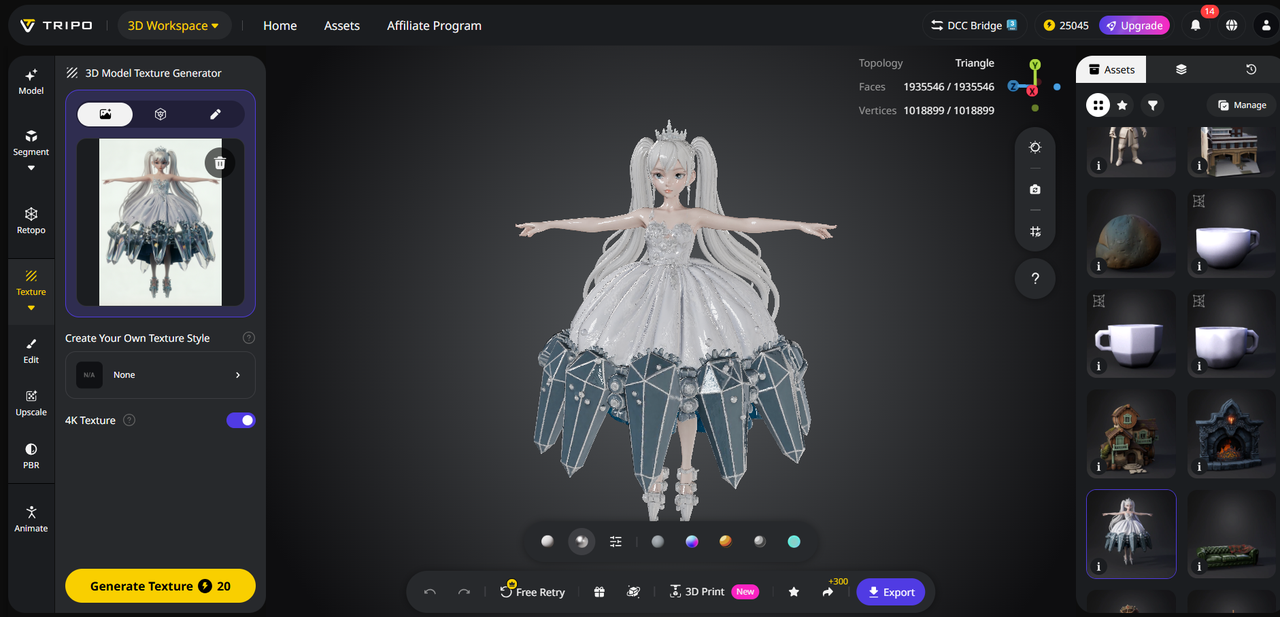
5. AI Texturing: Apply realistic, design-specific textures to 3D models—from marble and wood to concrete and glass—perfect for architectural elements and interior design. With AI Texture technology, designers can create authentic, visually stunning 3D models that reflect real-world materials, helping clients visualize the final design. No manual texture editing required—just select a texture and apply it with one click.
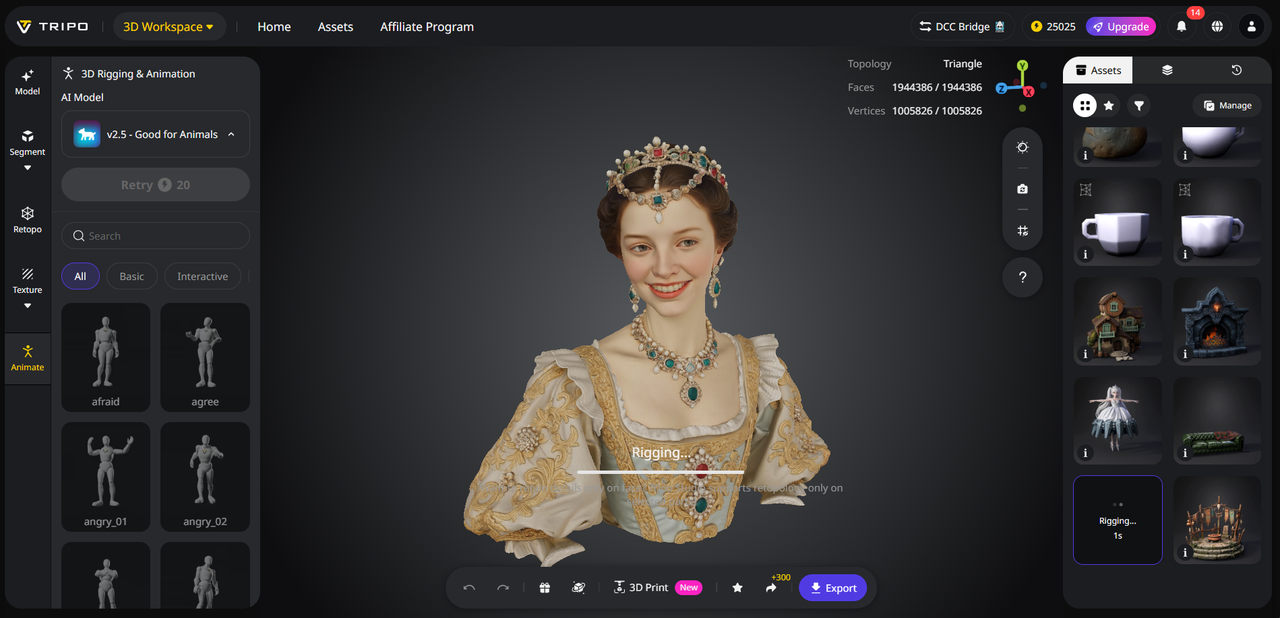
6. AI Rigging: Automatically rig 3D models for animation, allowing designers to create walkthroughs, flyovers, or interactive presentations of their designs. Rigging is a complex technical task, but Tripo Studio’s AI-powered Rigging feature completes it in seconds, letting designers create engaging, interactive content to present to clients. It’s perfect for showcasing interior designs, architectural projects, or design concepts.
Practical Use Cases for Design Professionals
Tripo Studio is a game-changer for architects, interior designers, and design professionals, transforming how they create, iterate, and present their work:
– Architecture: Convert 2D floor plans into 3D models, create detailed building facades, and generate walkthrough animations to present to clients.
– Interior Design: Experiment with furniture layouts, apply realistic textures, and create 3D renderings of spaces to help clients visualize their dream home.
– Product Design: Create 3D models of furniture, lighting, or home decor items, test design iterations, and prepare models for manufacturing.
– Landscape Design: Generate 3D models of outdoor spaces, including gardens, patios, and pools, to showcase landscape design concepts.
Why Tripo Studio Stands Out for Designers
Unlike traditional 3D tools that are complex, time-consuming, and require specialized training, Tripo Studio is designed for design professionals who need efficiency and creativity. It’s fast—generating 3D models in seconds instead of days—precise, ensuring accurate architectural details and realistic textures, and all-in-one, eliminating the need to switch between multiple software tools. Best of all, it’s user-friendly, so designers can focus on creativity instead of technical tasks.
Quick Tutorial: Create a 3D Interior Design in 5 Steps
Design professionals can create a detailed 3D interior design in minutes with Tripo Studio, no technical skills required:
1. Sign up for Tripo Studio’s free trial and log in to the platform.
2. Choose “Text to 3D” and type a prompt describing your interior design (e.g., “modern bedroom with a king-size bed, wooden floors, and a walk-in closet”) or upload a 2D floor plan.
3. Click “Generate”—Tripo Studio will create a 3D model in 5 seconds.
4. Use AI Model Segmentation to adjust furniture layout and AI Texturing to apply realistic materials (e.g., wooden floors, linen bedding).
5. Export the model as a rendering or animation, and present it to your client.
Redefine your design workflow and unlock your creativity with Tripo Studio. Sign up for a free trial today and experience the future of AI-powered 3D creation for design professionals. Try Tripo Studio for Free