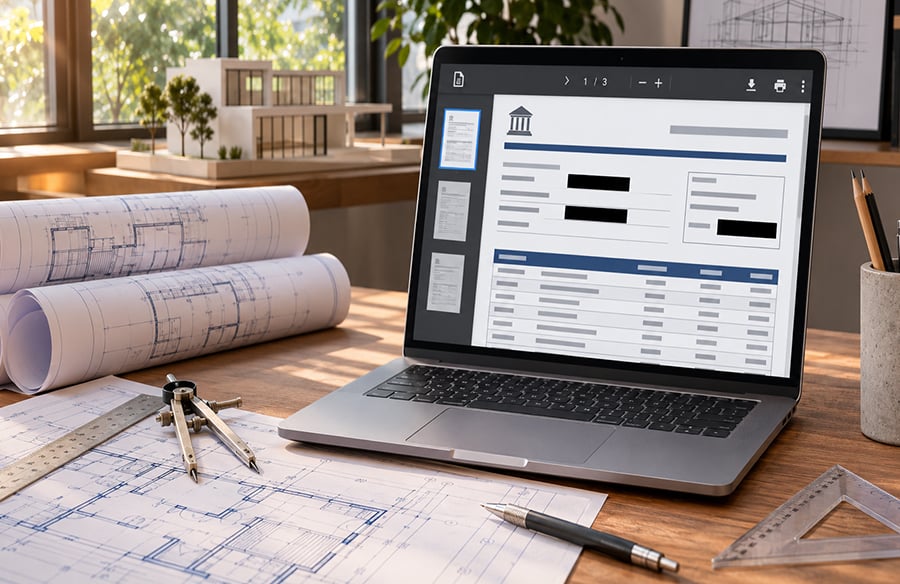
Financial reviews of architecture and design firms are frequently rigorous upon leasing of a new studio space, upon securing project financing, or upon firms’ pre-qualification for a formal bid process. Typically, a request to provide a bank statement is standard. If a firm submits a financial statement with company data and personal identifiable information exposed, that firm is at risk of identity fraud and corporate fraud. The ability to redact bank statement data is not a software skill; it is a requirement of professional responsibility for studio managers and firm principals.
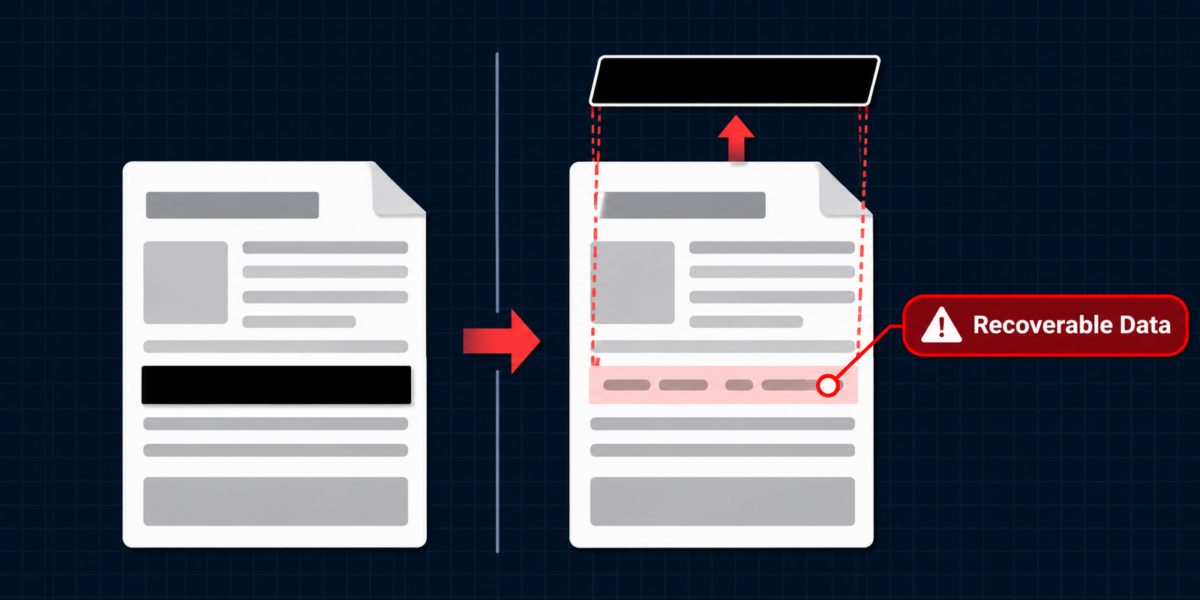
The most common error in redaction is the use of a black box over the account number. While the account number is obscured, the data is not removed, and thus, fully recoverable. This article describes the differences between visual overlays and permanent redaction. It also addresses what financial data must be removed for approval. Additionally, it outlines a secure, verified, and reliable method of redaction of bank statement data.
Why Visual Overlays Fail to Redact Bank Statement Details
A PDF is made up of different layers, like a box containing layers. Text and images are placed on separate layers. When a user draws a black box over the text containing the routing numbers in a PDF using a simple PDF editor, they are just placing a shape annotation on the top-most layer of the PDF. The text object remains completely intact.
This gives a false sense of security. Anyone who receives that PDF can easily access the text behind the black box by opening it in another PDF editor and deleting the black box. They can also simply select the text behind the black box, and/or copy that text.
To redact bank statement details, the text should be completely removed from the structural architecture of the PDF. A good redaction tool would flatten the page and completely remove the text object, therefore removing the text from the PDF and preventing the extracted data from being searched, selected and copied.
 Balancing Privacy and Proof: What to Remove When You Redact Bank Statement Files
An over-redaction error happens when the bank statement becomes too redacted. The function of a statement is to display a firm’s financial health to Lenders, Landlords, and Auditors. When a firm submits a statement where all transactions are blacked out, that application will most likely be rejected.
The goal is to eliminate sensitive identifiers and keep the rest of the information that can help provide an assessment.
The information that should be removed or masked:
- The full account number (the industry standard is to mask the first 9 digits and leave the last 4 for matching).
- ACH or Wire Transfers (these can be used to initiate unauthorized transfers).
- Social Security/Tax ID Numbers
- Personal Expenses (These may reveal client names and addresses).
- Recurring identifiers in the Header, Footer and QR codes.
The information that should be kept:
- The account holder name and bank name
- Statement balance
- Income/Withdrawal and other transactions that support the firm’s financial stability.
- Transactions related to the application (such as rent payments).
Crucial to note, balances and transactions should not be altered. Redaction is removal of unrelated information. Altering values constitute forgery.
A Secure Workflow: How to Redact Bank Statement Data for Submissions
Here is the process that is followed to ensure compliance and security of data.
Step 1: Work on a Duplicate File.The original bank statement should not be redacted. Work on a copy of the file and save it with a name that does not give away the purpose of the file (for ex. Financial_Document_01.pdf)
Step 2: Apply True Redaction. Use a PDF editor to perform true redaction. Choose the text to be removed and apply the redaction command. Check to confirm that the data layer is permanently removed.
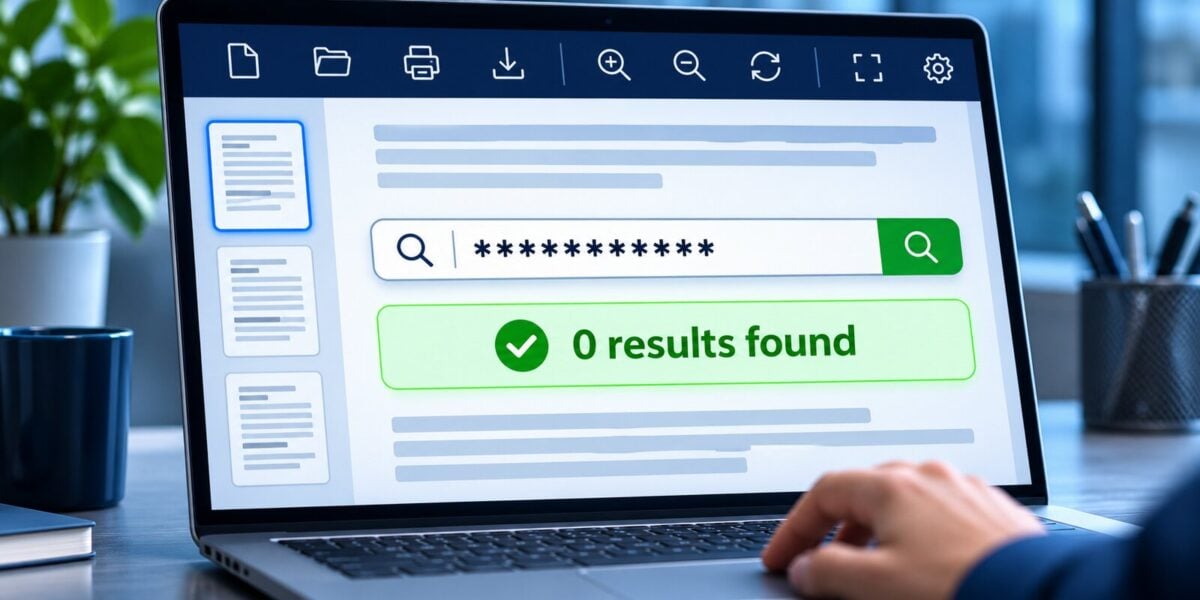
Step 3: Verify the Output. This is the most critical step. Save the edited file and try to search for the removed account numbers or routing codes, using the search feature of the PDF reader. Highlight and try to copy the area where the black box is located. If the data is visible or copied, the redaction was not successful
Step 4: Check Every Page. Sensitive data can be repeated throughout the file. Page through the file to review each page.
 Evaluating Software to Redact Bank Statement Information
When architectural practices consider the use of PDF software to remove bank statement information, three key requirements should be considered.
- True Structural Removal: The tool should be capable of actually removing bank statement information, rather than masking the information with a redaction shape.
- Local Processing: Bank statements contain confidential and sensitive information and should not be sent to third parties. Therefore, it is important that bank statement redaction is done on a local machine.
- Verification Capabilities: The software should allow the user to check that the information has been permanently removed.
To process bank statement information securely and locally, and to permanently remove the information, a program such as UPDF may be utilized. UPDF is a local program which, among other features, includes a tool to remove information. The feature, in fact, permanently removes the information from the structure of the document, and, therefore, makes it unrecoverable. The users of the program can also check the output file to see if the information has been deleted permanently.
The Bottom Line
Securely redacting bank statements is an important administrative skill for design practices because sensitive client data is often intertwined with financial information. Visually masking statements may provide a sense of security, but they can easily be removed in various PDF tools. Electronic data is never really erased, and clients deserve to know that their data has been protected. The layering structure of PDFs allows financial info to be protected while data can be permanently removed. Firm managers should evaluate the process in their firm to ensure that the protection of data is prioritized.
Precision is important in drawings and contracts. Precision is as important in redaction as it is in drawings and contracts.