You can read a piece of writing twice and still not know how it was made. Reports sound polished, articles flow, and an assignment can have a clean structure from the first line to the last. Usually just before the thing goes out the door and nobody has time to look properly, then somebody asks if AI had a hand in it.
That’s where AI detectors like Quetext AI detectors come in. They aren’t all the same, though. While some mark single sentences, and some sort text into categories. There are others that check for plagiarism or plug into bigger review systems. With that much variety of AI detection tools available, you shouldn’t pick one based on its overall score alone.
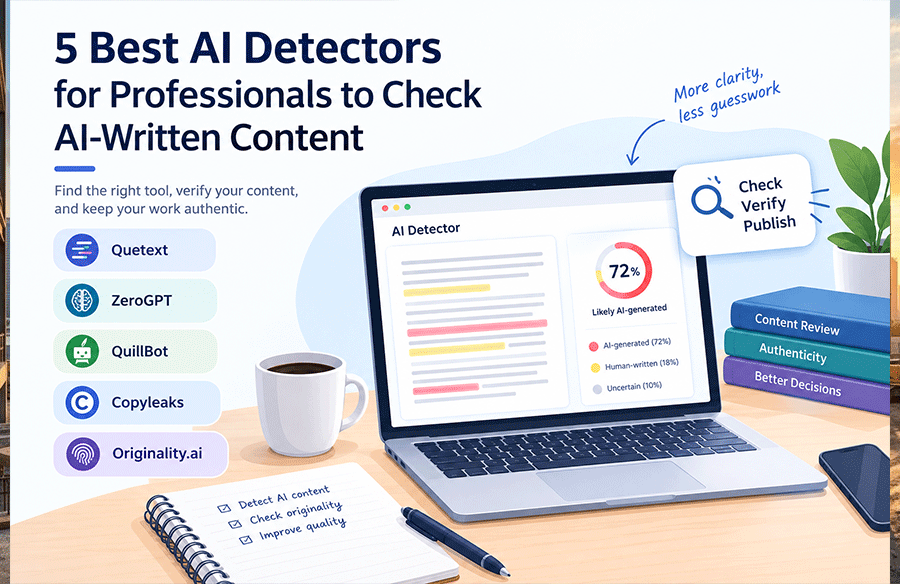
Here’s a curated list of tried and tested five AI detectors, what they offer, and where each could fit in a professional workflow. Take a closer look at each one by one.
1. Quetext AI Detector
The Quetext AI Detector searches for patterns that tend to show up in AI-generated writing. Its website lists ChatGPT, GPT-5, Claude, Gemini, Llama and Mistral as models it covers. It gives you sentence-level analysis and confidence scores, so you get specific passages to look at, not just one number at the end.
Key features:
- Sentence-level detection: Flags passages that may deserve a closer look.
- Writing-pattern analysis: Looks at sentence structure, grammar, verb tense, vocabulary and phrases that repeat.
- Confidence scoring: Shows scores next to the detection results.
- Free scanning: Handles checks of up to 1,000 words.
- Additional writing tools: Plagiarism checking, grammar help, summaries, paraphrasing and citation generation.
- Integration options: A Chrome extension and a RESTful developer API.
Best suited for: Professionals who want AI detection together with tools for checking originality and improving their text.
2. ZeroGPT
ZeroGPT uses its own DeepAnalyse™ technology to spot AI-generated text. Results come as a percentage gauge with highlighted sentences, which shows you where to start reading. The platform also does a few other writing jobs besides detection.
Key features:
- Sentence highlighting: Marks text so you can review it further.
- Percentage results: Displays a detection score.
- Model and language support: The product information mentions several AI models and languages.
- Document handling: Takes file uploads and batch uploads.
- Reports: Can produce PDF reports.
- Additional tools: Grammar checking, plagiarism checking, summarizing, paraphrasing, translation and AI humanization.
- API access: Offered on paid or Pro plans, based on the supplied information.
Best suited for: People who want detection plus document uploads, reports and a few extra writing tools.
3. QuillBot AI Detector
QuillBot doesn’t treat every result as simply AI or human. It puts text into one of four groups: AI-generated, AI-generated and refined, human-written and refined, or human-written. That helps because plenty of drafts start with a machine and get reworked by a person, and a yes-or-no answer hides that. Sentence-level feedback points out which parts might need a second look.
Key features:
- Multiple classifications: Splits content into the four categories above.
- Free checks: Works on text under 1,200 words with no signup.
- Bulk uploads: Available with Premium.
- Language support: English, French, Spanish, German, Dutch and Portuguese.
- Writing assistance: Connects to editing, paraphrasing and grammar tools.
Best suited for: Writers and editors who want more detailed classifications along with writing help.
4. Copyleaks
Copyleaks combines AI detection with plagiarism checking. It’s aimed at educational institutions and enterprise users. The integrations are what set it apart. If your organization would rather build content checks into the systems it already uses than handle each review separately, this one is worth a look.
Many architecture and design firms rely on integrated software systems for project management, client communication, and documentation. Ensuring the integrity and originality of textual content within these systems, from project proposals to specifications and marketing materials, is crucial for maintaining professional standards and brand reputation.
Key features:
- AI detection: Checks text for patterns linked to AI-generated writing.
- Plagiarism checking: A separate check for matching content.
- API access: Lets you connect it with other systems.
- Learning management system integrations: Options for education-related workflows.
- Multilingual detection: The supplied information describes support for more than 30 languages.
- Organizational features: Capabilities meant for educational and enterprise settings.
Best suited for: Institutions and organizations that need AI detection and plagiarism checking inside workflows they already have.
5. Originality.ai
Originality.ai brings AI detection and plagiarism checking together and is built for reviewing a lot of content. The product information describes classifications for likely AI-written, original and mixed content. If your team reviews content regularly, the bulk scanning and integrations could save you real time.
For design studios managing extensive portfolios, client presentations, and online content, the ability to quickly verify the authenticity of large volumes of text is invaluable. Integrating such tools into existing content workflows can help maintain a consistent voice and ensure all published materials reflect genuine human insight and creativity.
Key features:
- Content classification: Labels content as likely AI-written, original or mixed.
- Sentence highlighting: Lets you focus on particular passages.
- Bulk scanning: Checks multiple pieces of content in one go.
- Plagiarism checks: Gives you another way to review text.
- Integration options: API access, browser extensions and Moodle integration.
- Multilingual support: The supplied information describes support across 30 languages.
Best suited for: Content teams that need bulk scanning, classification and integrations.
How to Choose the Right AI Detector
A tool that suits one writer working alone might not hold up for a team going through dozens of documents. Begin with the kind of content you deal with, then compare the features that would change your work the most. Here’s a simple test too. Run two or three tools on text where you already know who wrote it, and see how each one responds.
- Feedback: Does it highlight individual sentences, or mostly give you an overall score?
- Workflow: Do you need bulk uploads or integrations with systems you already use?
- Extra checks: Would plagiarism detection, grammar support or citation tools be useful to you?
- Privacy: Find out how the provider handles the content you submit.
- Cost: Compare free word limits, paid features and how much you expect to scan.
One thing holds no matter which tool you choose. A detection result is an indicator, not proof of who wrote something. Read flagged passages in context before deciding what they mean.
Find the AI Detector That Fits Your Needs
ZeroGPT, QuillBot, Copyleaks and Originality.ai each offer a different mix of detection, writing support and workflow features. Weigh them against the kind of content you review and the volume of work involved.
If sentence-level feedback, confidence scores and extra originality tools are priorities for you, this tool is another option to consider.