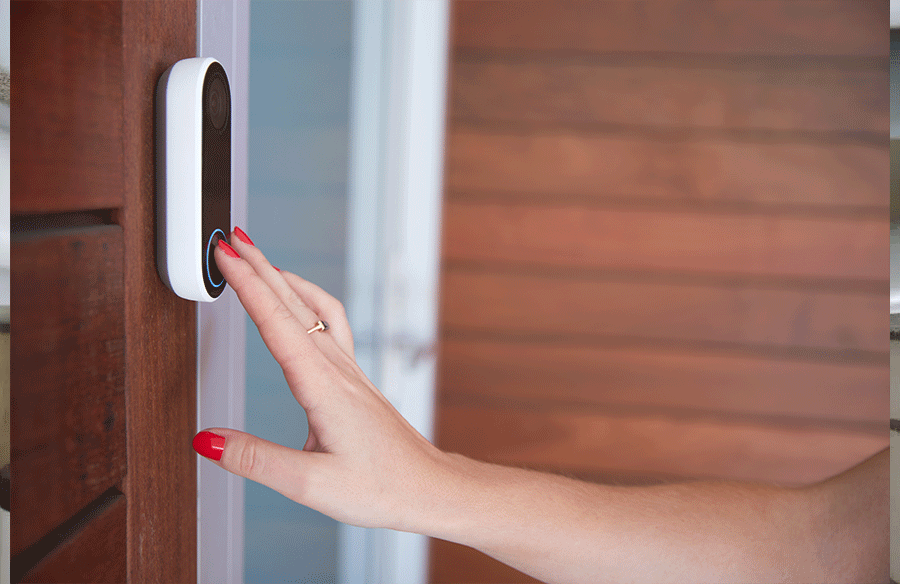
Smart-home technology makes everyday life more convenient, but it can create unexpected complications when a homeowner dies. Devices such as smart thermostats, electronic door locks, security cameras, and voice assistants often remain connected to accounts that surviving family members cannot easily access or manage.
Even with a house key, death certificate, and copy of the will, an executor may struggle to take control of these systems without the original owner’s login credentials. Amazon, Google Nest, and other smart-home platforms have their own rules governing account access, which can complicate the transfer of control after death.
As connected devices become more common, addressing digital accounts and smart-home access is an increasingly important part of estate planning. Understanding how these platforms handle account ownership, legacy access, and permissions can help families avoid unnecessary obstacles when managing a loved one’s property.
Decide Who Gets the Login Before the Platform Decides for You
A smart-home owner’s most useful move is naming someone at the platform level, inside the account, while they’re still alive. The big consumer ecosystems now have a built-in tool for this, and it beats a court order every time. This is also the moment to loop in an estate planning attorney so the platform-level choices and the paper documents actually line up.
Engadget walks through the two that matter most for a connected home: Google’s Inactive Account Manager, which hands selected data to up to ten chosen contacts after a timeout the account owner picks, and Apple’s Legacy Contact, which lets a named person request access with a death certificate and an access key. These are settings, not legal documents. If the account holder never clicks through them, the family starts from zero and the platform’s default rules take over.
The trade-off is simple. Naming a legacy contact gives one person a fast lane, and it gives them real reach into email, photos, and anything synced to that account. Pick someone the whole family will accept, and tell them where the access key lives before anyone needs it.
Decide Whether the Will Even Reaches the Device
A will can leave the house, the car, and the brokerage account to the kids without any trouble. The smart lock on the front door is a different animal. The hardware is personal property; the account that controls it is a license from a software company, and that license usually dies with the user unless the paperwork says otherwise.
Most states now follow a model law called the RUFADAA framework, which gives fiduciaries a route into digital accounts but puts the platform’s own legacy tool first in line, the will or power of attorney second, and the terms of service as the fallback. Generic estate language doesn’t clear the bar. The will and any power of attorney have to say, in plain words, that the fiduciary can access digital assets and the content of electronic communications. Without that language, the executor is stuck negotiating with a support queue.
Ask for the digital-assets clause by name. The language is boilerplate for firms that have been doing this since the law passed. It’s still missing from a surprising number of wills signed only a few years ago.
The Estate Is Open, and the House Still Has Users
A connected house is rarely a one-person account. There’s usually a spouse on the lock app, an adult child with guest access to the camera, a housekeeper with a code, and a dog walker who gets a notification when the back door opens. When the primary account holder dies, every one of those permissions is still live and still running off a dead person’s login.
The executor has to make a call, early, about who keeps access during administration and who gets cut off. Leaving everything on is convenient and risky; the platform can lock the account the moment it flags unusual activity, and anyone with a stale code is a liability if something goes missing. Cutting everyone off is cleaner, and it can lock the surviving spouse out of their own front door. Write the short list down, keep it with the estate file, and update it as the house changes hands.
Write the Instructions Down While You Still Can
A connected house tends to grow more complicated over time, with more locks, cameras, and voice-activated devices tied to accounts the family has rarely seen. The owners who make this easy on their heirs do three unglamorous things: they name a legacy contact at every platform that offers one, they ask their attorney to add explicit digital-assets language to the will and power of attorney, and they leave a short written list of which devices exist, which account owns each one, and who is already on the app.
None of that requires special software. It does require sitting down for an afternoon and handling the smart home the way you’d handle a safe deposit box.