
Inaccurate timesheets can sink your bottom line, leading to payroll leakage, compliance risks, and razor-thin margins. As a construction business owner or operations manager, you need a reliable way to track employees’ hours accurately. Enter modern time-tracking apps—equipped with GPS trails, pay rules, approvals, and integrations that solve these costly problems. This guide evaluates the top employee time-tracking apps for 2025, highlighting their strengths and weaknesses to help you make an informed decision.
How We Evaluated Time-Tracking Apps
We compared time-tracking apps based on several factors, including:
- Accuracy: GPS and geofencing performance
- Ease of Use: Mobile and kiosk options
- Approval Workflows: Efficient approval processes for managers
- Compliance: Payroll rules, scheduling, and overtime tracking
- Reporting & Job-Costing: Ability to generate useful insights for project budgets
- Integrations: Compatibility with payroll and project management software
- Admin Controls & Data Export: Features that simplify user management
- Pricing Transparency: Clear cost structure
- Implementation Speed & Support: Fast setup and responsive support
Our evaluation included pricing verification, documentation reviews, setup tests, and user feedback.
Quick Comparison of Top Time-Tracking Apps
| Software | Best For | Pricing (from) | Key Features | Pros | Cons |
| Workyard | Field teams with GPS & job costing | From $6/user + $50 base (annual); free trial | GPS clock, geofencing, job codes | Accurate GPS, field-friendly interface | Requires geofencing to ensure accurate location tracking |
| Trimble ProjectSight | Construction teams needing project integration | From $5/user/month | Project management, budgeting, GPS tracking | Integrates with project tools, strong reporting | Complex setup for smaller teams |
| Kyro | AI-enhanced time tracking for construction | Custom pricing (contact sales) | AI auto-classification, GPS tracking | Automated time classification, smart features | Higher cost for advanced features |
| Contractor Foreman | Budget-conscious small contractors | From $8/user/month | Timesheets, scheduling, invoicing | Affordable, simple interface, all-in-one solution | Limited customization |
Workyard: Best for GPS-Accurate Field Time & Job Costing
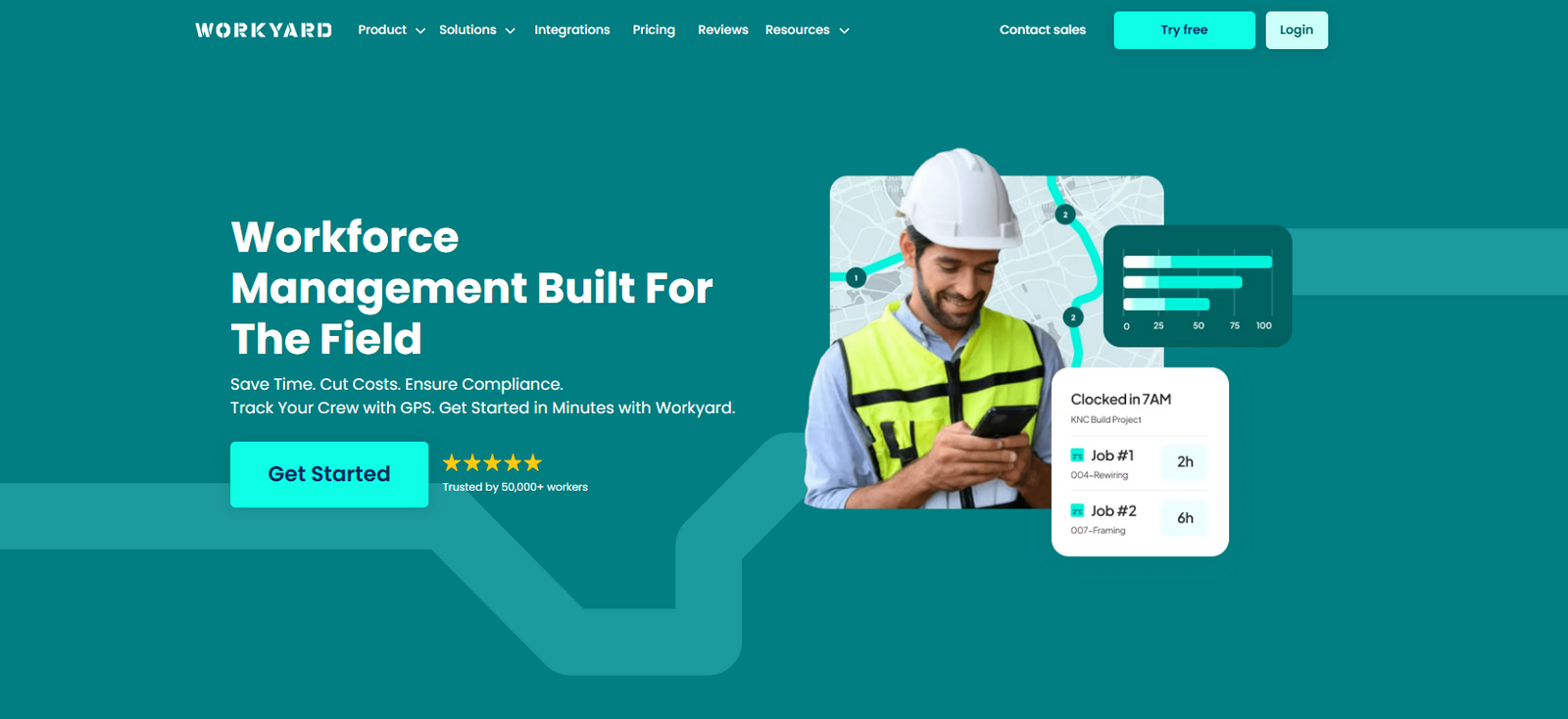 Workyard Key Features
Workyard is designed specifically for construction teams, offering precise GPS time tracking and real-time location trails. With features like geofenced clock-ins, you can ensure your employees are working at the right locations, significantly reducing time theft. Other key features include:
- Job Codes: Accurate job costing for better profitability.
- Mobile and Kiosk Clock-Ins: Flexibility for field and office workers.
- Payroll Exports: Seamlessly sync timecards to payroll systems for faster processing.
How to Use Workyard for GPS Tracking
- Set Up Geofences: Specify job site boundaries.
- Why it matters: Instantly notifies when employees clock in/out.
- Enable Auto Clock Rules: Automatically clock in employees when they enter a site.
- Why it matters: Reduces manual entry errors.
- Monitor Timesheets: Review and adjust in real-time.
- Why it matters: Minimize payroll disputes.
Workyard Pricing (Annual Pricing)
- Starter: $6 per user/month + $50/month company base fee
Features: Time tracking, notes, GPS tracking, payroll integrations, and customer support. - Pro: $13 per user/month + $50/month company base fee
Features: Everything in Starter plus scheduling, task management, project tracking, labor cost reporting, and clock-in photo verification, accounting integrations. - Enterprise: Custom pricing
Features: Everything in Pro plus advanced project time tracking automation, ERP integrations, and API access.
Pros
- Accurate GPS Tracking: Ensure payroll and project costs are accurate with precise GPS time tracking.
- Automates Time Management: Save time by automating time card entry and job costing processes.
- Easy for Workers to Use: The app is designed to be intuitive, even for employees on the go.
Cons
- Geofencing: Requires geofencing to ensure accurate location tracking, which may limit flexibility for some projects.
Trimble ProjectSight: Best for Project Management Integration
 Trimble ProjectSight Key Features
Trimble ProjectSight offers time tracking integrated with project management, budgeting, and scheduling tools.
- Project Integration: Tightly connects time data to project costs.
- Real-Time Reporting: Provides detailed reports to track project hours and budgets.
- GPS Tracking: Ensures accurate location data for field crews.
How to Use Trimble ProjectSight for Time Tracking
- Link Time Entries to Projects: Automatically tie time data to specific projects.
- Review Reports: Access real-time project and labor cost reports.
- Set Approvals: Simplify timesheet approvals with a centralized process.
Trimble ProjectSight Pricing
Starts at $5/user/month with additional pricing tiers for larger teams.
Trimble ProjectSight Pros & Cons
- Pros: Seamless project integration, detailed job costing and reporting.
- Cons: Setup can be more complex for smaller teams.
Who Should Use Trimble ProjectSight
Best for large teams managing multi-faceted construction projects that need comprehensive time tracking and reporting tools.
Kyro: Best for AI-Driven Time Tracking
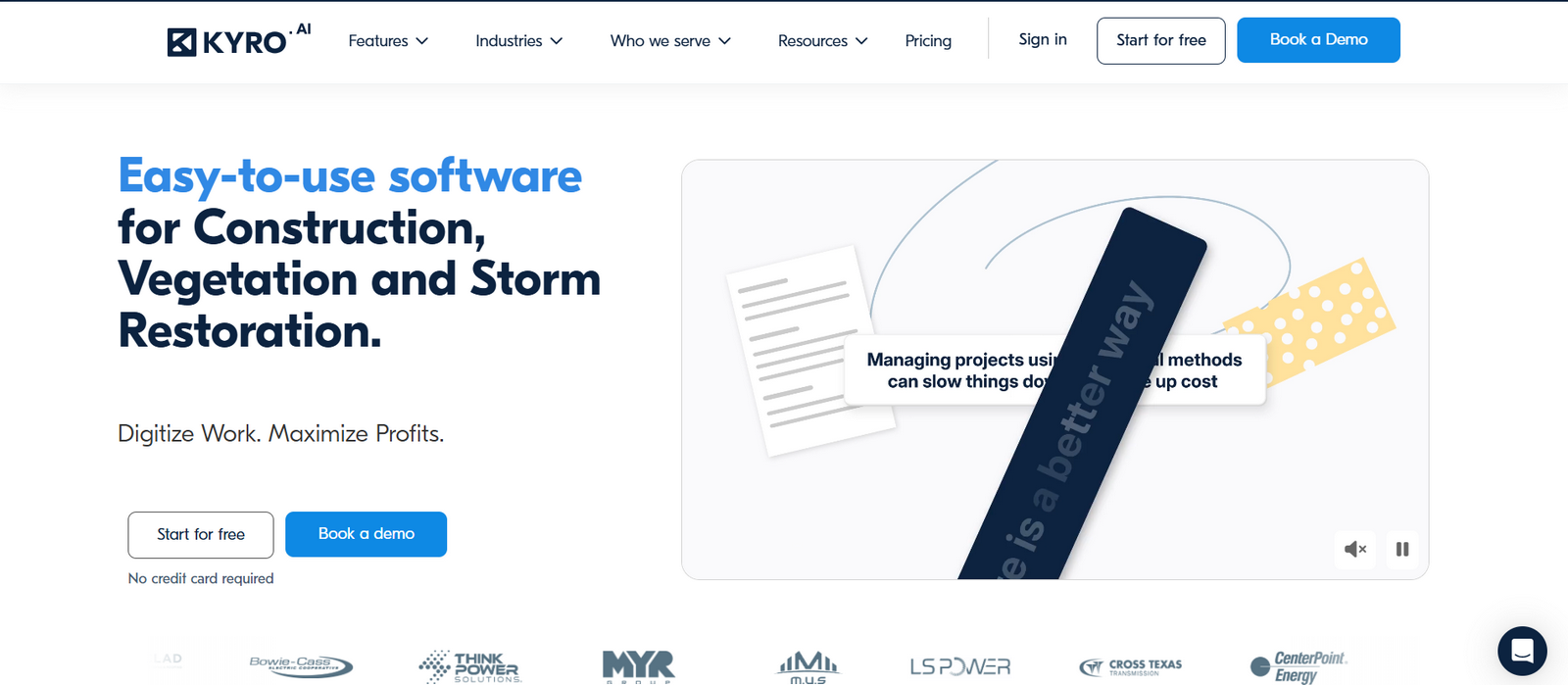 Kyro Key Features
Kyro uses AI to automatically classify and track time entries, streamlining the process for construction teams.
- AI Auto-Classification: Reduces manual data entry and errors by automatically categorizing time.
- GPS Tracking: Tracks employee locations for accurate job-site time reporting.
- Project Costing: Syncs time data with project budgets for easy cost tracking.
How to Use Kyro for AI Time Tracking
- Train the AI: Provide initial data for the AI to categorize time entries.
- Monitor Reports: View automated time entries and project costs.
- Sync with Payroll: Automatically send time data to payroll systems.
Kyro Pricing
Kyro’s pricing is customized based on company size and feature needs. Contact their sales team for a tailored quote.
Kyro Pros & Cons
- Pros: Smart AI features, automation, reduced errors.
- Cons: Advanced features can be expensive for smaller teams.
Who Should Use Kyro
Ideal for construction businesses looking for an automated solution to track and classify time entries.
Contractor Foreman: Best Budget Pick for Small Contractors
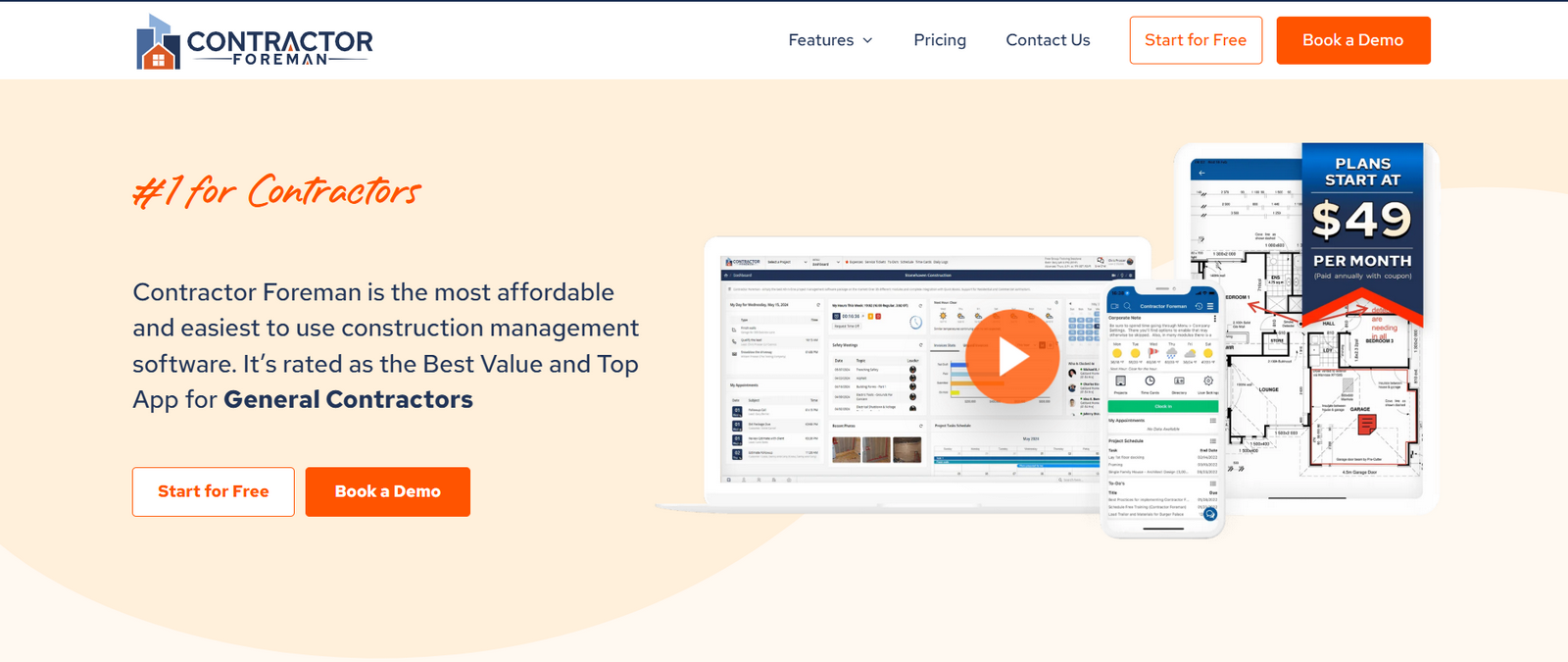 Contractor Foreman Key Features
Contractor Foreman provides an affordable, all-in-one time tracking and project management solution.
- Timesheets & Approvals: Employees submit timesheets for easy approval by managers.
- Scheduling & Invoicing: Manage employee schedules and generate invoices within the platform.
- Mobile Access: Access the app on the go for real-time updates.
How to Use Contractor Foreman for Time Tracking
- Submit Timesheets: Employees input hours worked and submit them for approval.
- Track Project Hours: Link time entries to specific projects for accurate job costing.
- Generate Reports: Use built-in reporting tools to track labor costs and payroll.
Contractor Foreman Pricing
Starts at $8/user/month, offering a low-cost option for small construction businesses.
Contractor Foreman Pros & Cons
- Pros: Affordable, user-friendly interface, multi-functional.
- Cons: Limited customization and advanced features.
Who Should Use Contractor Foreman
Best for small construction companies that need an affordable and straightforward time-tracking solution.
How to Choose the Right Construction Time-Tracking App
When selecting a construction time-tracking app, consider:
- Field Teams vs. Office Workers: For field teams, look for apps with GPS capabilities.
- Project Integration: Apps that offer seamless integration with project management tools.
- Budget: Compare features with costs to find the best value for your business.
Pricing Guide
Time-tracking apps offer several pricing models:
- Per-User Fees
- Base Fee Plus Per-User
- Free Tiers
Trends in Construction Time Tracking
- AI Automation: Automatic classification of time entries reduces human error and administrative workload.
- Mobile Access: Field teams can easily clock in and out using mobile devices.
- Compliance: Ensuring time tracking aligns with labor laws and overtime regulations.
FAQs
Q: How secure is GPS tracking?
A: Most construction time-tracking apps ensure GPS data is securely stored, respecting user permissions.
Q: Can employees track time offline?
A: Apps like Workyard allow offline time tracking, syncing once employees are back online.
Conclusion & Next Steps
Selecting the right construction time-tracking app can greatly improve efficiency and project management. Whether you need precise GPS tracking, integration with project tools, or a budget-friendly solution, there is an app that fits your needs. Try a free trial today to experience the benefits firsthand.