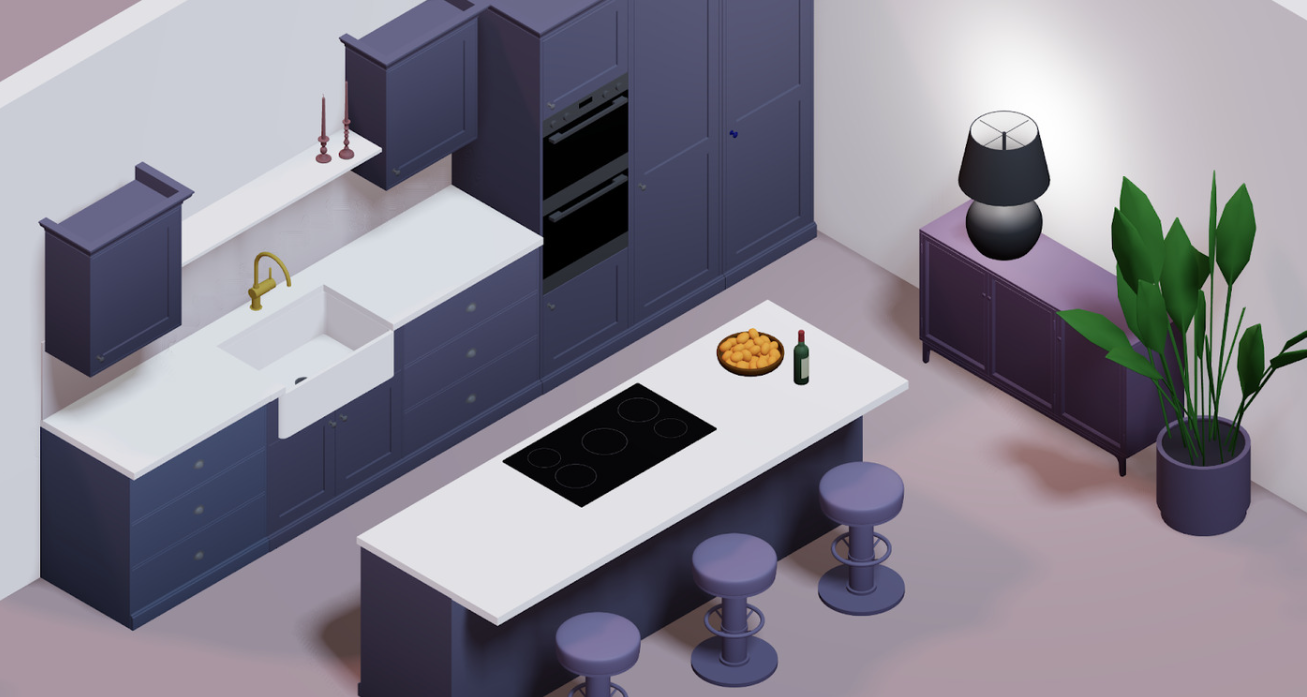
The era of guessing whether a sofa will fit—or whether a bold emerald wall will clash with your sectional—is over. Today’s online room planners let you build exact floor plans, drop in real-world furniture, and preview lighting and materials in lifelike 3-D. But the market is crowded: from browser-based freebies and freemium apps to heavyweight CAD suites, how do you choose the right tool for your needs and budget?
If you’re hunting for a platform that combines pro-level accuracy with zero-dollar entry, start by opening Arcadium’s Room Designer and design a room online in under five minutes.
Below, we’ll stack Arcadium 3D against several popular competitors—Roomstyler, Planner 5D, SketchUp Free, and Sweet Home 3D—to help you decide which online planner truly fits the way you think and work.
1. Ease of Use and Learning Curve
Arcadium 3D
- Browser-only—no downloads or plug-ins.
- Beginner can create a scaled room and drag in furniture within minutes.
- Dynamic tooltips guide you through wall drawing, door placement, and parametric resizing without tutorials.
Roomstyler
- Quick drag-and-drop but limited precision controls for wall thickness or exact measurements.
- 3-D view is static; edits require toggling between modes, slowing iteration.
Planner 5D
- Offers mobile apps and web, but interface feels game-like; snapping can misalign walls unless you zoom in.
- Advanced settings buried in sub-menus—steeper learning for exact layouts.
SketchUp Free
- Industry-standard solids modeling—but the power shows in complexity.
- Requires orbiting in full 3-D from the start; novices often struggle with axes, inference points, and grouping.
Sweet Home 3D
- Desktop download with dated UI; right-click shortcuts vary by OS.
- 2-D/3-D split view helpful but surfaces render low-res without extra libraries.
Verdict: Arcadium delivers the shortest path from blank canvas to usable plan. Its hybrid 2-D/3-D workflow means you sketch walls in plan view, then instantly “walk” the space—perfect for homeowners and DIY decorators.
2. Precision and Customization
Arcadium 3D
- Numeric entry for walls, windows, and furniture dimensions; measures to the millimetre.
- Parametric furniture—stretch a bookcase, and shelves auto-duplicate to fit.
- Built-in measurement tool confirms clearances (critical for ADA layouts).
Roomstyler
- Walls can be typed to exact length but furniture mostly locked to manufacturer sizes—custom widths impossible.
Planner 5D
- Resizable furniture but scaling distorts textures; drawers don’t multiply or shift.
SketchUp Free
- Unlimited precision—if you know how to push/pull and apply textures manually.
- No parametric libraries; you model cabinets piece by piece or hunt third-party components.
Sweet Home 3D
- Numeric wall lengths possible; furniture libraries mostly fixed size unless you import modified OBJ files.
Verdict: For anyone needing real-world accuracy without complex modeling (think built-in wardrobes, custom islands, or accessible layouts), Arcadium’s parametrics are unmatched in the browser category.
 3. Furniture & Material Libraries
Arcadium 3D
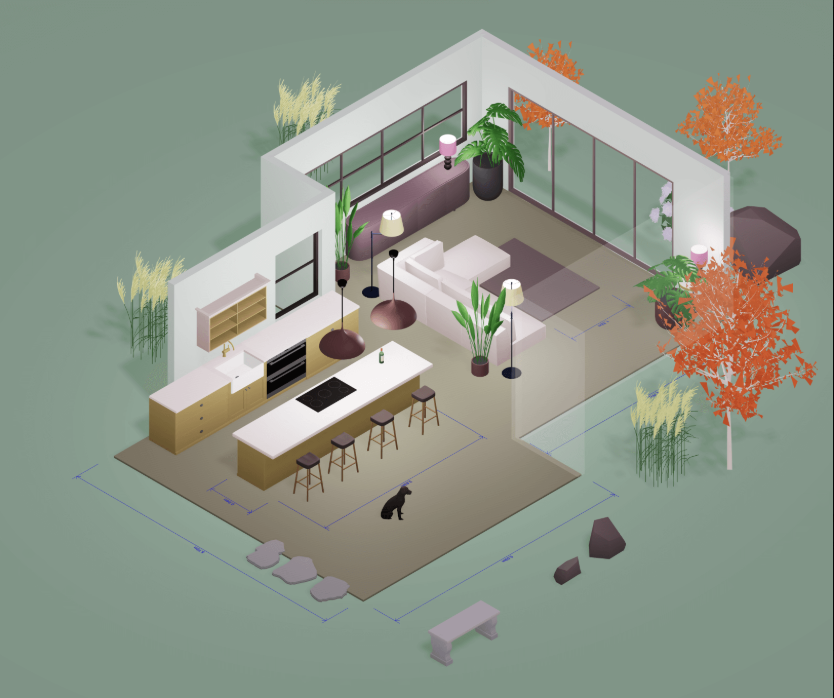
- Thousands of modern objects—sofas, cabinets, appliances—added weekly.
- Editable materials: change fabrics, wood grains, metal finishes with a click.
- Upload your own textures to match vendor samples or custom prints.
Roomstyler
- Good brand-name catalog but many items locked behind premium credits.
- Limited ability to alter materials beyond color tinting.
Planner 5D
- Large library, yet some pieces look cartoony; premium tiers unlock HD versions.
- Material editing basic (color wheel only).
SketchUp Free
- 3D Warehouse offers millions of models, but quality varies; importing large meshes can slow browsers.
- Material changes require painting each face—time-consuming.
Sweet Home 3D
- Smaller library; community objects exist but require manual installation.
- Basic color/texture swap; no PBR materials out of the box.
Verdict: Arcadium balances high-quality visuals with on-the-fly customization, letting you test upholstery, countertop, and flooring combinations in seconds—without extra downloads or fees.
4. Real-Time Visualization and Lighting
Arcadium 3D
- Physically based renderer runs live in the browser.
- Drag sun position to preview daylight; adjust lumens and color temperature on lamps.
- Instant shadows and reflections—no render queue.
Roomstyler & Planner 5D
- Real-time 3-D is good, but photoreal “renders” require separate server processing (credits or wait time).
SketchUp Free
- No native photoreal rendering; must export to external plug-ins (not available in web version).
Sweet Home 3D
- Basic real-time view; high-quality “photo” takes minutes to compute and still looks dated.
Verdict: For immediate mood and lighting checks, Arcadium’s live renderer outperforms all other free tools.
5. Collaboration and Sharing
Arcadium 3D
- One-click URL sharing—no login for viewers.
- Stakeholders can walk the model in first person, add comments.
- Version history stored in the cloud; duplicate scenes to test alternates.
Roomstyler & Planner 5D
- Share via gallery or public link, but commenters need accounts to annotate.
SketchUp Free
- Share view-only links; live comments require Trimble account.
Sweet Home 3D
- No cloud sharing; must export a file or image manually.
Verdict: Arcadium’s frictionless link-sharing accelerates client approvals and roommate consensus—crucial when time equals money.
6. Price and Platform Flexibility
- Arcadium 3D: Core features are free. Paid tier only if you need high-res photorenders or CAD export. Works on any modern browser, even Chromebooks.
- Roomstyler: Free basic; premium credits for extra items and HD renders.
- Planner 5D: Freemium; better objects and 4K renders behind paywall.
- SketchUp Free: Free in browser, but advanced features require SketchUp Go ($119/yr) or Pro ($299/yr).
- Sweet Home 3D: Free desktop; upgraded furniture packs sold separately.
Verdict: For zero-budget users wanting pro-grade capabilities, Arcadium delivers the most value bar none.
Why Arcadium 3D Stands Out
- Fast learning curve: Get productive in a single session—perfect for homeowners, students, and real-estate pros.
- Parametric intelligence: Resize cabinetry, shelving, or sofas; details adapt automatically.
- Live realism: Lighting, materials, and walk-throughs update instantly for confident decisions.
- Effortless teamwork: Share a link, gather feedback, iterate—all in the cloud.
- Cost transparency: High-impact visualization without hidden paywalls.
Still unsure? Spend ten minutes inside Arcadium 3D. Draw your apartment, drop furniture, spin the sun to sunset, and watch a blank rectangle become an immersive space you can virtually stroll. No other free tool gets you from idea to “aha!” moment faster.
Ready to choose your planner? Open your browser and test-drive Arcadium’s Room Designer. You’ll see why more designers, landlords, and DIY dreamers keep returning to Acradium 3D—where professional precision meets true accessibility.